
Hermes Web UI
A lightweight, dark-themed browser interface for Hermes Agent providing full CLI parity with three-panel layout, persistent memory, and multi-provider AI support.
At a Glance
Fully free and open-source under the MIT License. Self-host on your own hardware.
Engagement
Available On
Alternatives
Listed Apr 2026
About Hermes Web UI
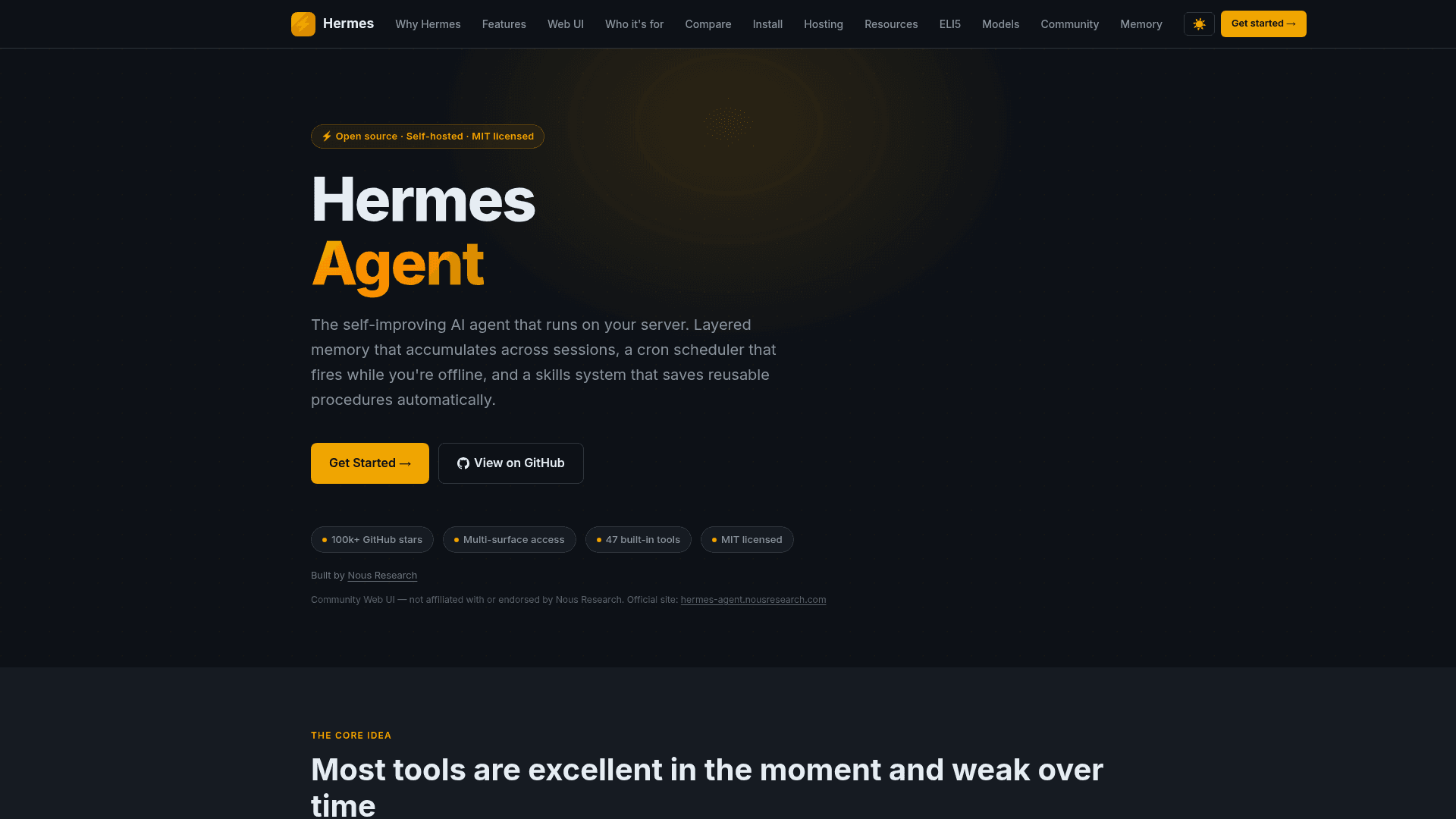
Hermes Web UI is an open-source, self-hosted browser interface for the Hermes Agent autonomous AI system. It delivers full parity with the Hermes CLI experience — everything you can do from a terminal, you can do from this UI — with no build step, no framework, and no bundler required. Built with Python and vanilla JS, it features a three-panel layout (session sidebar, chat center, workspace file browser) and runs on your own hardware with your own models.
- Three-panel layout — Left sidebar for sessions and navigation, center for chat, right for workspace file browsing; model, profile, and workspace controls live in the composer footer.
- Persistent memory — Hermes retains context across sessions via user profile, agent notes, and a self-improving skills system; no re-explaining yourself every session.
- Multi-provider model support — Works with OpenAI, Anthropic, Google, DeepSeek, Nous Portal, OpenRouter, MiniMax, Z.AI, and more via a dynamic model dropdown.
- Streaming responses via SSE — Tokens appear as they are generated with rAF-throttled rendering; auto-reconnects on network blips for SSH tunnel resilience.
- Session management — Create, rename, duplicate, delete, search, pin, archive, tag, and organize sessions into projects; CLI sessions from hermes-agent's SQLite store appear in the sidebar.
- Workspace file browser — Directory tree with expand/collapse, inline preview for text/code/Markdown/images, file edit/create/delete/rename, and git branch detection.
- Cron/scheduled jobs — Self-hosted scheduling that fires while you're offline and delivers results to Telegram, Discord, Slack, Signal, email, and more.
- Voice input — Microphone button using Web Speech API with live interim transcription and auto-stop after silence.
- 7 built-in themes — Dark (default), Light, Slate, Solarized Dark, Monokai, Nord, and OLED; switch instantly via Settings or
/themecommand. - Authentication and security — Optional password auth via
HERMES_WEBUI_PASSWORDenv var, signed HMAC HTTP-only cookies, SRI-pinned CDN resources, and security headers on all responses. - Docker support — Pre-built multi-arch images (amd64 + arm64) published to GHCR; Docker Compose and two-container (Agent + WebUI) setups supported.
- Mobile responsive — Hamburger sidebar, touch-friendly 44px targets, full-height chat on phones; access via Tailscale for a native app-like experience.
- Slash commands — Type
/for autocomplete:/help,/clear,/compress,/model,/workspace,/new,/usage,/theme, and more. - Hermes Control Center — Tabbed modal launcher at sidebar bottom for conversation export/import, preferences, system info, and password configuration.
Community Discussions
Be the first to start a conversation about Hermes Web UI
Share your experience with Hermes Web UI, ask questions, or help others learn from your insights.
Pricing
Open Source (MIT)
Fully free and open-source under the MIT License. Self-host on your own hardware.
- Full three-panel web UI for Hermes Agent
- Unlimited sessions and workspaces
- Multi-provider model support
- Persistent memory and self-improving skills
- Self-hosted cron/scheduled jobs
Capabilities
Key Features
- Three-panel layout (sidebar, chat, workspace)
- Streaming responses via SSE with auto-reconnect
- Persistent memory across sessions
- Self-improving skills system
- Multi-provider model support (OpenAI, Anthropic, Google, DeepSeek, OpenRouter, etc.)
- Session management with pin, archive, tags, and projects
- Workspace file browser with inline preview and git detection
- Self-hosted cron/scheduled jobs
- Voice input via Web Speech API
- 7 built-in themes including OLED
- Optional password authentication
- Docker and Docker Compose support
- Mobile responsive layout with Tailscale support
- Slash command autocomplete
- Tool call cards with expand/collapse
- Mermaid diagram rendering
- Thinking/reasoning display for Claude and o3
- CLI session bridge from hermes-agent SQLite store
- Subagent delegation cards
- Hermes Control Center tabbed modal
- Syntax highlighting via Prism.js
- File attachments persisting across reloads
- Context usage ring with token count and cost
- Approval card for dangerous shell commands
- 961 automated tests across 53 test files