
Hopp
Open-source pair programming and screen sharing tool built for developers, delivering sub-100ms latency, 4K screen sharing, and full remote control on macOS and Windows.
At a Glance
Run Hopp on your own infrastructure using the open-source AGPL-3.0 codebase and Docker Compose stack.
14-day free trial of the managed cloud version.
Engagement
Available On
Listed Aug 2026
About Hopp
Hopp is an open-source remote pair programming desktop app built by two engineers — Costa Alexoglou and Iason Paraskevopoulos — who were frustrated by the lag and blur of generic meeting tools. It is licensed under AGPL-3.0, available on GitHub, and positions itself as the open-source alternative to Tuple, Pop, Drovio, and CoScreen. The managed cloud version offers a 14-day free trial, while the full source code can be self-hosted using a Docker Compose stack.
What It Is
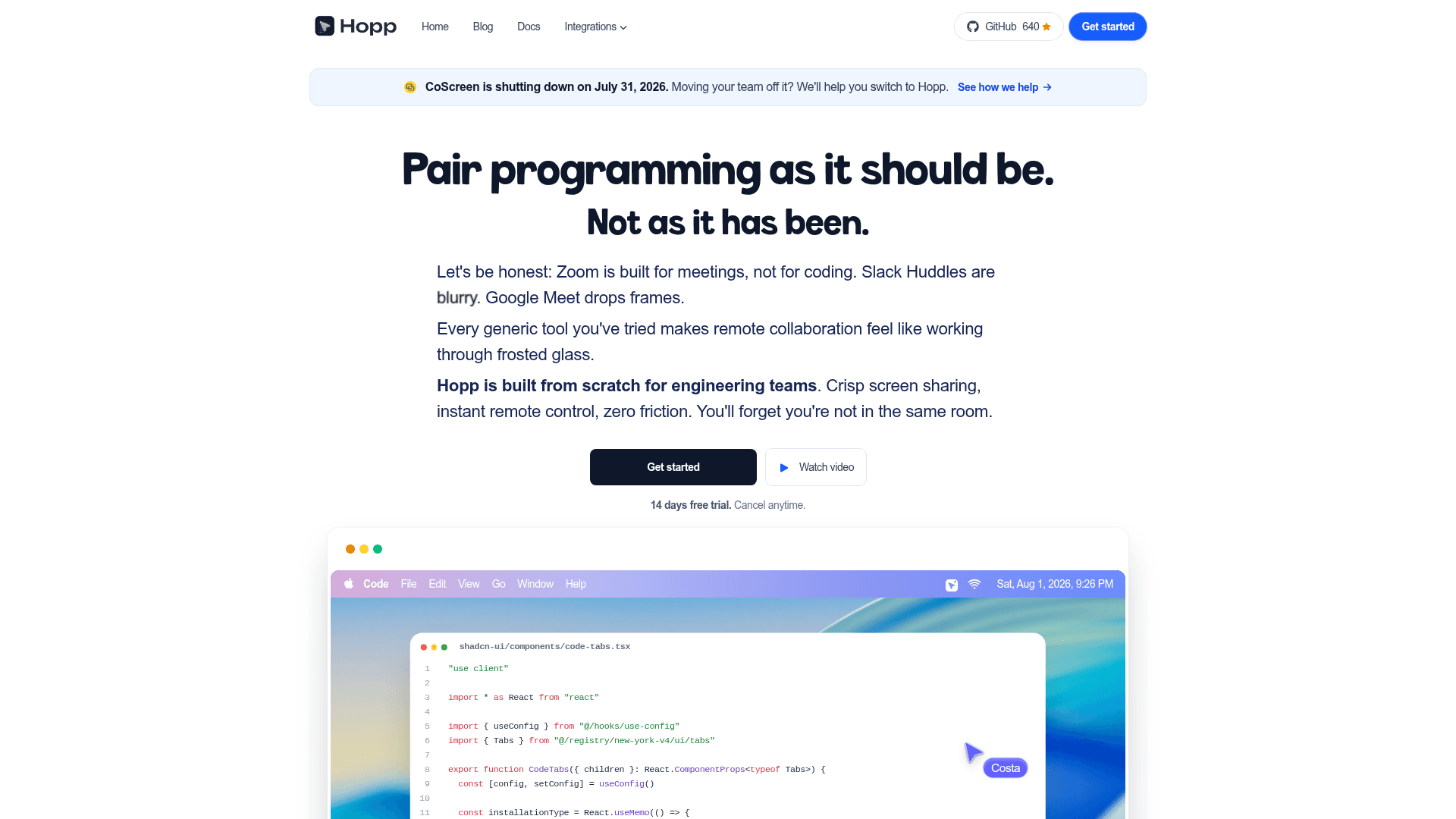
Hopp is a native desktop application for remote pair programming. It replaces general-purpose video conferencing tools (Zoom, Slack Huddles, Google Meet) with a purpose-built screen sharing and remote control experience. Both participants get full keyboard and mouse control over the shared screen, with the project claiming sub-100ms latency achieved by fine-tuning libwebrtc and building on LiveKit's WebRTC infrastructure. The desktop shell is built with Tauri and Rust; the backend is written in Go with Postgres and Redis; the web dashboard uses React/Vite.
Architecture and Tech Stack
Hopp's repo is organized into distinct layers:
core/— Screen capture and WebRTC engine in Rust (hopp_core)tauri/— Desktop app shell using Tauri + React/TypeScriptbackend/— API server in Go with Postgres and Redisweb-app/— Web dashboard in React/Viteselfhost/— Docker Compose stack including Postgres, Redis, LiveKit, and Caddy with auto-TLS
The project uses LiveKit as its WebRTC network layer and has published a blog post on its latency optimization approach.
Key Features
- One-click pairing from the menu bar — no link sharing or calendar invites required
- 4K screen sharing by default, with low-latency streaming tuned for code readability
- Full shared control — both participants can click and type into each other's machines
- Mob programming — up to 10 people in a single room simultaneously
- Screen annotations — draw or type on a shared screen in real time
- Active noise-cancelling audio for podcast-quality sound during sessions
- Slack integration for faster session initiation
- Self-hosting via Docker Compose with bring-your-own-LiveKit-keys (BYOK) support
- Social auth with Google and GitHub
Deployment Model
Hopp offers two paths: the managed cloud at gethopp.app (funded by subscriptions, which the project states supports ongoing OSS development) and full self-hosting. Self-hosting requires cloning the repo, configuring a .env file with a domain and secrets, and running docker compose up. The self-host stack bundles all dependencies. The project explicitly states it has not raised VC capital and intends to remain independent.
Current Status: v1.0.24
The latest release is v1.0.24, published on July 24, 2026. The repository was created in July 2025 and shows active development with pushes as recent as August 1, 2026. macOS support is marked stable; Windows is in alpha; Linux (starting with Ubuntu) is planned. The active roadmap includes dynamic codec selection, adaptive streaming resolution, key bindings, and full Windows support. The project notes it is also positioned as a migration target for CoScreen users, as CoScreen is shutting down on July 31, 2026.
Community Discussions
Be the first to start a conversation about Hopp
Share your experience with Hopp, ask questions, or help others learn from your insights.
Pricing
Self-Hosted
Run Hopp on your own infrastructure using the open-source AGPL-3.0 codebase and Docker Compose stack.
- Full source code access
- Self-host with Docker Compose
- Bring-your-own-LiveKit-keys (BYOK)
- Includes Postgres, Redis, LiveKit, and Caddy auto-TLS
Cloud Trial
14-day free trial of the managed cloud version.
- Managed cloud hosting
- Social auth with Google and GitHub
- Sub-100ms latency screen sharing
- 4K screen sharing
- Up to 10 participants per room
Cloud
Managed cloud plan after the 14-day trial. Per user per month, cancel anytime.
- Managed cloud hosting
- Social auth with Google and GitHub
- Sub-100ms latency screen sharing
- 4K screen sharing
- Up to 10 participants per room
- Slack integration
- Screen annotations
- Active noise-cancelling audio
- <1 day support guarantee
Capabilities
Key Features
- Sub-100ms latency screen sharing
- 4K screen sharing by default
- Full shared keyboard and mouse control
- One-click session start from menu bar
- Mob programming with up to 10 participants
- Screen annotations (draw and type on shared screen)
- Active noise-cancelling audio
- Slack integration for faster calls
- Self-hosting via Docker Compose
- Bring-your-own-LiveKit-keys (BYOK) support
- Social auth with Google and GitHub
- Share any application, not just browser tabs
- Custom keyboard shortcuts