
Tuple
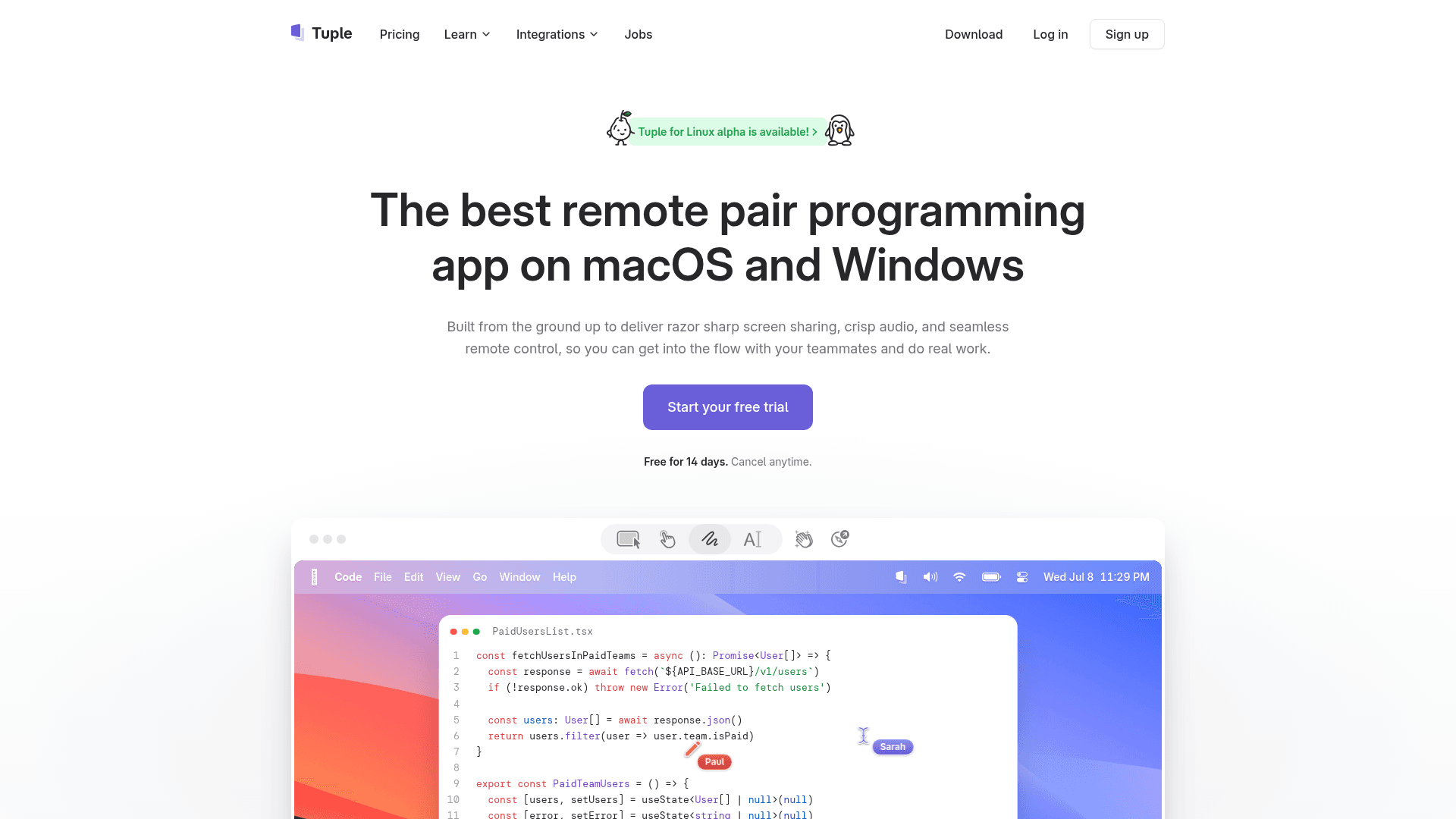
Tuple is a purpose-built remote pair programming app for macOS and Windows featuring ultra-high-resolution screen sharing, crisp audio, seamless remote control, and end-to-end encryption.
At a Glance
About Tuple
Tuple is a remote pair programming application built specifically for software engineers who need a high-fidelity collaboration experience. Unlike generic screen sharing tools, Tuple is engineered from the ground up with a natively compiled, cross-platform C++ engine — not an Electron wrapper — to deliver razor-sharp screen sharing at up to 5K resolution, low-latency remote control, and crisp audio. It runs on macOS and Windows, with a Linux alpha also available.
What It Is
Tuple is a desktop application that replaces generic video conferencing tools for developer pairing sessions. It focuses on the specific needs of programmers: high-resolution screen sharing so you can read small code fonts, snappy remote control so both participants can drive, and a minimal system footprint that lives in the menu bar rather than cluttering the dock. The core product is a paid subscription tool aimed at engineering teams doing remote pair programming.
Built for the Pairing Workflow
Tuple's feature set is deliberately shaped around how developers actually pair:
- Up to 5K screen sharing — streams at super high resolution so code is always readable
- One-click screen swap — either participant can take control or share their screen with a single click
- Fully customizable keyboard shortcuts — keep hands on the keyboard and stay in flow
- App Veil — hides sensitive apps and notifications so you can share your desktop with confidence
- Screen annotations — draw or type on a shared screen to highlight points or use it as a virtual whiteboard
- Emoji reactions and animations — on-screen reactions and "ship it" animations to liven up sessions
Privacy and Security Architecture
All audio, video, and screen share data in Tuple is end-to-end encrypted and, according to the Tuple website, is never sent to Tuple's servers. The App Veil feature lets hosts control exactly which apps and notifications are visible to guests. Tuple also publishes a dedicated security details page and privacy policy for teams with compliance requirements.
Triggers API and Developer Extensibility
Tuple includes a Triggers API that lets developers run arbitrary code in response to Tuple call events — call-initiated, participant-joined, participant-left, and call-ended. Example use cases shown on the site include automatically pausing Spotify when a call starts, adding Git co-author tags when a collaborator joins, and resuming playback when the call ends. This programmability reflects Tuple's philosophy that tools for programmers should themselves be programmable.
Integrations and Platform Support
Tuple integrates with Slack (start calls directly from Slack), Google Calendar, and Apple Calendar (add Tuple call links to calendar events). It supports macOS and Windows natively, with a Linux alpha available. Guest users — external collaborators, clients, consultants, or interviewees — can join pairing sessions for free without a paid license, requiring only one paid user per session.
Adoption Signal
The Tuple website quotes engineers and engineering leaders from companies including Shopify, PlanetScale, Figma, Clerk, Wealthsimple, Vimeo, and Jam City describing it as their default or integral remote pairing tool. These are vendor-published testimonials. Tuple also offers special programs for open-source maintainers (free licenses) and early-stage startups (a 90% discount for one year for companies under two years old with fewer than 50 employees).
Community Discussions
Be the first to start a conversation about Tuple
Share your experience with Tuple, ask questions, or help others learn from your insights.
Pricing
Free Trial
Try Tuple for 14 days with access to Full access to Tuple during trial period.
- Full access to Tuple during trial period
Engineering Teams
Per user per month for engineering teams
- Unlimited pairing sessions
- Pair with external collaborators for free
- Single sign-on (SSO)
Enterprise
Custom pricing for enterprises
- Everything on the teams plan
- Custom contracts
- Payment via invoice/PO
- Reduced per-user pricing at scale
Capabilities
Key Features
- Up to 5K resolution screen sharing
- End-to-end encrypted audio, video, and screen share
- Seamless remote control
- One-click screen swap between participants
- App Veil for privacy-safe screen sharing
- Screen annotations and virtual whiteboard
- Emoji reactions and animations
- Fully customizable keyboard shortcuts
- Triggers API for call event automation
- Runs in menu bar with minimal footprint
- Native C++ engine (not Electron)
- Guest user support for external collaborators
- Multi-participant sessions