
iArt.ai
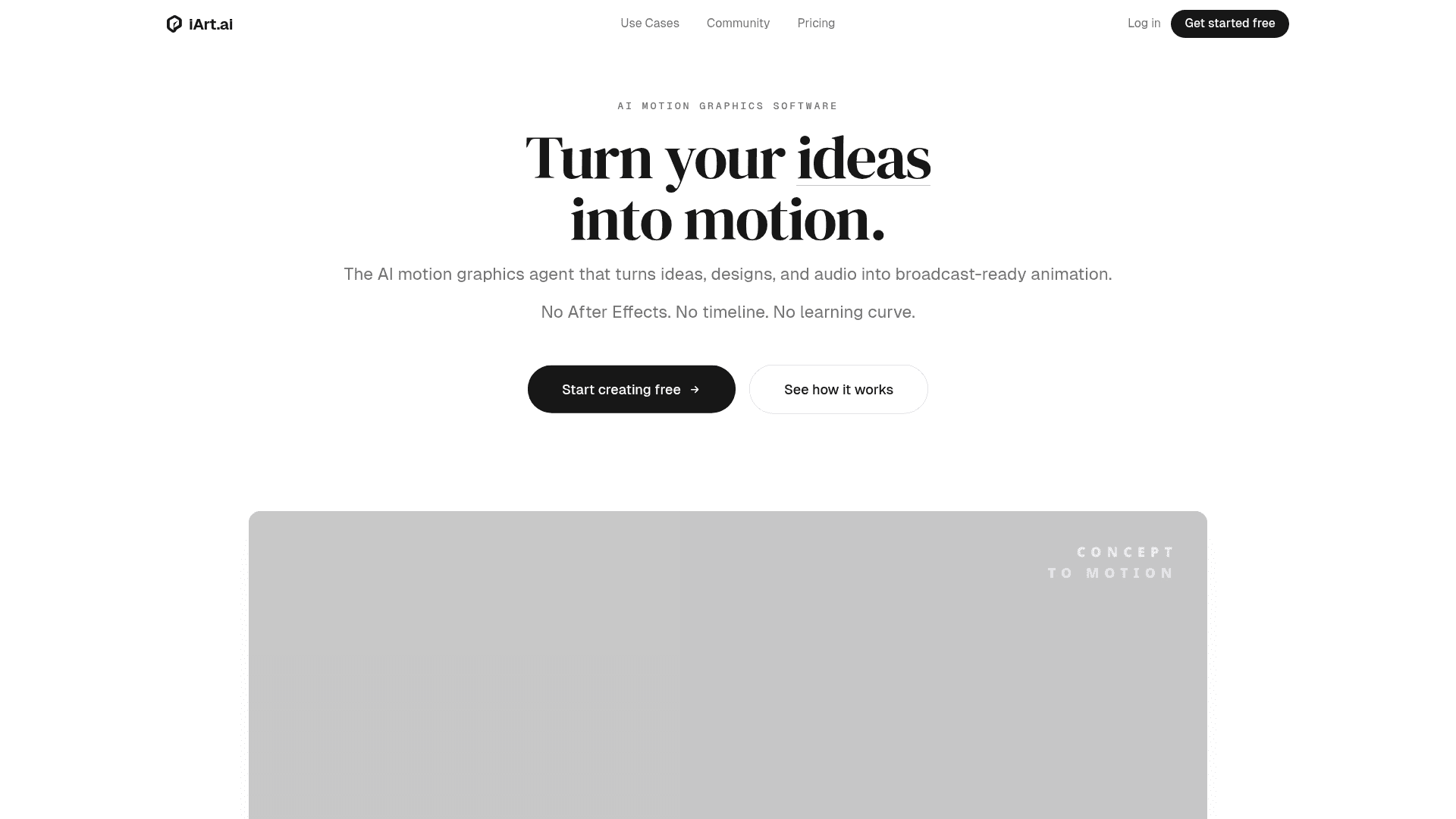
AI motion graphics platform that turns text prompts, Figma designs, and audio into broadcast-ready animated videos — no After Effects or animation skills required.
At a Glance
Try iArt with a signup credit. No credit card required.
Engagement
Available On
Alternatives
Listed Jun 2026
About iArt.ai
iArt.ai is an AI-powered motion graphics platform that generates professional animated videos from text descriptions, uploaded designs, or audio in seconds. Built as an alternative to Adobe After Effects, it targets creators, marketers, educators, and founders who need broadcast-quality motion graphics without animation expertise. The platform is accessible via web and exports MP4 (up to 4K), GIF, and Lottie JSON.
What It Is
iArt.ai is an AI motion graphics agent — not a video generator in the style of Sora or Runway. Where those tools produce pixel-based cinematic footage, iArt produces vector-precise animations with intentional typography, layout, and timing. The platform's About page describes the distinction clearly: "iArt creates vector-based motion graphics with precise control," meaning data, text, and brand colors appear exactly as specified rather than being approximated by a generative model. The core workflow is prompt-to-animation: describe what you want, optionally upload a Figma file, image, document, or audio, and the AI agent builds the scene — layout, typography, timing, and transitions — in seconds.
How the Workflow Works
iArt structures creation around three starting points:
- Concept → Motion: Type a description of a process, algorithm, or strategy and the agent animates it scene by scene as an explainer video.
- Design → Motion: Drop in a Figma mockup or brand poster; the AI preserves every color and pixel and animates it.
- Voice → Sync: Clone a voice or use the built-in TTS library, type a script, and the graphics synchronize to beats, pauses, and emphasis.
Every output is editable after generation — timing, colors, text, and easing curves can be adjusted without regenerating the entire video. Exports are MP4 (H.264) up to 4K at 60fps, GIF, or Lottie JSON, with no render queue.
Input Formats and Integrations
The platform accepts a wide range of inputs natively: text prompts, Figma designs, Notion documents, images, audio files, YouTube links, PDFs, and arXiv URLs. The About page notes that iArt connects to existing tools via MCP integrations, making it compatible with the broader Model Context Protocol ecosystem. Supported languages for prompts, voice narration, and on-screen text include English, Chinese, Japanese, Spanish, French, German, Portuguese, Arabic, and Korean.
Use Cases Covered
The use cases page lists seven primary entry points, each with its own dedicated landing page:
- URL to Video — paste any webpage and get a motion graphics video in under 60 seconds
- AI Explainer Video Maker — animated explainers from a text prompt in 30–90 seconds
- After Effects Alternative — kinetic typography, logo animations, title sequences, data viz
- AI Logo Animation Maker — upload an SVG logo for a broadcast-quality animated reveal
- Kinetic Typography Maker — text animation from a single prompt
- Animated Graphical Abstract Maker — for research papers, PDF or arXiv URL input
- Church Motion Graphics — custom worship backgrounds, sermon series titles, countdowns
The platform's own description notes that any motion graphics category works from the same prompt-to-video flow.
Why It Matters
The About page frames iArt's mission as democratizing motion design: "We believe motion design should be as accessible as typing. Just as Canva opened graphic design to millions who never touched Photoshop, iArt opens motion graphics to everyone who never touched After Effects." The platform positions itself against After Effects (months of learning, 2–8 hours per video), Vyond (template-based, days of learning), and agency production (weeks and high cost), claiming a 30-second generation time with zero learning curve. These comparisons are vendor-published and appear on the iArt.ai homepage comparison table.
Community Discussions
Be the first to start a conversation about iArt.ai
Share your experience with iArt.ai, ask questions, or help others learn from your insights.
Pricing
Free
Try iArt with a signup credit. No credit card required.
- $5 signup credit
- 720p exports
- Watermark on exports
- Standard rendering
Pro
For creators who publish regularly.
- $30/mo credit (~20–75 videos)
- 1080p HD exports
- No watermark
- 3 cloned voices
- Fast cloud rendering
- Commercial usage rights
Ultra
For teams and power users.
- $80/mo credit (~53–200 videos)
- 4K Ultra HD exports
- No watermark
- 10 cloned voices
- Highest priority rendering
- Commercial usage rights
Capabilities
Key Features
- Text-to-motion-graphics generation
- Figma design to animation
- Voice cloning and TTS narration
- Audio-synced kinetic typography
- URL to video conversion
- AI explainer video maker
- Logo animation from SVG upload
- Animated graphical abstract from PDF or arXiv URL
- 4K MP4 export at 60fps
- GIF and Lottie JSON export
- Editable output (timing, colors, text, easing)
- MCP integrations
- Multi-language support (9+ languages)
- Commercial usage rights on paid plans
- No watermark on paid plans
- Fast and priority cloud rendering