
Impractical
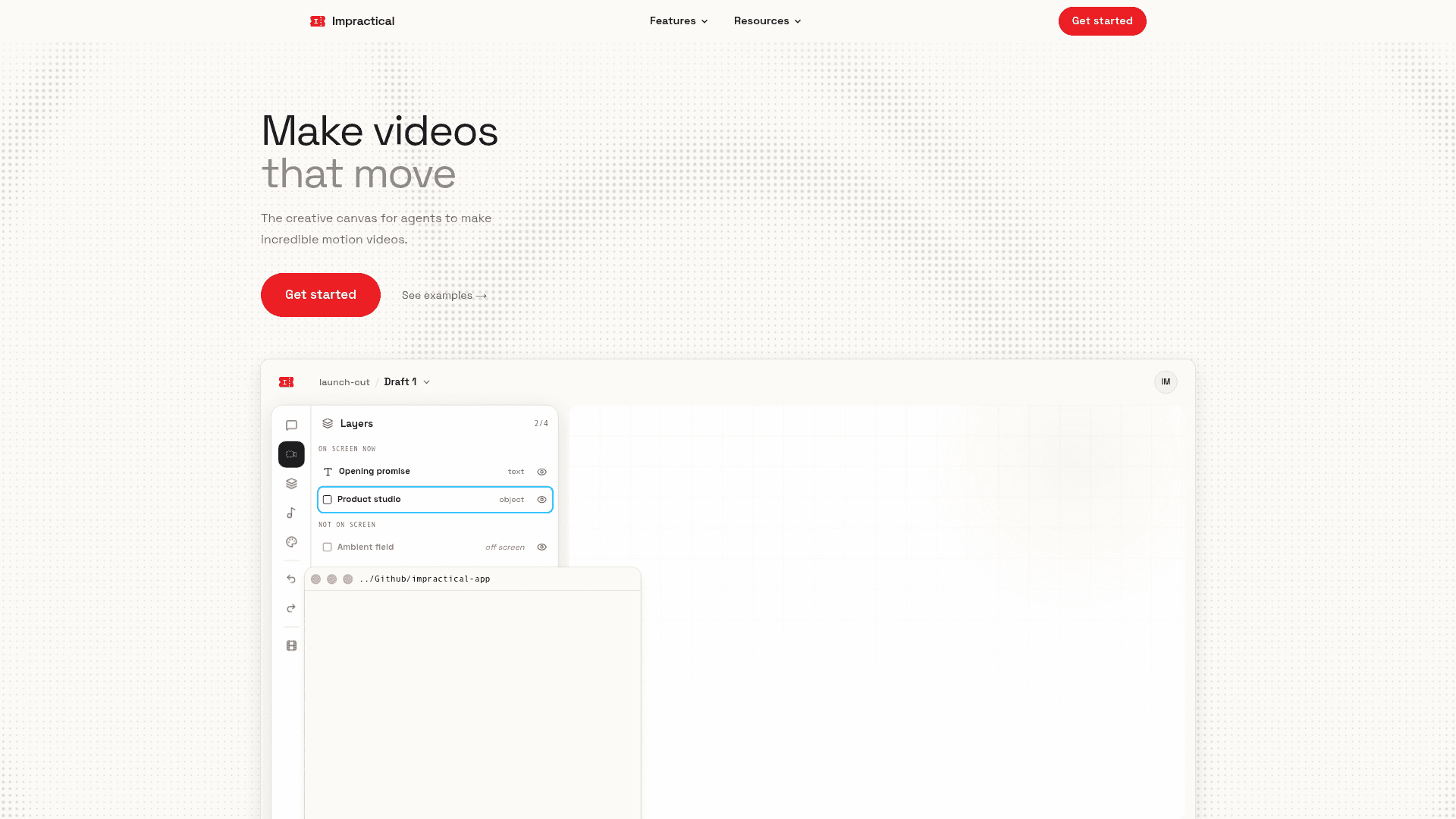
AI motion design studio that turns a single prompt into a finished launch video with kinetic typography, beat-matched pacing, and agent connections via MCP.
At a Glance
About Impractical
Impractical is an AI-powered motion design studio that converts a one-sentence brief into a polished, beat-matched launch video in roughly twenty minutes. It connects to coding agents like Claude Code, Codex, Cursor, and OpenCode via MCP, letting teams go from a product release directly to a finished 1080p or 4K MP4 without touching a timeline or editing tool.
What It Is
Impractical is a creative canvas purpose-built for generating motion-graphics launch videos. Rather than generic AI video generation, the product describes itself as trained on real launch films and title sequences, carrying a named vocabulary of text treatments, logo reveals, directional transitions, and pacing rules. The core workflow takes a product description and optional screen recording, plans a beat sheet, renders four distinct cuts, and passes each through an internal design critic before the user ever sees the result.
How the Workflow Operates
The end-to-end process runs in five stages:
- Describe it — one sentence plus an optional screen recording; no storyboards or timelines required.
- Plan the film — the system writes a beat sheet (e.g., 124 bpm) so every cut and reveal lands on the beat.
- Four cuts — the same story returns as four finished takes: hard cuts, slow glide, split screen, kinetic type.
- Refine — plain-language notes ("hold the logo longer, make it red") re-cut only the relevant part without full regeneration.
- Export — a watermark-free 1080p or 4K MP4 using the team's real colors, fonts, and UI screens.
Agent Connections via MCP
Impractical exposes its canvas through the Model Context Protocol, giving coding agents a direct path into the studio. Supported agents include Claude Code, Codex, Cursor, and OpenCode. Setup runs through an npx command (npx --yes @impractical-ai/motion setup --claude), after which the agent can call MCP tools such as motion_context, plan_beats, create_video, edit_draft_file, arrange_element, check_composition, polish_motion, get_frames, build_proof, refine_timing, compose_resolve, and export_video. This means a developer can trigger a launch video directly from a repository prompt without switching tools.
Motion Templates and Library
Seven reusable templates cover common launch video patterns:
- Title card — headline, subline, one named effect
- Logo sting — draw-on reveal, glint sweep, and exit
- Launch promo — counting pill, dive-through transition, streak list
- Zoom match cut — extreme close-up hold, then decisive zoom out
- Type & send — typing-into-UI Slack demo recipe
- Text reveal — character rise then pull back to full UI
- Blank — a commented skeleton for custom direction
The Motion Library on the site provides an interactive reference of 44 motion techniques, each with a live demo.
What Sets It Apart
The product positions itself against generic text-to-video tools, Claude Code, agencies, and tools like Runway. Key differentiators the site claims: the system renders real frames and self-reviews before delivery; it animates the actual product interface with pixel-accurate screens rather than hallucinated approximations; and it applies named easing curves and pacing rules derived from real motion design practice. GitHub and Slack integration is also listed — the tool can watch repository pushes and deliver cuts to a Slack thread automatically.
Community Discussions
Be the first to start a conversation about Impractical
Share your experience with Impractical, ask questions, or help others learn from your insights.
Pricing
Free
Free browser-based video tools (convert, compress, trim) with no account required.
- Convert video in browser
- Compress video in browser
- Trim video in browser
Studio
Full access to the motion canvas, agent connections, and video exports. Contact for pricing.
- AI motion video generation
- Four cuts per brief
- 1080p and 4K MP4 export
- MCP agent connections (Claude Code, Codex, Cursor, OpenCode)
- Brand kit support
- Plain-language revisions
- Seven motion templates
- GitHub + Slack integration
Capabilities
Key Features
- AI motion design from a single prompt
- Four distinct video cuts per brief
- Beat-matched pacing and planning
- MCP integration with Claude Code, Codex, Cursor, and OpenCode
- 1080p and 4K MP4 export, watermark-free
- Brand kit support (real colors, fonts, UI screens)
- Plain-language revision workflow
- Seven reusable motion templates
- Internal design critic review before delivery
- GitHub push detection with Slack delivery
- 44-technique interactive Motion Library
- Free browser-based video convert, compress, and trim tools
- npx-based MCP setup command