A supercharged macOS terminal emulator with built-in local AI that explains failed commands, suggests next steps, and lets you chat about your session — no API key required.
At a Glance
Fully free and open source under the MIT license. No API key, no subscription required.
Engagement
Available On
Alternatives
Listed Jun 2026
About jebi
jebi is a macOS terminal emulator built by Jawahar Selvaraj (jebi-sh) that embeds local AI directly into the terminal experience. It runs entirely on Apple Silicon via llama.cpp, meaning your session data never leaves your machine and no API key or subscription is needed. The project is open source under the MIT license and currently in public beta at version v0.1.18.
What It Is
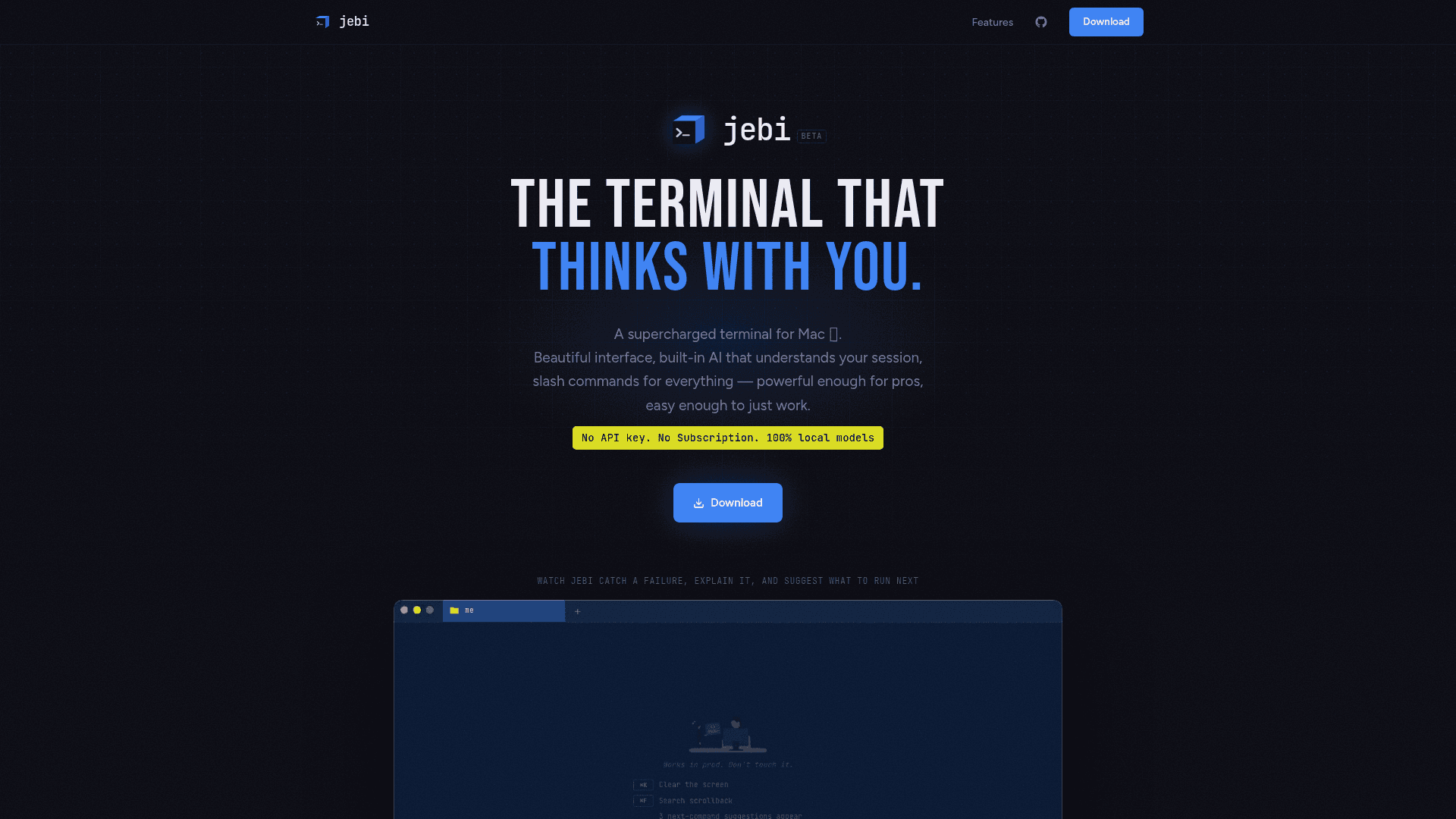
jebi is an AI-native terminal emulator for macOS that replaces the copy-paste-into-ChatGPT workflow with in-terminal intelligence. When a command fails, jebi automatically explains why and how to fix it. After every command run, it surfaces three context-aware next-step suggestions as clickable chips. The /ask slash command opens a full AI chat grounded in your current session — commands run, output produced, working directory, and environment — without requiring you to manually provide context.
Local-First AI Architecture
All AI inference runs on-device using llama.cpp, with no cloud dependency. jebi ships with a model registry managed from Preferences → AI, offering seven bundled GGUF models:
- Qwen3 4B (2.5 GB) — general all-round quality
- Qwen3 8B (5 GB) — highest quality
- Gemma 3 4B (2.5 GB) — balanced
- Qwen2.5-Coder 3B (1.9 GB) — code and terminal focus
- Qwen2.5 1.5B (1.1 GB) — fastest, lowest memory
- Phi-3 Mini 3.8B (2.2 GB) — high quality
- Gemma 2 2B (1.6 GB) — balanced
Models are downloaded on demand and stored locally in ~/Library/Application Support/jebi/models/. Users can download, switch, and delete models from within Preferences.
Slash Command Toolkit
jebi introduces a / command palette that surfaces tools without breaking terminal flow:
/ls— file explorer with inline preview/ports— live network port inspector/run— Makefile and npm script picker/ask— AI chat anchored to the current session
Users can define custom slash commands in Preferences backed by any shell script, supporting static lists, dynamic lists, or direct commands. Custom commands hot-reload on save and work alongside the built-ins.
Workspace and Rendering
The workspace layer supports multiple tabs with per-tab accent colors, horizontal and vertical split panes (⌘D / ⌘⇧D), and prefix-filtered command history. Smart prompt segments display git branch, Node version, Python environment, Go, Docker, and Kubernetes status at a glance, and are clickable to copy values to the clipboard. Rendering is GPU-accelerated via WebGL through xterm.js for smooth scrollback at high output volume. Seven built-in themes are included: Catppuccin Mocha, Tokyo Night, Dracula, Nord, Gruvbox, One Dark, and Monokai.
Current Status: Beta, v0.1.18
The project is in public beta. The latest release is v0.1.18, published on June 19, 2026, and the repository was last updated June 23, 2026. Installation is available via Homebrew (brew tap jebi-sh/tap && brew install --cask jebi) or by downloading the ARM64 DMG directly from the GitHub releases page. The tool requires Apple Silicon (M1 or later) and macOS 14 Sonoma or later. The README notes that macOS may show an unidentified developer warning on first launch, which is resolved through System Settings → Privacy & Security.
Community Discussions
Be the first to start a conversation about jebi
Share your experience with jebi, ask questions, or help others learn from your insights.
Pricing
Free
Fully free and open source under the MIT license. No API key, no subscription required.
- Built-in local AI with 7 bundled models
- Error explanations and next-command suggestions
- /ask AI chat grounded in current session
- Slash command toolkit (/ls, /ports, /run)
- Custom slash commands
Capabilities
Key Features
- Built-in local AI with no API key or subscription required
- Error explanations when commands fail
- Context-aware next-command suggestions as clickable chips
- /ask slash command for AI chat grounded in current session
- 7 bundled GGUF models manageable from Preferences
- /ls file explorer with inline preview
- /ports live network port inspector
- /run Makefile and npm script picker
- Custom slash commands backed by shell scripts
- Multiple tabs with per-tab accent colors
- Split panes horizontally and vertically
- WebGL-accelerated rendering via xterm.js
- Smart prompt segments for git, Node, Python, Go, Docker, K8s
- Prefix-filtered command history
- Scrollback search with ⌘F
- 20 handcrafted dark color palettes
- 7 built-in themes including Catppuccin Mocha, Tokyo Night, Dracula
- TUI-friendly with smart detection for vim, htop, and interactive apps
- Long command support via temp file to bypass macOS PTY limits
- One-click update notifications from status bar