
JetBrains Junie
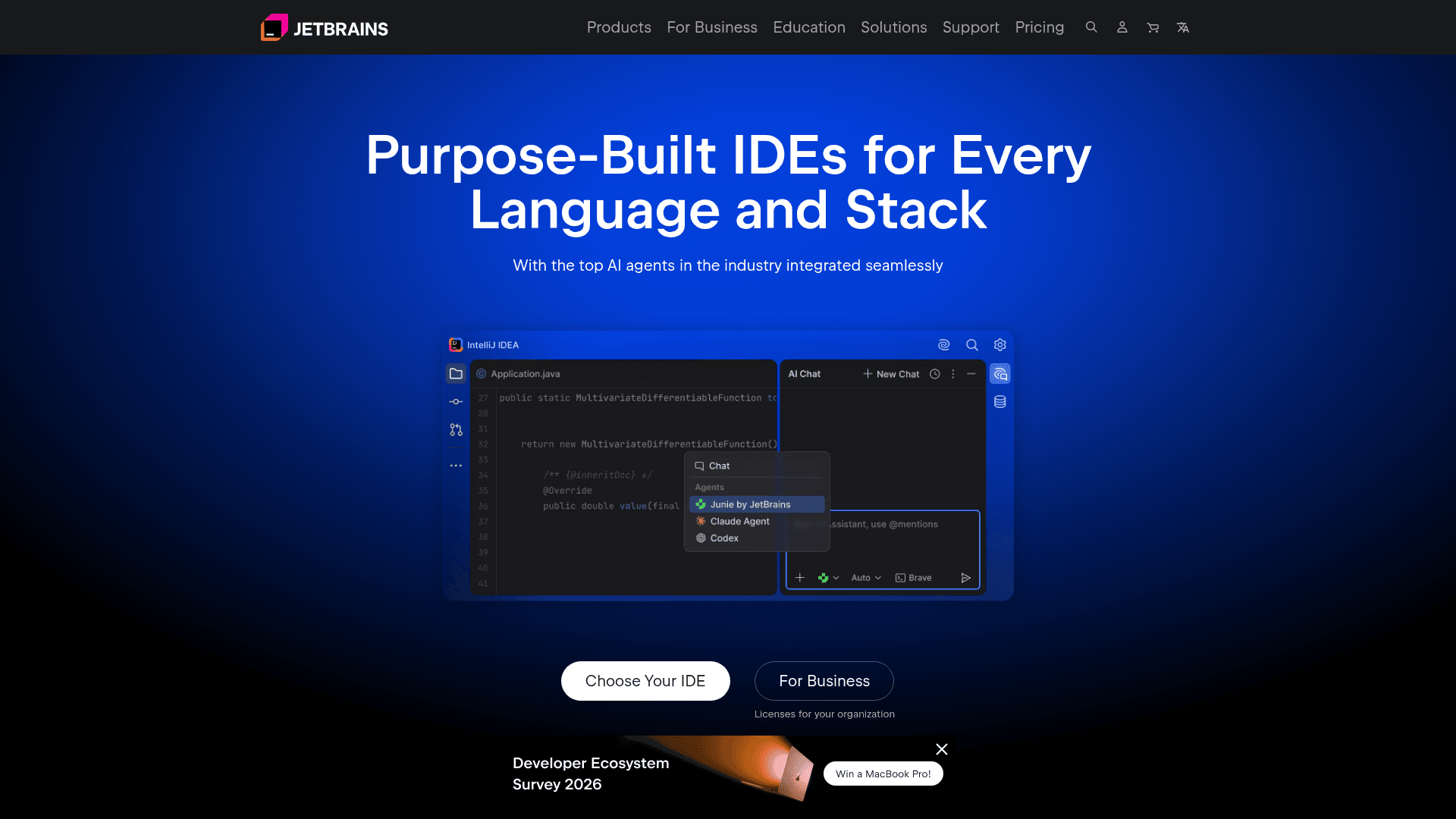
Junie is JetBrains' smart coding agent built into JetBrains IDEs, designed to autonomously handle complex coding tasks within your development environment.
At a Glance
Access to Junie as part of JetBrains IDE ecosystem at no cost for eligible users.
Engagement
Available On
Alternatives
Listed Jun 2026
About JetBrains Junie
Junie is an AI coding agent developed by JetBrains and integrated directly into JetBrains IDEs such as IntelliJ IDEA, PyCharm, WebStorm, and others. It is positioned as a smart coding agent that works within the IDE experience, leveraging deep code understanding to assist developers with complex tasks. A separate Junie CLI is also available for those who prefer terminal-based workflows.
What It Is
Junie is an agentic AI coding tool that operates inside JetBrains IDEs, going beyond simple code completion or chat assistance. Rather than just suggesting snippets, Junie is designed to autonomously plan and execute multi-step coding tasks — such as implementing features, writing tests, refactoring code, and fixing bugs — while staying embedded in the developer's existing IDE environment. It is part of JetBrains' broader AI product lineup, which also includes AI Assistant, the Mellum model, and the Air agent runner.
Where It Fits in the JetBrains AI Stack
JetBrains offers several AI-powered tools, and Junie occupies the agentic coding layer. According to the JetBrains website, the AI product family includes:
- AI Assistant – inline AI features within IDEs (completions, chat, explanations)
- Junie – a smart coding agent for JetBrains IDEs
- Air – a tool for running AI agents side by side in a unified workflow
- Mellum – JetBrains' own language model
- ACP – the Agent Communication Protocol
Junie is specifically the IDE-native agent experience, distinct from Air which targets parallel agent workflows.
IDE Integration and Deployment Model
Because Junie runs inside JetBrains IDEs, it has direct access to the full project context — including the file tree, build system, test runner, and version control — without requiring external tool connections. This tight integration means Junie can run tests, read compiler errors, and iterate on code in the same environment developers already use. The tool is accessed as part of the JetBrains IDE ecosystem rather than as a standalone application, and a CLI variant exists for command-line-oriented workflows.
Audience and Use Cases
Junie targets professional software developers who already use JetBrains IDEs and want an agent that can handle longer-horizon tasks autonomously. Typical use cases include implementing new features from a description, writing and running unit tests, performing refactors across multiple files, and resolving issues flagged by static analysis. The agent is designed to work across the languages and frameworks supported by JetBrains IDEs, covering Java, Kotlin, Python, JavaScript, TypeScript, C#, Go, PHP, and more.
Current Status
Junie is an active product listed prominently in JetBrains' AI tools navigation alongside AI Assistant, Air, ACP, and Mellum. It is available through the JetBrains product ecosystem and is part of JetBrains' ongoing investment in AI-powered developer tooling. JetBrains states that its tools adhere to SOC 2 certification standards, which applies to the broader product suite including AI offerings.
Community Discussions
Be the first to start a conversation about JetBrains Junie
Share your experience with JetBrains Junie, ask questions, or help others learn from your insights.
Pricing
Free
Access to Junie as part of JetBrains IDE ecosystem at no cost for eligible users.
- Coding agent inside JetBrains IDEs
- Multi-step task execution
- Test writing and running
JetBrains AI
Full AI features including Junie as part of a JetBrains AI subscription.
- Junie coding agent
- AI Assistant features
- Access to Mellum and other models
- IDE-integrated AI across all JetBrains IDEs
Capabilities
Key Features
- Autonomous multi-step coding task execution
- Deep IDE integration with full project context
- Feature implementation from natural language descriptions
- Automated test writing and execution
- Multi-file refactoring
- Bug fixing with compiler and test feedback loops
- Support for multiple languages and frameworks
- CLI variant for terminal-based workflows