
jevchat
A Python CLI that turns TypeSafe's Jev decision model into a chatbot by asking it, one step at a time, which symbol comes next and sampling from the returned probabilities.
At a Glance
Free to install from the GitHub repository. Requires your own Jev API key for live generation.
Engagement
Available On
Alternatives
Listed Sep 2026
About jevchat
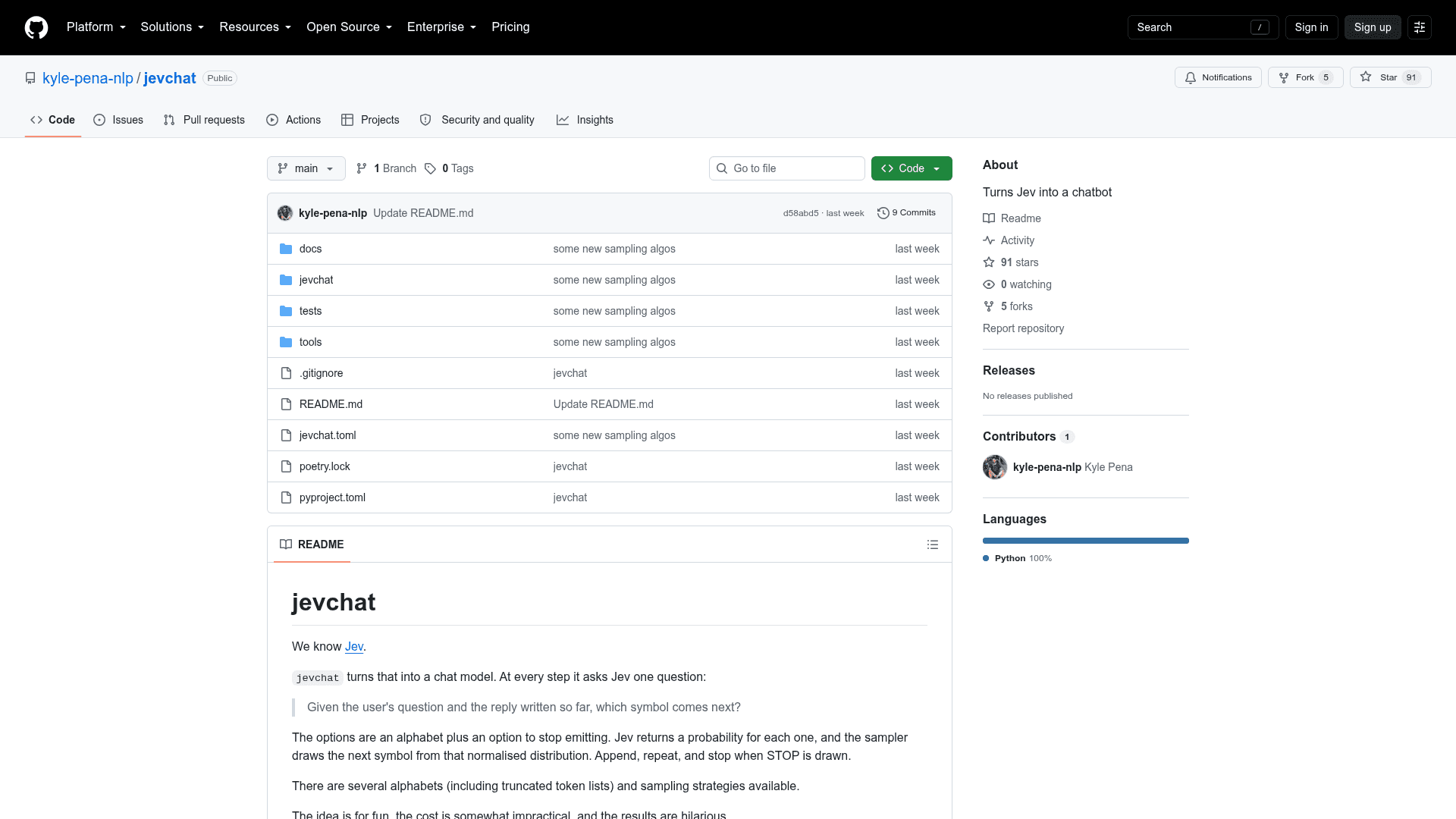
jevchat is an experimental Python CLI by Kyle Pena that turns TypeSafe's Jev decision model into a chatbot. Jev is built to pick between options, not write text, so jevchat asks it over and over which symbol should come next and samples from the answer. The author describes the idea as for fun, the cost as somewhat impractical, and the results as hilarious, and says Claude implemented the sampling designs he described.
What It Is
At each step, jevchat asks Jev one question: given the user's message and the reply so far, which symbol comes next? The options are an alphabet plus a stop option. Jev returns a probability for each, the sampler draws one, appends it, and repeats until stop is drawn. The reply streams into a panel that shows live speed stats and the top-scoring symbols at the last step.
Strategies and Alphabets
Two settings are swappable. The strategy controls how the next-symbol distribution is obtained: one question over the whole alphabet, a binary search down to a small group, buckets split across many questions with an escape option, or a refine pass that rescores the top candidates. The alphabet controls what is chosen from, ranging from lowercase letters and ASCII to whole words and larger token lists. Only the buckets-based strategies can handle alphabets past 255 options.
Hypothesis Presentation
By default, options are shown to Jev as the full resulting texts rather than bare symbols, so Jev ranks finished strings instead of mentally appending a letter. The README calls this the single largest improvement in the project, reporting that on character alphabets it roughly triples top-one accuracy. Beam search can also keep several candidate replies alive and rank them by probability instead of sampling.
Using the CLI
After installing with Poetry and adding a Jev or TypeSafe API key, you can open an interactive chat, ask a single question, list alphabets, or run a benchmark that compares every mode. Chat supports slash commands for switching alphabet, temperature, and stop bias, resetting, and viewing stats. Pressing Ctrl-C once stops after the current request and keeps the partial reply; a second press aborts.
Offline Tests
The project ships 158 tests that run without network access or an API key, using a scripted fake client for the generation loop and a mocked HTTP transport. Only the benchmark command calls the live API.
Community Discussions
Be the first to start a conversation about jevchat
Share your experience with jevchat, ask questions, or help others learn from your insights.
Pricing
Free
Free to install from the GitHub repository. Requires your own Jev API key for live generation.
- Interactive chat and single-shot ask
- All sampling strategies and alphabets
- Beam search
- Benchmark mode
Capabilities
Key Features
- Interactive CLI chat powered by the Jev decision model
- Single-shot ask command
- Symbol-by-symbol generation by probability sampling
- Sampling strategies: choice, bisect, buckets, and refine
- Alphabets: lower26, ascii, tokens, words1k, bpe2k, and bpe5k
- Hypothesis presentation mode (default) and symbol mode
- Beam search across multiple candidate replies
- Ensemble averaging to cancel position bias
- Live readout of symbols/s, characters/s, and ms per call
- Top-scored symbols shown at each step
- Slash commands for alphabet, temperature, stop bias, reset, and stats
- Ctrl-C cancellation that keeps the partial reply
- Benchmark command comparing every mode
- 158 offline tests with a mocked HTTP transport