
jevgrep
A CLI tool for coding agents that finds relevant code files and source context by asking natural-language questions about what code does, using Jev for AI-powered relevance judgment.
At a Glance
About jevgrep
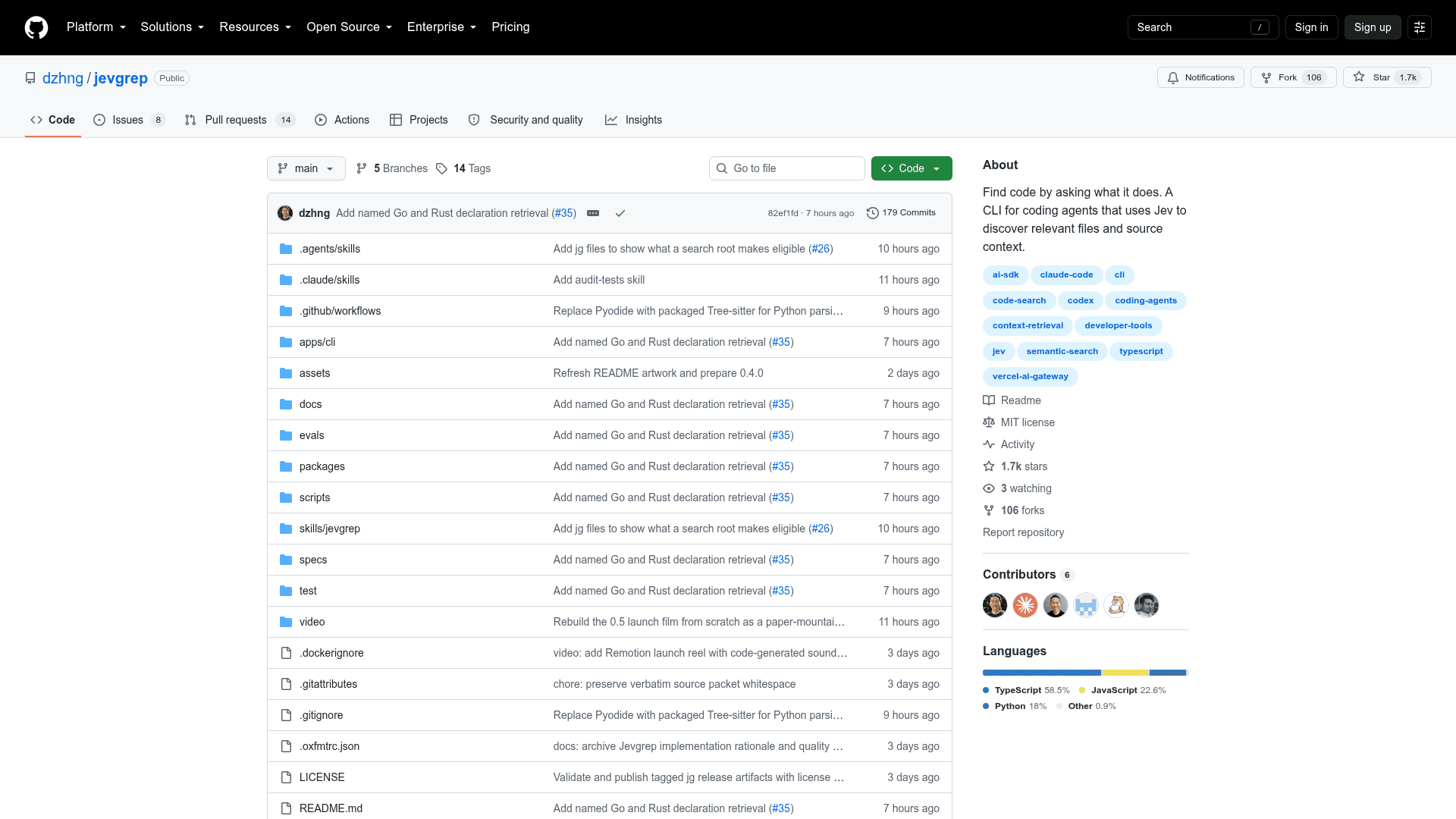
Jevgrep (jg) is an open-source CLI tool built by David Zhang (dzhng) that lets coding agents and developers find relevant code by describing behavior rather than searching for exact symbols. It uses Jev — Vercel's AI Gateway model — to judge relevance across folders, files, and declarations, returning a structured stdout response with file summaries, source excerpts, and line references. The project is written in TypeScript, licensed under MIT, and published on npm as @dzhng/jevgrep.
What It Is
Jevgrep sits between a coding agent and an unfamiliar codebase. When an agent needs to understand where authentication is checked, how database connections are pooled, or which tests cover retry logic, jg explores the repository hierarchy, selects files using content previews, identifies relevant source units, and returns verbatim excerpts — all in a single stdout response. It is designed to give coding agents a precise starting point rather than forcing them to read entire directories. The tool supports declaration parsing for Python, TypeScript/JavaScript, Go, and Rust, with a text fallback for other file types.
How It Works in an Agent Workflow
Jevgrep is installed as both a CLI and an agent skill. The CLI alone does not teach a coding agent to use it — the skill must be installed separately with jg skill, which detects supported agents (Claude Code, Codex, OpenCode, and others) and installs the appropriate skill file. The skill explains invocation, the meaning of returned context, and leaves research and implementation decisions to the calling agent. The current skill also checks for jg and installs the CLI if missing.
jg auth— saves a provider key (Vercel AI Gateway, TypeSafe, OpenRouter, OpenCode Zen, or a custom TypeSafe-compatible endpoint) in an owner-only config filejg skill— installs the agent skill into detected coding agentsjg files [root]— counts files a search may read, grouped by top-level directory, with no network requestjg doctor— validates credentials with synthetic input--excludeflag — skips paths matching a gitignore pattern for a single search
Measured Cost Reduction
The README reports a benchmark comparison using ten tuned Python SWE-bench tasks. According to the project's own evaluation, both Jevgrep and a no-Jev baseline solved 8 of 10 tasks. The project claims Sol-only cost fell from $7.62 to $5.44 — a measured 28.6% reduction, rounded to ~30% — excluding Jev cost. A subsequent 0.4.3 rerun including Jev cost measured 25.8% lower total cost with the same 8/10 tasks solved. The 0.5.0 evaluation retained 8/10 solves while reducing native Jev cost by about 59% versus the 0.4.3 run. The project notes these are single-run observations and do not establish statistical equivalence.
Source Filtering and Privacy
Searches send eligible source content to Jev through the configured provider. Default filesystem filtering respects ignore files and excludes hidden directories, dependency/build artifacts, binary files, and obvious credential files. The project notes these filters are not a guarantee that all sensitive information is removed, and recommends choosing a search root intentionally. Evaluation answers are cached locally by default; the CLI writes output to stdout only and does not create report files.
Update: v0.6.0
The latest release is v0.6.0, published on 2026-09-29. The repository was created on 2026-09-26 and has seen rapid iteration, with versions 0.1.0 through 0.6.0 released within days. Notable milestones include: provider selection added in 0.3.0, a total-cost rerun in 0.4.3, and a 59% Jev cost reduction in 0.5.0. The project uses TypeScript, Bun workspaces, and Turborepo, with tag-triggered npm publication. Requires Node.js 22+ on macOS or Linux.
Community Discussions
Be the first to start a conversation about jevgrep
Share your experience with jevgrep, ask questions, or help others learn from your insights.
Pricing
Open Source
Free and open-source under the MIT License. Use, modify, and distribute freely.
- Full CLI access via npm install
- Natural-language code search
- Agent skill installer
- All provider integrations
- MIT licensed source code
Capabilities
Key Features
- Natural-language code search across repositories
- AI-powered relevance judgment using Jev
- Returns file summaries, source excerpts, and line references in stdout
- Agent skill installer for Claude Code, Codex, OpenCode, and others
- Declaration parsing for Python, TypeScript/JavaScript, Go, and Rust
- Filesystem filtering respecting .gitignore and excluding credentials/binaries
- Multiple provider support: Vercel AI Gateway, TypeSafe, OpenRouter, OpenCode Zen
- Local evaluation answer caching
- File count preview with jg files command
- Credential validation with jg doctor
- Exclude flag for per-search path filtering
- No separate Python, Bun, or ripgrep installation required