Keel
A local-first AI desktop assistant whose memory lives in plain markdown files on your disk, with support for Claude, GPT, OpenRouter, and Ollama.
At a Glance
Fully free and open source under the MIT license. No account, no telemetry, no subscription required.
Engagement
Available On
Listed May 2026
About Keel
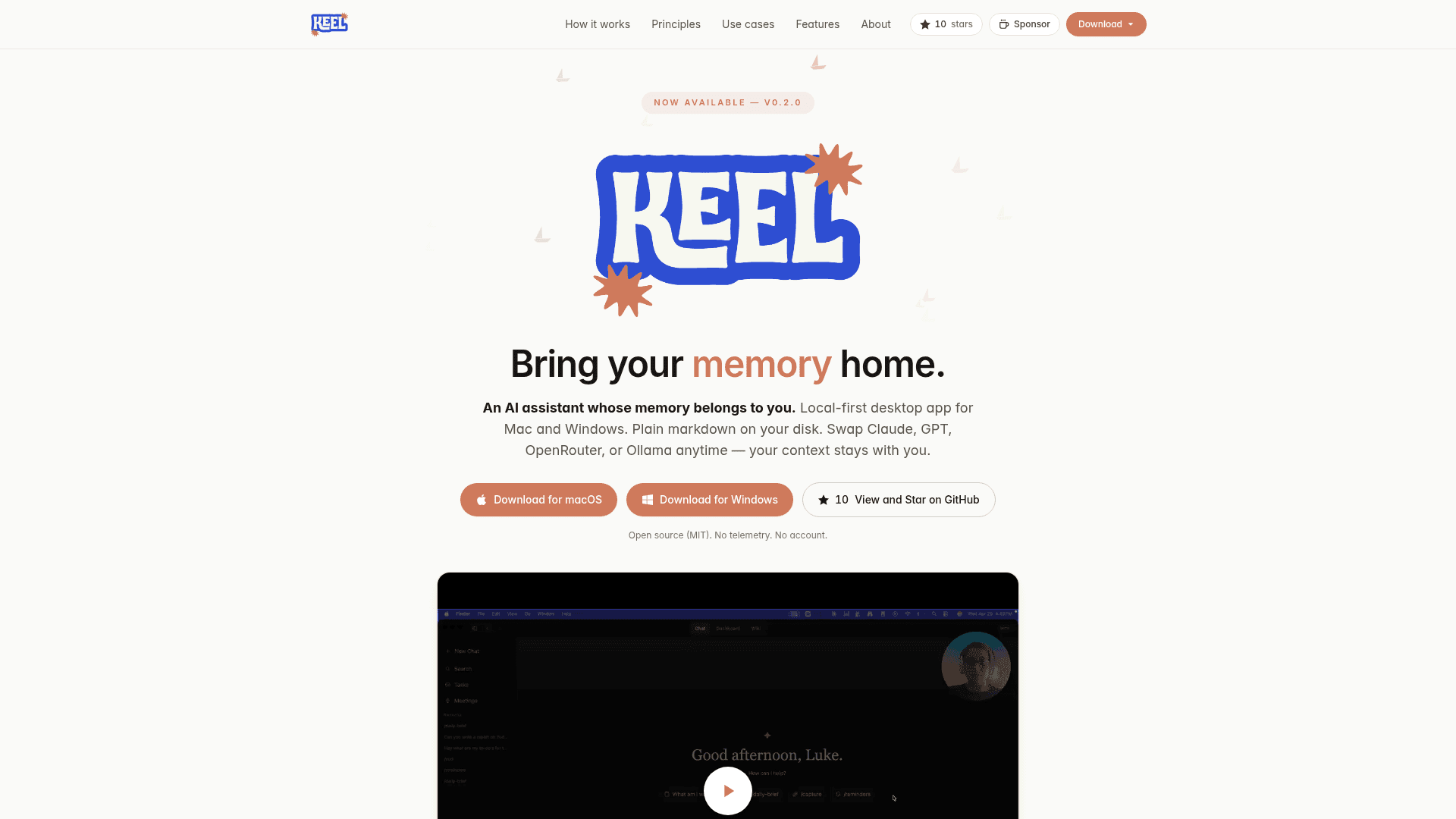
Keel is a local-first AI desktop assistant for macOS and Windows that keeps all your context in plain markdown files on your own machine. It acts as a personal chief-of-staff — surfacing tasks, generating daily briefs, transcribing meetings, and writing structured notes back to disk. You can swap between Claude, GPT, OpenRouter, or a local Ollama model at any time without losing your context. Keel is open source (MIT licensed), requires no account, and sends no telemetry.
- Markdown workspace — All notes, projects, logs, and tasks live in a plain folder (~/Keel) you own and can edit in any editor.
- Keel context engine — Indexes your workspace, assembles relevant context for every conversation, and writes captures, decisions, and tasks back as markdown automatically.
- Multi-model support — Switch between Claude (Anthropic), GPT (OpenAI), OpenRouter (300+ models), or Ollama for fully local/offline inference at any time.
- Auto-capture — When a chat produces a decision, fact, or task worth keeping, Keel quietly saves it back into your workspace.
- Wiki bases — Turn any project folder into a structured, queryable knowledge base using /create-kb and /refresh-kb; supports markdown and PDFs.
- Dashboard — Launches with open tasks, reminders, a morning brief, weather, and recent activity so you start the day with momentum.
- Tasks & reminders — First-class to-dos backed by markdown with due dates, project tagging, and desktop notifications.
- Meeting transcription — Record or import audio; local Whisper transcribes and Keel writes decisions, action items, and attendees back into the right project.
- Voice input — Speak instead of type using local Whisper or OpenAI's API.
- Scheduled jobs — Run any prompt or workflow on a recurring schedule — daily digests, weekly reviews — with results captured back to disk.
- Google & X integrations — Sync Calendar events, read/export Google Docs, sync X bookmarks into a wiki, or publish posts from chat.
- Privacy-first — No server, no telemetry, no account required; your workspace never leaves your machine unless you explicitly ask it to.
Community Discussions
Be the first to start a conversation about Keel
Share your experience with Keel, ask questions, or help others learn from your insights.
Pricing
Free (Open Source)
Fully free and open source under the MIT license. No account, no telemetry, no subscription required.
- Local markdown workspace
- Multi-model support (Claude, GPT, OpenRouter, Ollama)
- Auto-capture
- Wiki knowledge bases
- Dashboard
Capabilities
Key Features
- Local-first markdown workspace
- Multi-model support (Claude, GPT, OpenRouter, Ollama)
- Auto-capture of decisions and tasks
- Wiki knowledge bases from project folders
- Dashboard with morning brief and open tasks
- Tasks and reminders with desktop notifications
- Meeting transcription via local Whisper
- Voice input
- Scheduled recurring jobs
- Google Calendar and Docs integration
- X (Twitter) bookmarks sync
- No telemetry, no account required
- MIT open source license