EveryDev.ai
Subscribe
Home
Tools

6,671+ AI tools

  • Featured
  • Gems
  • Trending
  • New
  • Rate tools
  • Compare
  • Arena
Categories
  • Agents3542
  • Coding2670
  • Infrastructure1126
  • Projects931
  • MCP913
  • Research774
  • Analytics603
  • Marketing553
  • Design537
  • Testing500
  • Data456
  • Security449
  • Communication330
  • Prompts310
  • Integration308
  • Extensions264
  • Voice236
  • DevOps204
  • Commerce192
  • Learning145
  • Web136
  • Finance44
AI Tools by Topic
  • AI Coding Assistants
  • Agent Frameworks
  • MCP Servers
  • AI Prompt Tools
  • Vibe Coding Tools
  • AI Design Tools
  • AI Database Tools
  • AI Website Builders
  • AI Testing Tools
  • LLM Evaluations
Follow Us
  • X / Twitter
  • LinkedIn
  • Reddit
  • Discord
  • Threads
  • Bluesky
  • Mastodon
  • YouTube
  • GitHub
  • Instagram
Get Started
  • Users
  • Rate Tools
  • About
  • Editorial Standards
  • Corrections & Disclosures
  • Community Guidelines
  • Advertise
  • Contact Us
  • Newsletter
  • Submit a Tool
  • Start a Discussion
  • Write A Blog
  • Share A Build
  • Terms of Service
  • Privacy Policy
Explore with AI
  • ChatGPT
  • Gemini
  • Claude
  • Grok
  • Perplexity
Agent Experience
  • llms.txt
Theme
With AI, Everyone is a Dev. EveryDev.ai ©
    1. Home
    2. Tools
    3. Kerlig
    Kerlig icon

    Kerlig

    Content Generation
    Featured

    AI writing assistant app for macOS that runs actions on selected text in any app using your own API keys or local models.

    Visit Website

    At a Glance

    Pricing
    Paid
    Basic License: $25 one-time
    Pro License: $40 one-time
    Team License: $297 one-time

    Engagement

    Available On

    macOS
    Web
    API
    CLI

    Resources

    WebsiteDocsllms.txt

    Topics

    Content GenerationMCP IntegrationProductivity Extensions

    Alternatives

    FluentGrammarlyCotypist
    Developer
    KerligEst. 2024

    Listed Nov 2026

    About Kerlig

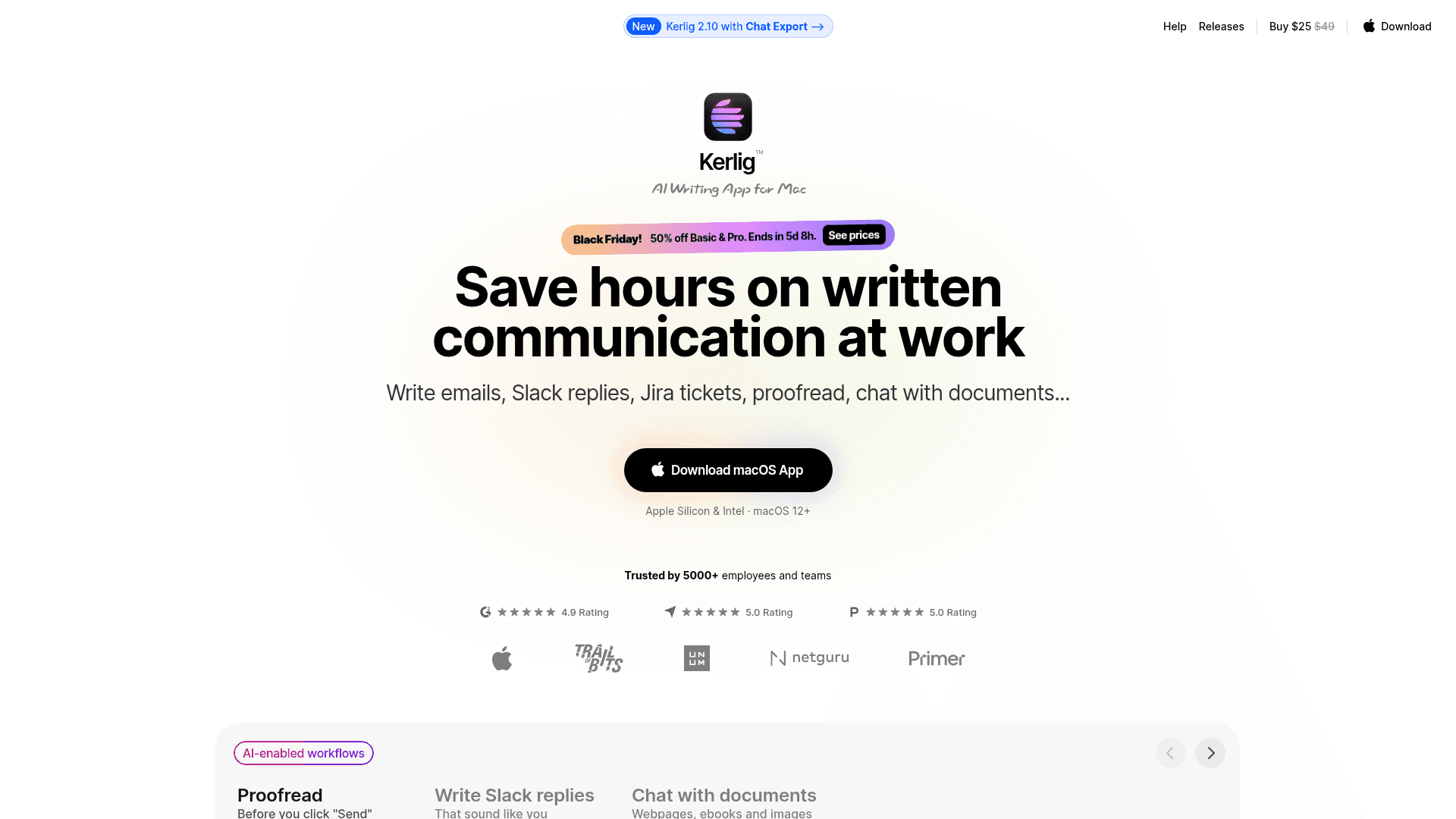
    Kerlig is a macOS AI writing app that lets users select text in any application, press a global hotkey, and run an AI action such as fixing spelling and grammar, improving writing, summarizing, or replying to a message. It works with the user's own API keys for providers such as OpenAI, Anthropic and Google Gemini, or with on-device and local models. The site lists support for macOS 12+ on Apple Silicon and Intel.

    What It Is

    Kerlig is a desktop assistant that brings AI into the macOS workflow without switching to a browser chat. Users define a hotkey during onboarding and add an API key from at least one provider, or use Apple Foundation Models, Ollama or LM Studio. They then select text in any app, choose an action, and paste the result back into the original app. It can also open a blank chat when no text is selected.

    Actions, Presets and Chat

    Built-in actions cover proofreading, shortening, simplifying and summarizing, and users can create custom actions and presets to tailor writing for different situations and their own tone of voice. The chat interface supports message editing, regenerating responses with different models, chat history, citations, and viewing reasoning models' chain of thought. Attachments let users chat with documents, webpages, ebooks and images, and a Deep Research option uses reasoning models for multi-step research with online data.

    Agentic Mode and MCP

    In Agentic Mode the AI can use tools, such as reading the window Kerlig was launched from, fetching links, or searching past chats. According to the help guide, the user approves every new tool before it runs. Kerlig can also connect to MCP servers, with Notion, Linear, Slack, GitHub and others shown on the site.

    Models and Privacy

    The site states support for 350+ models across providers including OpenAI, Anthropic, Google Gemini, Groq, OpenRouter, Perplexity and Mistral, and local options via Ollama and LM Studio. Kerlig says messages are sent directly to AI providers and then stored encrypted on the user's Mac. A team license supports remote deployment through CLI commands.
    Kerlig - 1

    Community Discussions

    Be the first to start a conversation about Kerlig

    Share your experience with Kerlig, ask questions, or help others learn from your insights.

    Pricing

    Basic License

    Basic Kerlig license for Mac, shown with Black Friday 50% off pricing (regular $49).

    $25
    one time

    Pro License

    Pro Kerlig license for Mac, shown with Black Friday 50% off pricing (regular $79).

    $40
    one time

    Team License

    Team Kerlig license with remote team deployment via CLI.

    $297
    one time
    • Remote team deployment via CLI
    View official pricing

    Capabilities

    Key Features

    • Global hotkey to run AI actions on selected text in any macOS app
    • Proofreading and grammar fixes
    • Slack and email reply drafting in your tone of voice
    • Built-in and custom actions and presets
    • Chat with documents, webpages, ebooks and images
    • Agentic Mode with user-approved tools
    • MCP server connections
    • 350+ models with switching in one click
    • Local models via Apple Foundation Models, Ollama and LM Studio
    • Deep Research with reasoning models
    • Headless mode for background actions
    • Chat history, message editing, regeneration and citations
    • Dictation
    • Team deployment via CLI
    • Chat export

    Integrations

    OpenAI
    Anthropic
    Google Gemini
    Groq
    OpenRouter
    Perplexity
    xAI
    Mistral
    Amazon Bedrock
    Ollama
    LM Studio
    Apple Foundation Models
    Notion
    Linear
    Slack
    GitHub
    Stripe
    Sentry
    Figma
    Metabase
    Setapp
    API Available
    View Docs

    Ratings & Reviews

    No ratings yet

    Be the first to rate Kerlig and help others make informed decisions.

    Rate other tools you’ve used

    Developer

    Kerlig Team

    Founded 2024
    1 employees

    Used by

    UNUM (represented by a Product Designer…
    More than 5,000 employees and teams,…
    Read more about Kerlig Team
    WebsiteX / Twitter
    1 tool in directory

    Similar Tools

    Fluent icon

    Fluent

    AI writing assistant for macOS that works in any app with context awareness, 500+ models, and MCP support.

    Grammarly icon

    Grammarly

    AI-powered writing assistant that helps improve grammar, clarity, tone, and style across all your writing.

    Cotypist icon

    Cotypist

    Cotypist is a Mac app that predicts your next words inline across every Mac app, running entirely on-device with Apple Silicon for private, real-time writing assistance.

    Browse all tools

    Related Topics

    Content Generation

    Advanced LLM-based tools that create high-quality, engaging marketing content, articles, and copy tailored to specific audiences, tones, and campaign objectives with minimal human input.

    347 tools

    MCP Integration

    Tools for integrating MCP with existing AI systems and applications.

    215 tools

    Productivity Extensions

    Extensions and plugins that improve workflow and productivity.

    129 tools
    Browse all topics
    Back to all toolsSuggest an edit
    ratings
    discussions