Kimi is an all-in-one AI workspace by Moonshot AI that handles deep research, document creation, coding, and agentic task automation across web, desktop, and CLI.
At a Glance
About Kimi
Kimi is an AI workspace built by Moonshot AI that combines conversational AI, agentic task execution, deep research, document generation, and coding assistance into a single platform. It is available on the web, as a desktop application (Kimi Work), as a CLI and VS Code extension (Kimi Code), and as a browser extension (Kimi WebBridge). The platform targets individuals, knowledge workers, and enterprise teams who need AI that can plan, execute, and iterate on complex multi-step tasks autonomously.
What It Is
Kimi is a multi-surface AI platform centered on an agentic model that can break down goals, invoke tools, browse the web, process files, and produce structured outputs — all from a single chat interface. Rather than a simple chatbot, Kimi positions itself as an "AI workspace" where users can generate slides, write documents, build spreadsheets, deploy websites, run deep research reports, and execute scheduled tasks. The platform is backed by Moonshot AI's frontier models and exposes those models to developers via the Kimi API Platform.
Product Surface Area
Kimi ships as a family of interconnected products:
- Kimi (web) — The core AI workspace accessible from any browser, with cloud-synced data, agent mode, deep research, slides, docs, sheets, and website deployment.
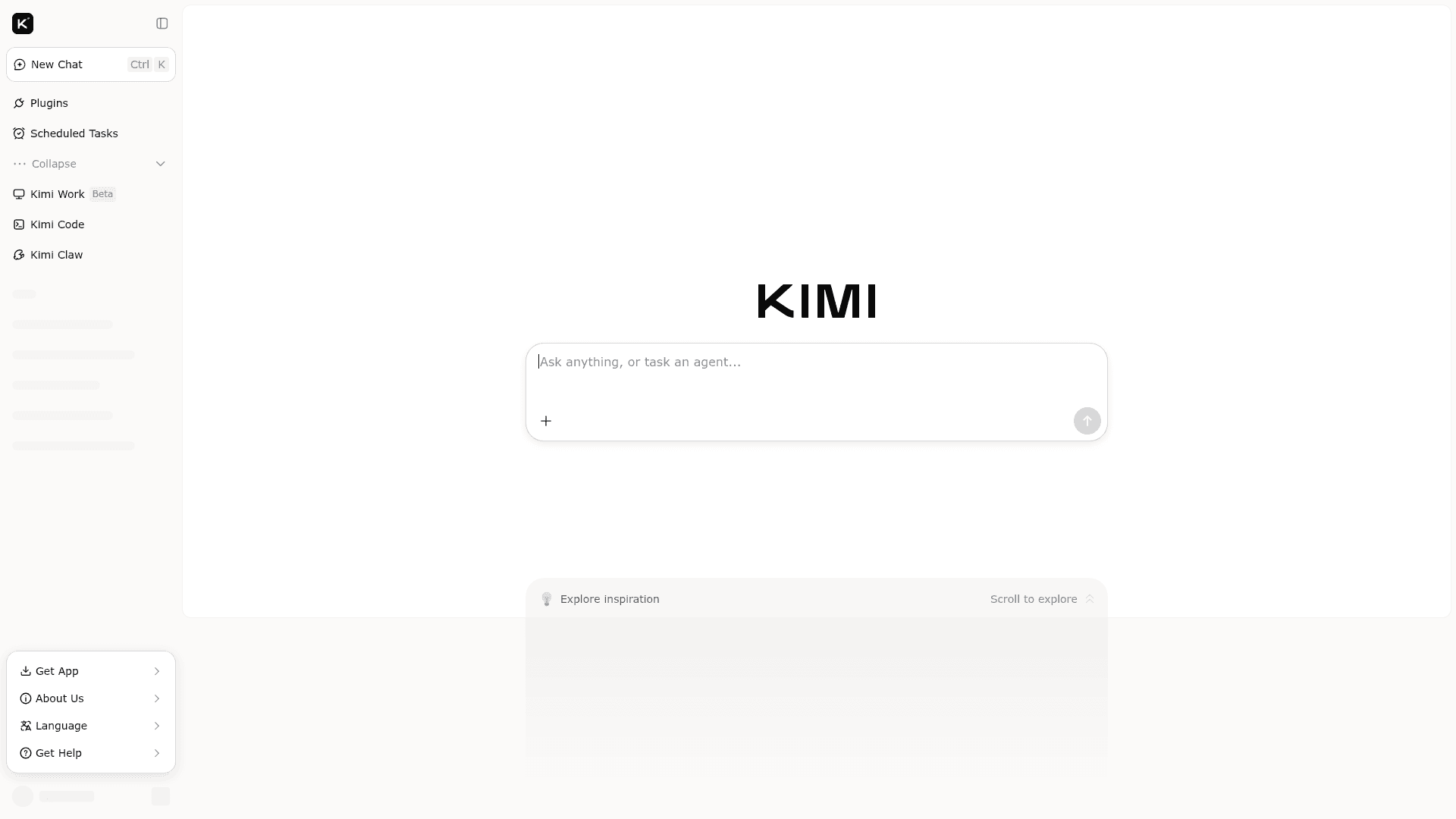
- Kimi Work — A desktop application that connects to local files, runs scheduled tasks, and supports Goal Mode for autonomous multi-step execution and Agent Swarm for parallel multi-agent collaboration.
- Kimi Code — An AI coding agent available as a CLI tool and VS Code extension that reads codebases, edits files, executes commands, and handles multi-file engineering tasks end to end.
- Kimi WebBridge — A browser extension that lets AI agents click, fill forms, navigate pages, and extract data to automate web-based tasks like research, job hunting, and flight comparison.
- Kimi Platform — The API layer giving developers usage-based access to Kimi's models, built-in tools, project-level budgets, balance alerts, and adaptive rate limits.
Agentic Capabilities
Kimi's agent architecture is a central differentiator. Agent Mode allows the model to plan and execute multi-step tasks autonomously. Agent Swarm orchestrates multiple agents working in parallel on complex projects. Goal Mode (available in Kimi Work) accepts a high-level objective — such as "deliver a competitive analysis report" — and plans, executes, and iterates until the job is done. WebBridge acts as a browser agent that can automate repetitive web workflows without manual intervention.
Enterprise Deployment
The Kimi Business plan is designed for organizational use and includes:
- Isolated enterprise workspaces fully separated from personal accounts
- Enterprise-grade data privacy with data never used for model training
- Priority access to experimental features including Agent Swarm, Kimi Claw, and professional databases
- Agent multi-tasking and enhanced Kimi Code credits
- Dedicated technical support and priority response channels
- Admin tools for seat management, member invitations, usage tracking, and invoice access
The business page states the plan is priced per seat per year. Integrations listed for enterprise use include Notion, Lark, Cloudflare, and Canva.
Integrations and Output Formats
Kimi connects to workplace tools including Notion, Lark, Cloudflare, and Canva to give AI real business context. Output formats supported include presentation decks (Slides), structured documents (Docs), spreadsheets (Excel/CSV), PDFs, and deployable web pages. The platform also supports open web search and access to professional databases for market intelligence and domain research.
Current Status
Kimi is actively available as a production web application with a published enterprise plan, a help center covering 15 topic areas, and a developer API platform at platform.kimi.ai. The product suite — including Kimi Work, Kimi Code, Kimi WebBridge, and Kimi Claw — is live and documented. The enterprise business page lists a contact sales email (sales@kimi.com) and a self-serve subscription path, indicating the platform is in active commercial operation.
Community Discussions
Be the first to start a conversation about Kimi
Share your experience with Kimi, ask questions, or help others learn from your insights.
Pricing
Adagio
Free tier with unlimited basic conversations and limited access to premium agent features.
- Unlimited basic conversations
- Kimi Slides in Adaptive mode
- OK Computer agent usage (approx. 3 uses/day)
- Limited Deep Research queries
- Queue-based access during peak hours
Moderato
Higher usage quotas for OK Computer and Deep Research, priority server access, and visual generation via Nano Banana Pro.
- Everything in Adagio
- Higher OK Computer and Deep Research quotas
- Priority access during peak hours
- Nano Banana Pro visual generation for Kimi Slides
- Faster response generation
Allegretto
Further increased quotas and concurrent task limits for power users, plus Kimi Claw beta access.
- Everything in Moderato
- Further increased OK Computer and Deep Research quotas
- Higher concurrency limits
- Kimi Claw beta access (cloud OpenClaw deployment)
Vivace
Top tier with unlimited OK Computer usage, highest priority access, extended context windows, and fastest inference speeds for professional and team workflows.
- Everything in Allegretto
- Unlimited OK Computer agent usage
- Highest priority server access
- Extended context windows
- Fastest available inference speeds
Capabilities
Key Features
- AI workspace with agentic task execution
- Deep research and report generation
- Slides, Docs, and Sheets creation
- Website building and deployment
- Agent Mode with multi-step autonomous planning
- Agent Swarm for parallel multi-agent collaboration
- Goal Mode for autonomous objective completion
- Kimi Work desktop app with local file access
- Scheduled and recurring task automation
- Kimi Code CLI and VS Code extension for coding
- Kimi WebBridge browser extension for web automation
- Open web search and professional database access
- Multi-format output: PDF, Excel/CSV, presentations
- Enterprise isolated workspaces
- Admin seat and member management
- Kimi API Platform for developer access
- Integrations with Notion, Lark, Cloudflare, Canva
- Cloud-synced data across devices
- Memory and presets
- Kimi Claw personal AI assistant