Koala
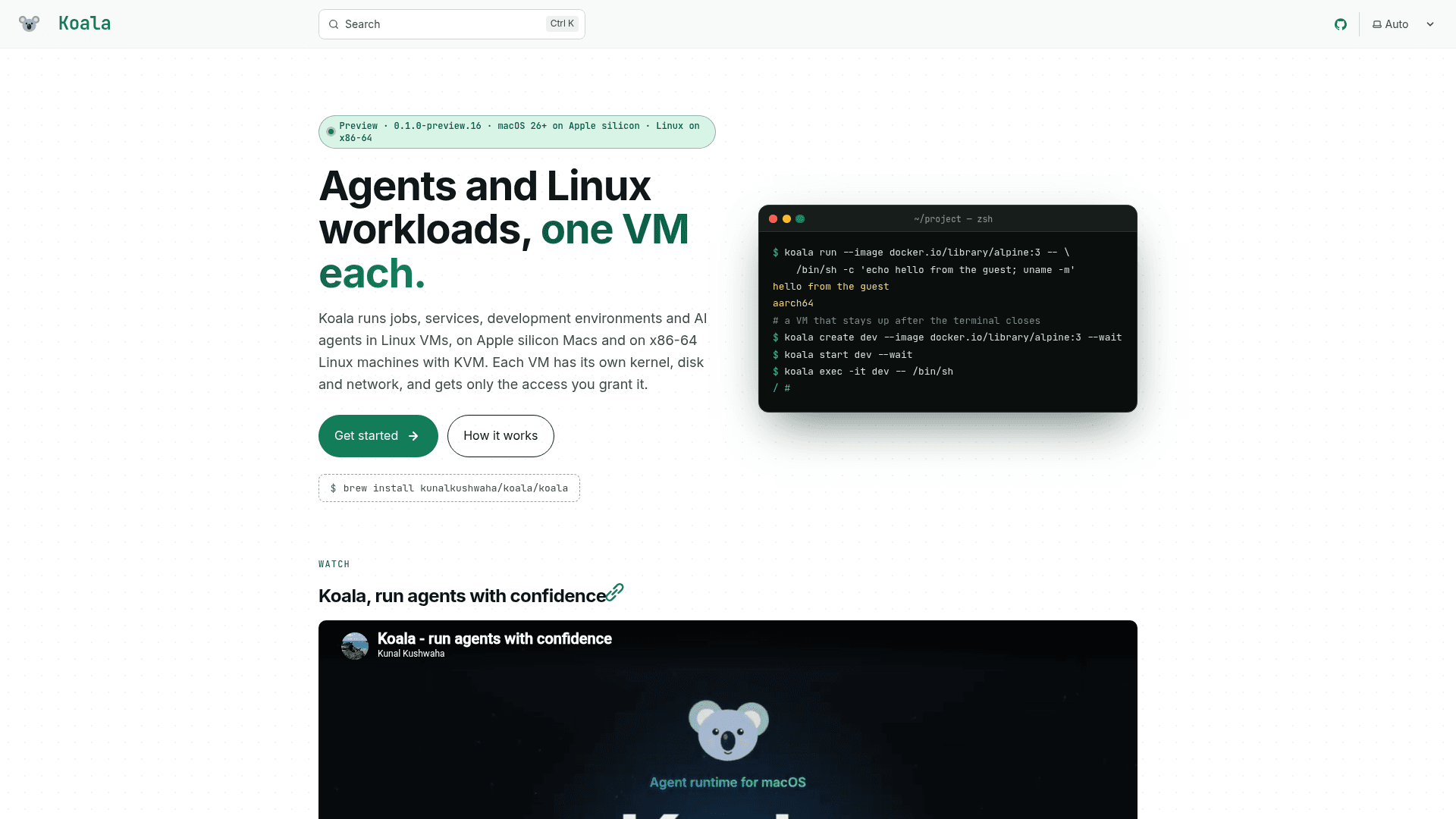
Command-line tool that runs AI agents and Linux workloads each in its own lightweight VM on Apple silicon Macs and x86-64 Linux.
At a Glance
Koala preview release, licensed under Apache License 2.0; distributed via Homebrew and Debian package. Source code is not public yet.
Engagement
Available On
Alternatives
Listed Nov 2026
About Koala
Koala is a command-line tool from Kunal Kushwaha for hosting AI agents, services, jobs and development environments in Linux virtual machines. Each VM has its own kernel, disk and network and receives only the access the user grants. It runs on Apple silicon Macs and, in preview, on x86-64 Linux machines with KVM. The project is in preview (0.1.0-preview.16), and commands and file formats may change between previews.
What It Is
Koala is a sandboxing and VM management tool. Users run a throwaway command in a fresh VM that is removed when it ends, or create persistent VMs that keep running after the terminal closes, then exec commands, open shells, and copy files in and out. VMs are built from OCI images from Docker Hub or private registries, pinned by digest at creation. Two profiles exist: lean runs one image with a minimal init, and full runs Ubuntu 24.04 with systemd and Docker Engine. A per-user manager runs as the logged-in user, so there is no root daemon.
Keeping Agent Keys Outside the VM
A broker lets an agent use a model provider without its API key entering the VM. Inside the VM the key is only a placeholder, and requests go to a broker address on the host. The broker checks a policy covering allowed requests, models and limits, adds the real key from the host key store (login Keychain on a Mac, encrypted files on Linux), and forwards the request over TLS. Requests for other paths or models are refused with 403. Templates cover model providers, chat bots (Telegram, Slack, Discord) and GitHub Apps.
Agents in One Command
A command such as koala create hermes --template hermes creates the agent's VM, the policy that keeps its key outside the VM, a volume and its setup. It checks first, shows the plan, and asks for confirmation before making anything. Documented examples include Hermes, OpenClaw and a browser-based X agent on a Mac.
Access Defaults and Testing
By default a VM gets public internet access, which can be switched off, and nothing else: no host files, secrets, LAN access, host services or other VMs until granted. Published ports bind to 127.0.0.1 unless the LAN is requested. The project says it is tested with hostile-guest suites, more than 40 fuzz targets, about 1,400 crash checks per platform, and canary-key leak hunting.
Platforms and Setup
On macOS 26 or newer on Apple silicon, Koala installs through Homebrew and uses Apple's Virtualization framework with linux/arm64 images. On Ubuntu 24.04 x86-64 with kernel 6.12 or newer and /dev/kvm, it installs from a Debian package and uses KVM through Cloud Hypervisor with linux/amd64 images. The repository holds releases, the Homebrew formula and the user guide; Koala's source code is not public yet.
Community Discussions
Be the first to start a conversation about Koala
Share your experience with Koala, ask questions, or help others learn from your insights.
Pricing
Koala
Koala preview release, licensed under Apache License 2.0; distributed via Homebrew and Debian package. Source code is not public yet.
- Runs jobs, services, development environments and AI agents in Linux VMs
- macOS 26+ on Apple silicon; Linux (preview) on x86-64 with KVM
- Broker keeps API keys outside the VM
- VM templates for agents
- Preview release: commands and file formats may change
Capabilities
Key Features
- One lightweight Linux VM per agent or workload with its own kernel, disk and network
- Throwaway jobs that are removed when the command ends
- Persistent VMs with exec, shell attach and file copy
- OCI image support from Docker Hub or private registries
- Lean and full (Ubuntu 24.04 with systemd and Docker) profiles
- Broker that keeps API keys outside the VM and enforces request and model policies
- One-command agent templates that show a plan before creating anything
- Deny-by-default access to files, secrets, LAN and services
- Per-user manager with no root daemon
- Same CLI, API and VM specs on macOS and Linux
Integrations
Demo Video