
Kodo
AI-powered design platform that generates professional, fully editable designs from text prompts in seconds — a free alternative to Figma and Canva.
At a Glance
Get started with AI design generation and manual tools at no cost.
Engagement
Available On
Alternatives
Listed Mar 2026
About Kodo
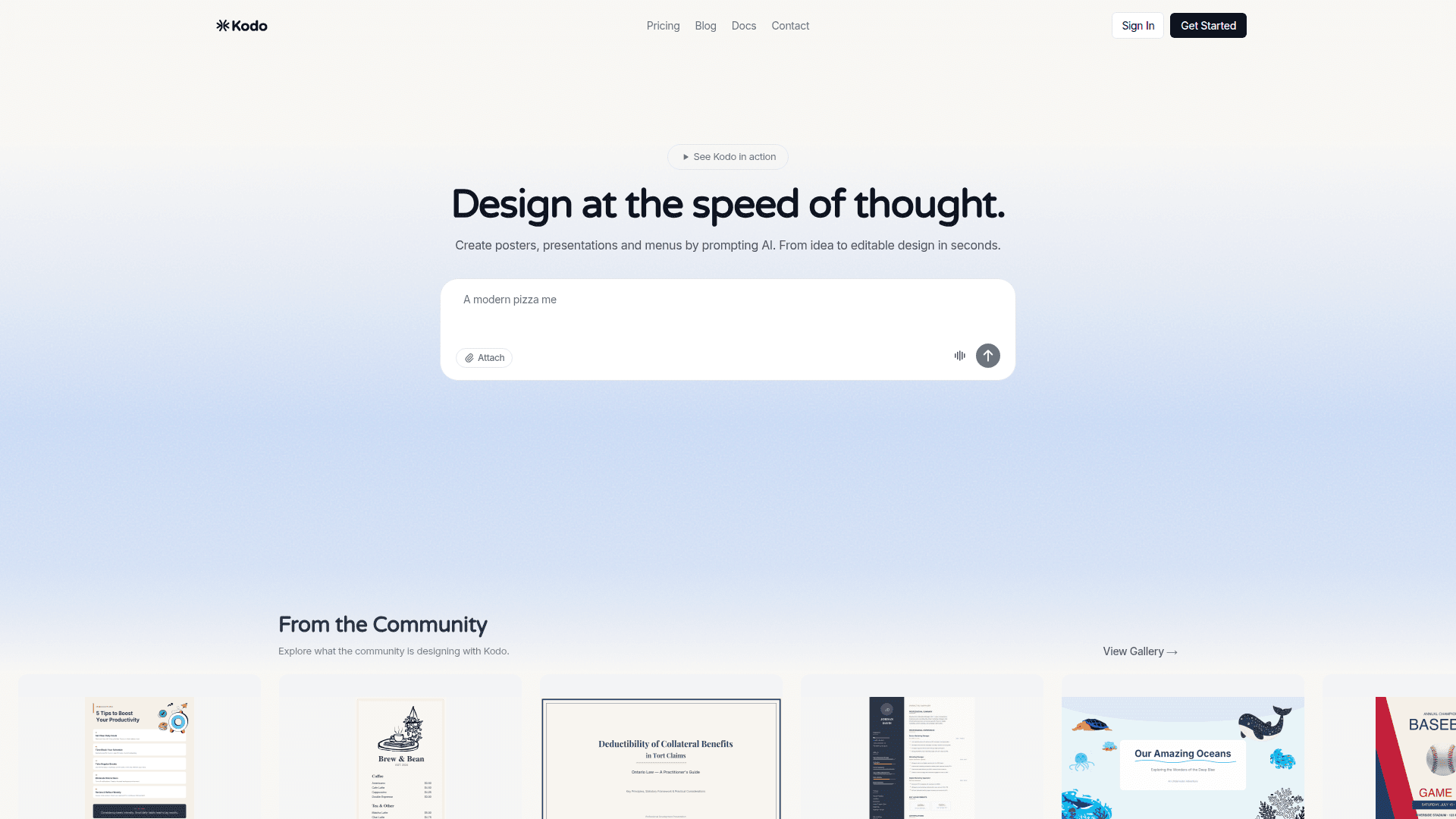
Kodo is an AI-powered design platform that lets anyone create professional designs simply by describing what they want. From posters and presentations to menus and social media graphics, Kodo generates complete, editable designs in seconds — no design experience required. It combines the speed of AI generation with professional vector editing tools, real-time collaboration, and multi-format export, positioning itself as a free alternative to Figma and Canva.
- AI Text-to-Design — Describe your vision (e.g., "coffee shop menu") and Kodo's AI generates a complete, polished design in 1–2 minutes using 3–9 Kodo credits per design.
- Professional Vector Editing — Every AI-generated design is fully editable with shape tools (rectangle, ellipse, polygon, star, line), a pen/curve tool for bezier paths, and a rich typography system.
- Background Removal — Remove image backgrounds with one click; available on all plans with monthly limits (3/month on Free, 40/month on Starter, 200/month on Pro).
- Magic Eraser — Intelligently remove unwanted objects from images; operates on a separate monthly limit independent of Kodo credits.
- Real-Time Collaboration — See teammates' cursors and edits live; share designs with view, edit, or comment permissions via link or email invite.
- Multi-Format Export — Export designs as PNG, JPG, WEBP, SVG, PDF, or PPTX (PowerPoint); Free plan exports include a watermark, paid plans are watermark-free.
- Brand Kit — Available on Starter and Pro plans to maintain consistent brand colors, fonts, and assets across all designs.
- Stock Photos — Access a built-in stock photo library (20/month on Free, 100/month on Starter, unlimited on Pro).
- Infinite Canvas — Work on an infinite canvas with rulers, guides, snap-to-grid, and full keyboard shortcut support.
- Cloud Auto-Save — All work saves automatically to the cloud; accessible from any modern web browser.
To get started, sign up for free at usekodo.ai to receive 40 Kodo credits per month, then type a prompt or start from a blank canvas. Manual design tools are always free on all plans.
Community Discussions
Be the first to start a conversation about Kodo
Share your experience with Kodo, ask questions, or help others learn from your insights.
Pricing
Free
Get started with AI design generation and manual tools at no cost.
- 40 Kodo credits/month
- 10 projects
- 3 background removals/month
- 20 stock photo downloads/month
- Exports with watermark
Starter
More credits and watermark-free exports for regular creators.
- 170 Kodo credits/month
- 50 projects
- 40 background removals/month
- 100 stock photos/month
- Brand Kit
- Watermark-free exports
- Real-time collaboration
- Export to all formats
Pro
Maximum credits, unlimited projects, and priority support for power users.
- 600 Kodo credits/month
- Unlimited projects
- 200 background removals/month
- Unlimited stock photos
- Brand Kit
- Priority support
- Watermark-free exports
- Real-time collaboration
- Export to all formats
Capabilities
Key Features
- AI text-to-design generation
- Professional vector editing tools
- Background removal
- Magic eraser (object removal)
- Real-time collaboration
- Multi-format export (PNG, JPG, WEBP, SVG, PDF, PPTX)
- Brand Kit
- Stock photo library
- Infinite canvas with rulers and guides
- Cloud auto-save
- Keyboard shortcuts
- Layer management
- Frame/artboard support
- Auto-layout
- Typography controls
- Shape library (rectangle, ellipse, polygon, star, line)
- Pen/bezier curve tool
- Team workspaces
- Design sharing with permissions