
kogiQA
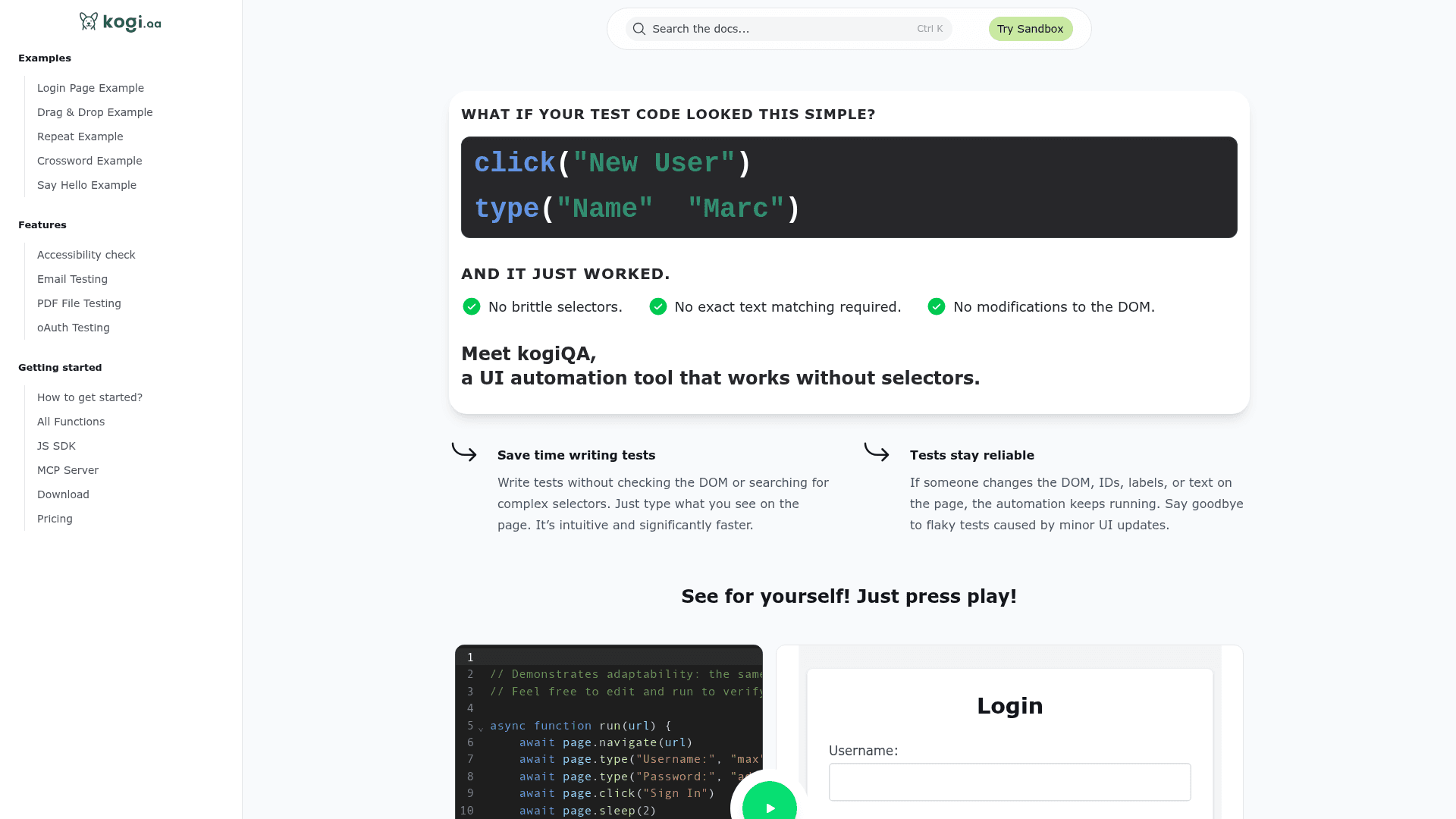
kogiQA is a UI automation testing tool that works without CSS or XPath selectors, letting you write tests using natural language commands like click("Login") or type("Username", "john").
At a Glance
Get started with kogiQA at no cost, including sandbox access and basic automation features.
Engagement
Available On
Listed Jul 2026
About kogiQA
kogiQA is a UI automation tool built by atagon GmbH that eliminates the need for brittle CSS selectors or XPath expressions. Instead of inspecting the DOM for element IDs or class names, testers write plain commands like click("Sign In") or type("Username", "john_doe") that mirror how a human reads and interacts with a page. The tool is available as a desktop application for macOS, Windows, and Linux, and supports cloud-based cross-browser test execution.
What It Is
kogiQA is a selector-free UI test automation platform. It uses natural language selectors to locate and interact with web elements, making tests resilient to DOM changes, ID renames, and label updates that would normally break traditional automation scripts. The core value proposition is that the same test script can run against structurally different pages — as demonstrated in the built-in playground, where a single login script works across a clean layout, a styled complex layout, and an irregular unstructured DOM.
How the Selector-Free Approach Works
Rather than relying on div > span.btn-primary or #input-username, kogiQA interprets visible text and context on the page to find the right element. This means:
- No DOM inspection required before writing a test
- Tests survive UI refactors that change IDs, labels, or structure
- Commands read like plain English, reducing onboarding time for non-engineers
The FAQ confirms the mechanism: "kogiQA uses natural language selectors to interact with web pages like a human would."
Workflow and Modes
kogiQA supports three distinct working modes:
- Code mode: Write JavaScript-based test scripts using the JS SDK and API reference
- Record & Replay (no-code): Use the desktop UI to record interactions and replay them without writing code
- Record then export: Record a session, export the generated code, and extend it programmatically
For cloud execution, tests can be launched with a single click or a single line of code across Chrome, Firefox, Safari, and Edge. The exposePorts() SDK method allows local development environments (e.g., localhost:3000) to be tunneled securely to the cloud runner.
Feature Set
Beyond basic click and type automation, kogiQA ships with a broad set of capabilities:
- Accessibility checks: Automated WCAG-style checks within the test workflow
- Email testing: Verify email delivery and content as part of automation
- PDF file testing: Validate generated PDF content
- oAuth testing: Automate OAuth flows
- Flutter Web support: Deep widget tree integration for Flutter web apps
- Canvas drawing: Simulate drawing on HTML5 Canvas elements
- Advanced drag & drop: Multi-location hover-and-drop flows
- Smart fuzzing / monkey testing: Auto-generate exception reports across a page
- Element resizing: Simulate resize handle interactions
- Keyboard shortcuts: Full modifier key support (e.g., Ctrl+A)
- File uploads: From local filesystem, URL, or built-in store
- Content-editable support: Rich text editor interaction
Manual testing helpers include one-click annotated screenshots, auto-fill with real or faulty data (Ctrl+S / Ctrl+D), and one-click bug reports with steps to reproduce.
MCP Server and SDK
kogiQA exposes an MCP (Model Context Protocol) server alongside its JavaScript SDK, enabling integration with AI-driven development workflows. The JS SDK includes a full API reference and the exposePorts() tunneling method for local testing. A sandbox playground at play.kogiqa.com lets anyone try the tool without installing anything.
Developer and Current Status
kogiQA is developed by atagon GmbH (founded MMXXVI per the footer). The team describes itself as small and independent, and actively invites feature requests. Downloads are available for macOS (.dmg), Windows (.exe), and Linux (.deb) directly from the website, and a cloud runner handles cross-browser execution.
Community Discussions
Be the first to start a conversation about kogiQA
Share your experience with kogiQA, ask questions, or help others learn from your insights.
Pricing
Free
Get started with kogiQA at no cost, including sandbox access and basic automation features.
- Sandbox playground access
- Desktop app download
- JS SDK access
- Basic UI automation
Pro
Full access to cloud cross-browser execution and advanced features.
- Cloud cross-browser execution (Chrome, Firefox, Safari, Edge)
- Email testing
- PDF testing
- oAuth testing
- Accessibility checks
- MCP Server
- exposePorts() tunneling
Capabilities
Key Features
- Selector-free UI automation using natural language commands
- Record & Replay (no-code mode)
- Record then export to code
- Cloud cross-browser execution (Chrome, Firefox, Safari, Edge)
- JavaScript SDK with full API reference
- MCP Server integration
- Accessibility checks
- Email testing
- PDF file testing
- oAuth testing
- Flutter Web support
- Canvas drawing simulation
- Advanced drag & drop
- Smart fuzzing / monkey testing
- Element resizing simulation
- Keyboard shortcut simulation
- File uploads (local, URL, built-in store)
- Content-editable / rich text editor support
- Hover simulation
- localhost tunneling via exposePorts()
- One-click annotated screenshots
- Auto-fill with real or faulty data
- One-click bug reports with steps to reproduce