
Kogvio
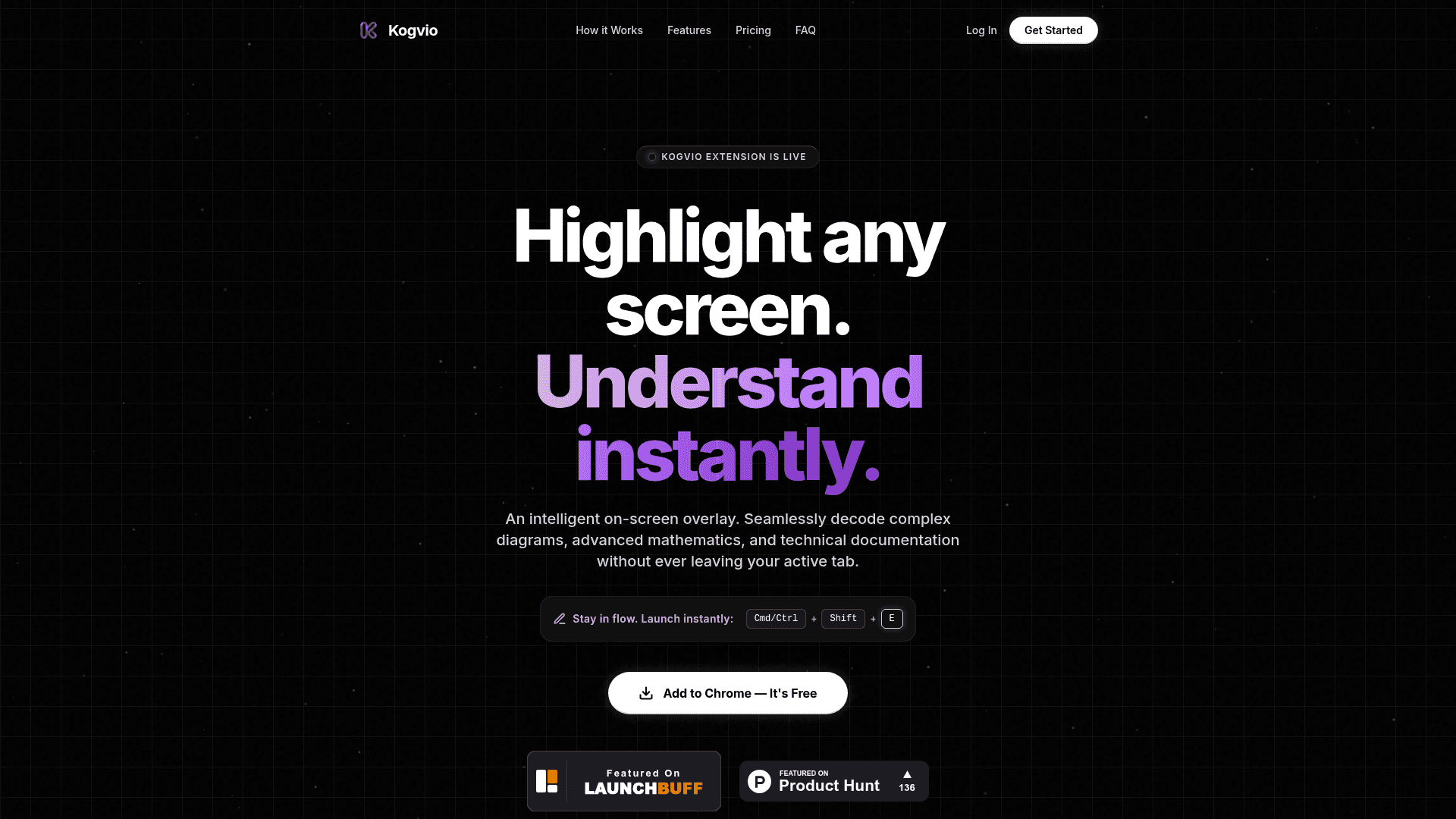
A Chrome browser extension that lets you highlight any on-screen content to instantly decode complex diagrams, math equations, handwriting, and technical documentation using AI vision.
At a Glance
Essential AI vision for individuals and quick daily tasks.
Engagement
Available On
Listed Jul 2026
About Kogvio
Kogvio is a Google Chrome extension that brings an intelligent on-screen overlay to your browser, letting you highlight any portion of your screen and get instant AI-powered explanations without switching tabs. It is designed for professionals, students, and analysts who need to decode complex content — from handwritten notes to advanced mathematics — while staying in their primary workflow.
What It Is
Kogvio is a browser extension in the AI vision and content analysis category. Its core job is to act as an on-screen overlay that scans whatever you highlight — diagrams, equations, handwritten notes, code blocks, or technical documentation — and returns structured, formatted explanations in place. The tool runs on Kogvio's own dedicated backend servers, so no external API keys (such as ChatGPT or Gemini accounts) are required.
How the Overlay Workflow Works
The extension is triggered via a keyboard shortcut (Cmd/Ctrl + Shift + E), keeping the interaction fast and non-disruptive. Once activated, users highlight any region of their screen and the AI vision engine processes the selection. Key workflow capabilities include:
- Handwriting decoding — reads messy handwritten notes, whiteboard formulas, and unreadable equations
- Contextual chat — lets users ask follow-up questions about a scanned image without losing focus on the original page
- Perfect formatting — natively renders LaTeX math equations and color-coded code blocks directly in the overlay output
Platform and Compatibility
Kogvio is a Google Chrome extension and works on Chrome, Brave, and Edge browsers across both macOS and Windows. Because it is browser-based, there are no OS-specific installations or system requirements beyond a compatible Chromium-based browser.
Target Audience
The tool is positioned for individuals who work with technically dense content on a regular basis — analysts, engineers, students, and researchers who encounter complex diagrams, mathematical notation, or handwritten material during their daily browser sessions. The contextual chat feature is particularly aimed at deep-focus workflows where context-switching is costly.
Current Status
Kogvio is live and available on the Chrome Web Store. The product has been featured on Product Hunt and LaunchBuff, signaling an active early-launch phase. The extension is accessible immediately after installation with no API key setup required.
Community Discussions
Be the first to start a conversation about Kogvio
Share your experience with Kogvio, ask questions, or help others learn from your insights.
Pricing
Starter
Essential AI vision for individuals and quick daily tasks.
- 5 AI Scans per day
- Standard reasoning model
- Cross-platform support
Kogvio Pro
Advanced reasoning for professionals, analysts, and deep technical workflows.
- Unlimited AI Scans
- Advanced Vision Engine
- Unlimited Chat History
Capabilities
Key Features
- On-screen AI overlay triggered by keyboard shortcut
- Highlight any screen region for instant AI analysis
- Handwriting and messy note decoding
- Advanced math and LaTeX equation rendering
- Color-coded code block formatting
- Contextual chat about scanned images
- No API key required — runs on dedicated backend
- Works on Chrome, Brave, and Edge browsers
- Cross-platform support (macOS and Windows)