
Kombai
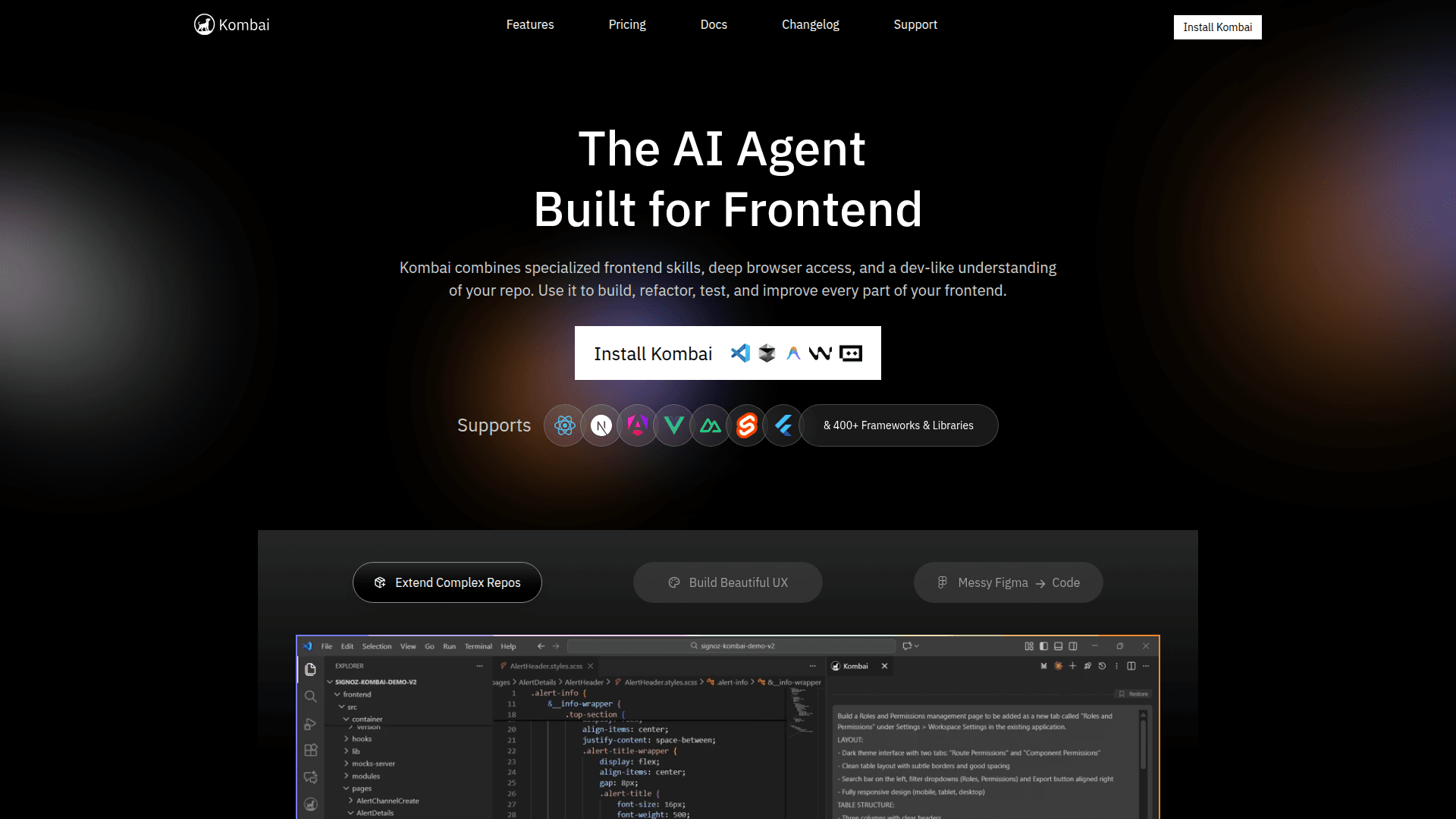
An AI agent specialized for frontend development that generates production-ready UI code from Figma, images, or text and integrates with your IDE and codebase.
At a Glance
Get started with Kombai at no cost with 300 credits per month and 150 credits on sign-up.
Engagement
Available On
Alternatives
Updated Feb 2026
About Kombai
Kombai is an AI agent built specifically for frontend development that interprets Figma designs, images, and text to generate production-ready UI code with high fidelity and compilation success. It uses a purpose-built context engine and indexed code search to understand repositories and reuse components, reducing developer effort and errors. Kombai integrates with common frontend libraries and runs inside your IDE so teams can iterate on UI tasks without touching backend logic or infrastructure.
- Figma-to-code — Attach Figma frames or images and Kombai generates corresponding frontend components with high visual fidelity; start by attaching a Figma design or exporting frames as images and sending them as input.
- Context engine & repo indexing — Kombai indexes your codebase and finds reusable components and patterns; configure the tech stack and run the workspace scan to enable precise, repo-aware suggestions.
- IDE integration — Use Kombai inside your IDE to run generation, preview results, and apply changes; install the provided IDE plugin and use the command palette to run or reload Kombai.
- Library-aware generation — Kombai supports 25+ frontend libraries and follows library-specific best practices; set your stack in the Tech Stack settings or choose automatic scan to constrain output.
- Privacy & compliance — Offers SOC2 compliance and options to prevent AI training on your data; enable organizational context engines and enterprise settings during onboarding.
To get started, sign up on the web app, connect your repository and Figma account, configure the tech stack or run an automatic scan, then invoke Kombai from your IDE to generate, review, and apply UI code changes.
Community Discussions
Be the first to start a conversation about Kombai
Share your experience with Kombai, ask questions, or help others learn from your insights.
Pricing
Free
Get started with Kombai at no cost with 300 credits per month and 150 credits on sign-up.
- 300 credits per month
- 150 credits on sign-up
- 50 credits daily
- Credit rollovers up to 0.5x monthly limit
Pro
For developers and teams building production frontends; billed monthly at the displayed rate.
- 2,000 credits per month
- Credit rollovers up to 2x monthly limit
- Email support
- No AI training on customer data
- SOC2 compliance
Enterprise
Custom plans for large teams and complex stacks; contact sales for pricing and onboarding options.
- Custom context engine
- Centralized invoice / PO billing
- Dedicated support and onboarding services
- SOC2 compliance and security evaluations
- No AI training on customer data
Capabilities
Key Features
- Figma and image-based UI code generation
- Repository indexing and contextual code search
- Support for 25+ frontend libraries and stacks
- IDE integration with command-palette support
- Configurable tech stack and RAG-based rules
- SOC2 compliance and no-training data options