
Konnect
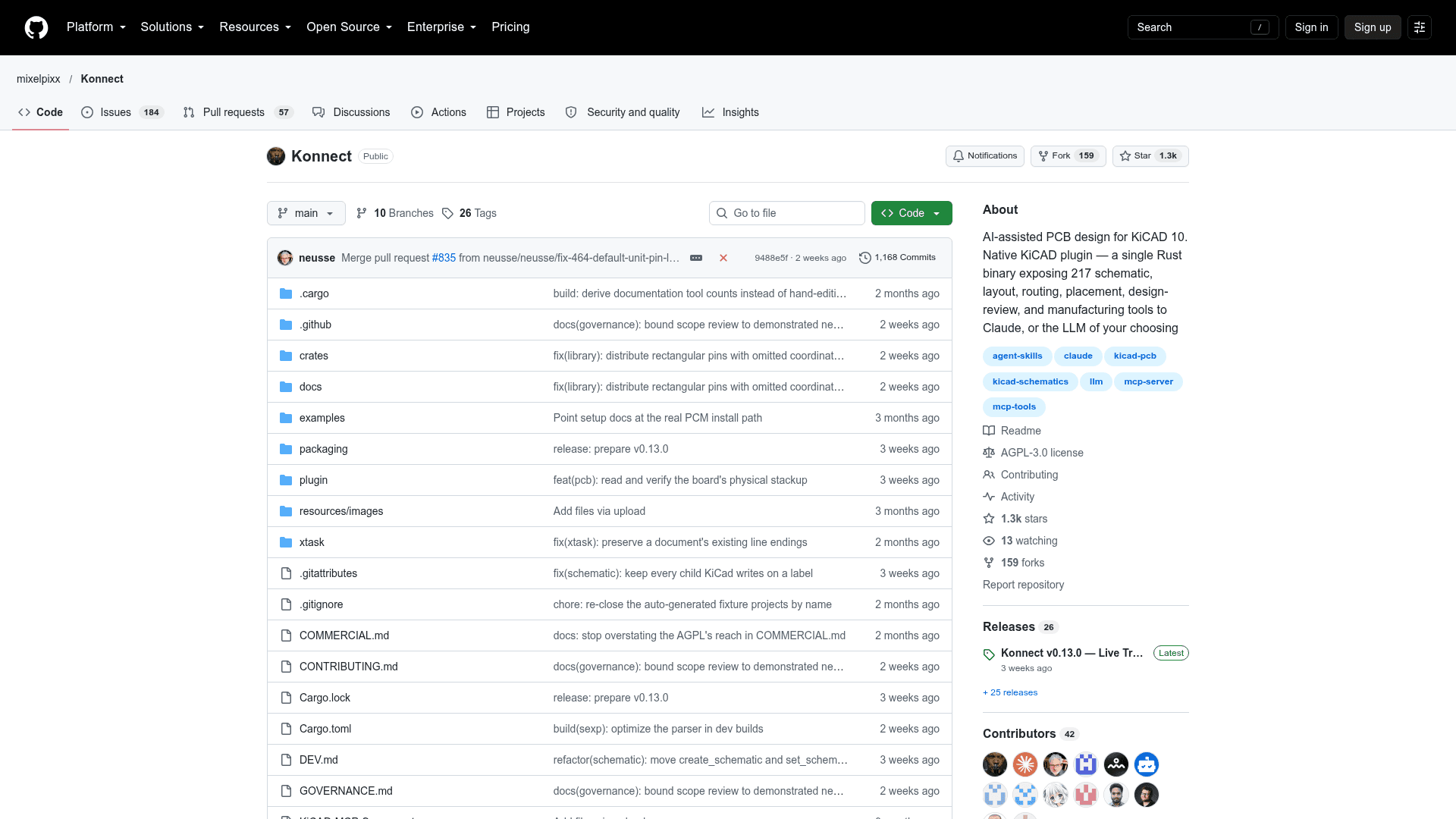
A KiCAD 10 plugin and MCP server, built as a single Rust binary, that lets AI assistants design schematics and PCBs.
At a Glance
Konnect core is licensed under the GNU AGPL-3.0 (OSI-approved); free to use, modify and distribute under AGPL terms.
Engagement
Available On
Alternatives
Listed Oct 2026
About Konnect
Konnect is a native KiCAD 10 plugin, distributed as a single Rust binary, that exposes schematic, PCB layout, routing, design-check, and manufacturing tools to Claude and other MCP clients. The README describes 228 tools across 21 on-demand toolsets and labels the release as beta. It is published by the GitHub user mixelpixx under the AGPL-3.0 license, with commercial licenses also offered.
What It Is
Konnect is an MCP (Model Context Protocol) server for electronics design. An AI assistant connects to it and edits KiCAD projects directly instead of describing changes for a person to apply by hand. It succeeds the Python/TypeScript KiCAD-MCP-Server, rebuilt as a single static binary.
What the AI Can Do
- Place and wire schematic components, connecting them by pin name.
- Place, move, rotate, and route PCB footprints in real time through KiCAD's IPC API, integrated with KiCAD's undo/redo.
- Run ERC, DRC, connectivity validation, decoupling audits, power-rail review, and BOM health checks.
- Export Gerbers, drill files, BOM, pick-and-place, 3D models, and PDF.
- Search a local JLCPCB parts catalog and suggest alternatives.
- Start from reference circuits such as USB-C, LDO, buck converter, STM32, I2C, and LED templates.
- Autoroute through a Specctra DSN export, Freerouting, and SES import path.
A separate schematic viewer auto-refreshes as the schematic file changes.
How It Works
Schematic edits go directly to .kicad_sch files through a built-in S-expression engine with atomic writes. PCB edits use the KiCAD 10 IPC API, and exports and checks call kicad-cli. The default transport is MCP JSON-RPC over stdio, with Streamable HTTP also available. A router loads a small starter kit of tools and pulls in toolsets on demand to save context, and call-logging tools let the model diagnose tool failures.
Setup Path
Install from the KiCAD Plugin and Content Manager using a platform zip from Releases, or build from source with Cargo (protoc and cmake required). Then register the binary in Claude Desktop or Claude Code's MCP config. konnect init installs bundled skills, agents, and hooks for Claude, or skills only for Codex with --client codex. Most PCB tools need KiCAD running with the board open. Windows is the most-tested platform, macOS works from release binaries or source, and Linux compiles and passes CI tests.
Community Discussions
Be the first to start a conversation about Konnect
Share your experience with Konnect, ask questions, or help others learn from your insights.
Pricing
Open Source (AGPL-3.0)
Konnect core is licensed under the GNU AGPL-3.0 (OSI-approved); free to use, modify and distribute under AGPL terms.
- Licensed under GNU AGPL-3.0
- 228 tools across 21 on-demand toolsets
- Single static Rust binary KiCAD 10 plugin
- 6 skills + 2 agents bundled
- AGPL requires software built on or around Konnect, including over a network, to be open-sourced under the same license
Capabilities
Key Features
- 228 tools across 21 on-demand toolsets
- Schematic capture and wiring by pin name
- Real-time PCB layout and routing via KiCAD IPC API
- ERC, DRC, and design-review audits
- Manufacturing export (Gerber, drill, BOM, pick-and-place, 3D, PDF)
- JLCPCB part search with local catalog
- Reference circuit templates
- Specctra DSN export with Freerouting autorouting
- Live schematic viewer
- Bundled skills and agents for Claude and Codex
- Stdio and Streamable HTTP transports
- Call logging and server stats observability