
Lightweight, self-contained Linux server monitoring tool with a web UI and terminal TUI.
At a Glance
Fully free and open source under AGPL-3.0. All features included.
Engagement
Available On
Alternatives
Listed Mar 2026
About kula
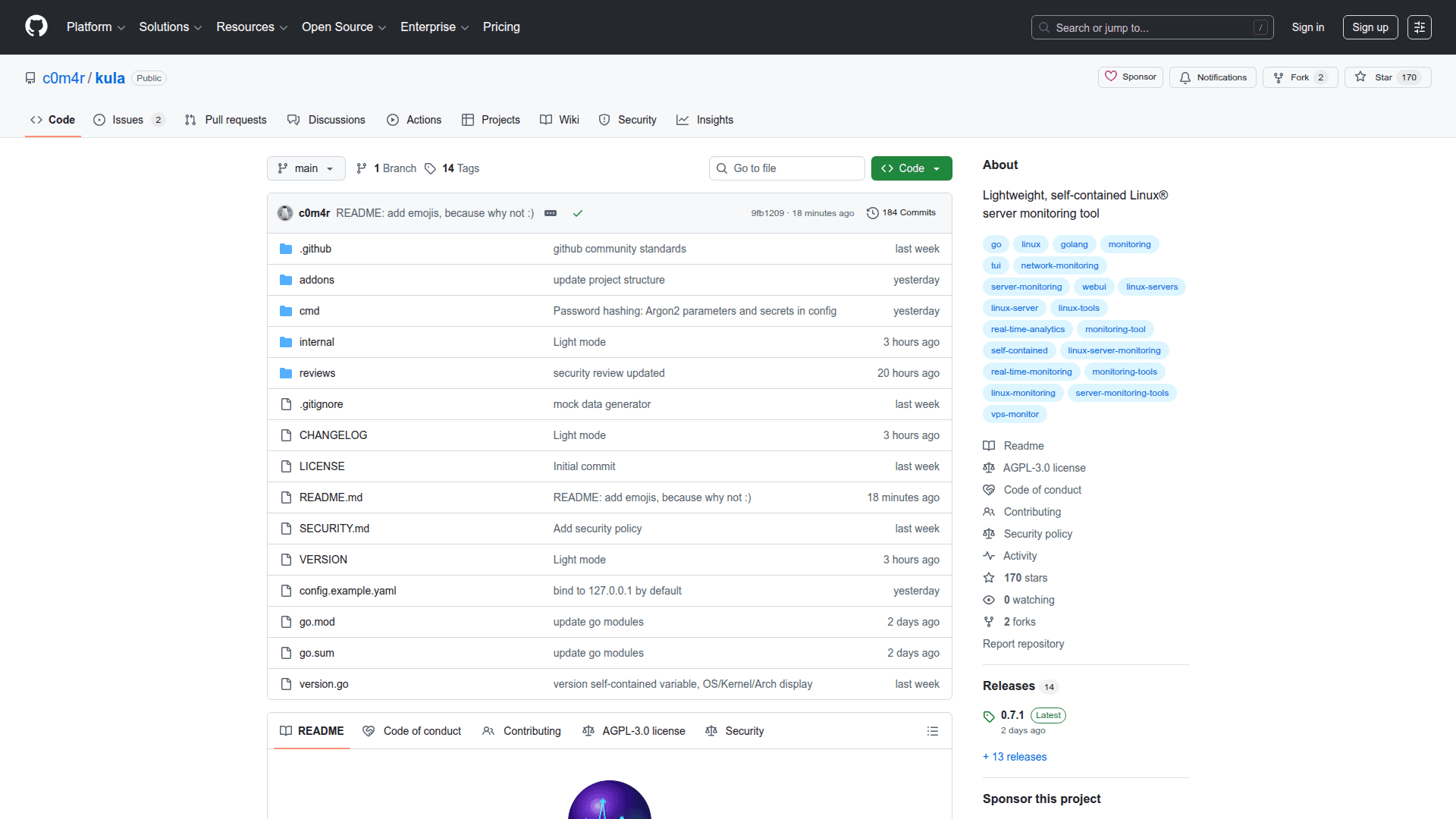
Kula is a lightweight, self-contained Linux server monitoring tool written in Go. It collects system metrics every second by reading directly from /proc and /sys, stores them in a built-in tiered ring-buffer storage engine, and serves them through both a real-time web dashboard and a terminal TUI — with zero external dependencies and no database required.
The storage engine uses pre-allocated ring-buffer files organized into three tiers: 1-second raw samples (Tier 1), 1-minute aggregates (Tier 2), and 5-minute aggregates (Tier 3). This gives predictable, bounded disk usage with no cleanup needed.
- CPU Monitoring - Per-core and total usage across user, system, idle, iowait, irq, steal, and guest states
- Memory & Swap - Total, free, available, used, buffers, cached, shmem, dirty, and mapped metrics
- Network - Per-interface throughput in Mbps, packets per second, errors, drops, and TCP/UDP/ICMP counters
- Disk I/O - Per-device read/write bytes per second, utilization percentage, and filesystem and inode usage
- System Info - Uptime, entropy, clock sync status, hostname, and logged-in users
- Process Tracking - Task counts by state (running, sleeping, blocked, zombie) and total thread counts
- Web Dashboard - Embedded single-page application with interactive Chart.js graphs, drag-select zoom, focus mode, and gap detection
- Terminal TUI - Built with bubbletea and lipgloss for an in-terminal monitoring interface
- WebSocket Streaming - Live metric delivery via WebSocket with REST API fallback for historical ranges
- Optional Authentication - Argon2id password hashing with session cookies or Bearer token support
- Multiple Install Paths - Available as a standalone binary, Debian/Ubuntu .deb package, Docker container, AUR package, or built from source
- Init System Support - Service files provided for systemd, OpenRC, and runit
To get started, download the binary from the GitHub releases page, copy config.example.yaml to config.yaml, and run ./kula serve to start the dashboard on http://localhost:8080. Alternatively, run ./kula tui for the terminal interface.
Community Discussions
Be the first to start a conversation about kula
Share your experience with kula, ask questions, or help others learn from your insights.
Pricing
Open Source
Fully free and open source under AGPL-3.0. All features included.
- Full metrics collection (CPU, memory, network, disk, system)
- Web dashboard with real-time graphs
- Terminal TUI
- Tiered ring-buffer storage engine
- WebSocket and REST API
Capabilities
Key Features
- Per-core and total CPU usage monitoring
- Memory and swap metrics collection
- Per-interface network throughput and packet statistics
- Per-device disk I/O and filesystem usage
- Tiered ring-buffer storage engine (1s
- 1m
- 5m aggregates)
- Real-time web dashboard with Chart.js graphs
- Terminal TUI interface
- WebSocket live streaming
- REST API for historical data
- Optional Argon2id authentication
- Single binary
- zero external dependencies
- Docker support
- systemd
- OpenRC
- and runit service files
- Cross-compile support for amd64
- arm64
- riscv64
- Debian/Ubuntu .deb package
- Arch Linux AUR package