
Kuvo Code
Native macOS harness for coding agents and AI bots that works with any model, built on the opencode engine.
At a Glance
Kuvo Code is free for personal use; source-available under PolyForm Noncommercial 1.0.0. Commercial use requires a separate written license.
Engagement
Available On
Listed Nov 2026
About Kuvo Code
Kuvo Code is a native macOS app from Kuvo that lets you run coding agents and named AI bots on any model. It is written in SwiftUI and uses the unmodified opencode engine, adding a native interface for sessions, change review and a side panel. The latest release listed on GitHub is v0.7.2, and it requires an Apple silicon Mac running macOS 26 or later.
What It Is
Kuvo Code is a harness for coding agents. Sessions are organized by project, and the agent can read, edit and run things in the project folder. You can choose Ask First in the composer's mode menu to approve each edit and command. Models can come from a subscription you already have, an API key, or free models that need no account. Providers include Claude, GPT, Gemini, and open models via OpenRouter and the other opencode providers.
Bots and remote machines
Bots are AI teammates with a name, a look and one job each, such as keeping the build green or sending a morning standup. According to the README, they remember what they learn, wake themselves up on a schedule and talk things through in group chats. Projects can also be opened on another Mac or a Linux machine reached over SSH. Sessions, files, terminals and the agent's browser run there, so work can continue while your Mac is off.
Reviewing and working alongside the agent
The Changes tab shows uncommitted git changes with unchanged lines folded and images shown before and after. A comment on a line goes to the agent with your next message. The side panel holds project files, a terminal in the project folder and a browser that the agent can also use to open pages, click, type and scroll while you watch each step. A menu bar item shows plan limits and spend for connected accounts such as GitHub Copilot, ChatGPT (Codex), OpenCode, OpenRouter and Z.ai.
Setup path
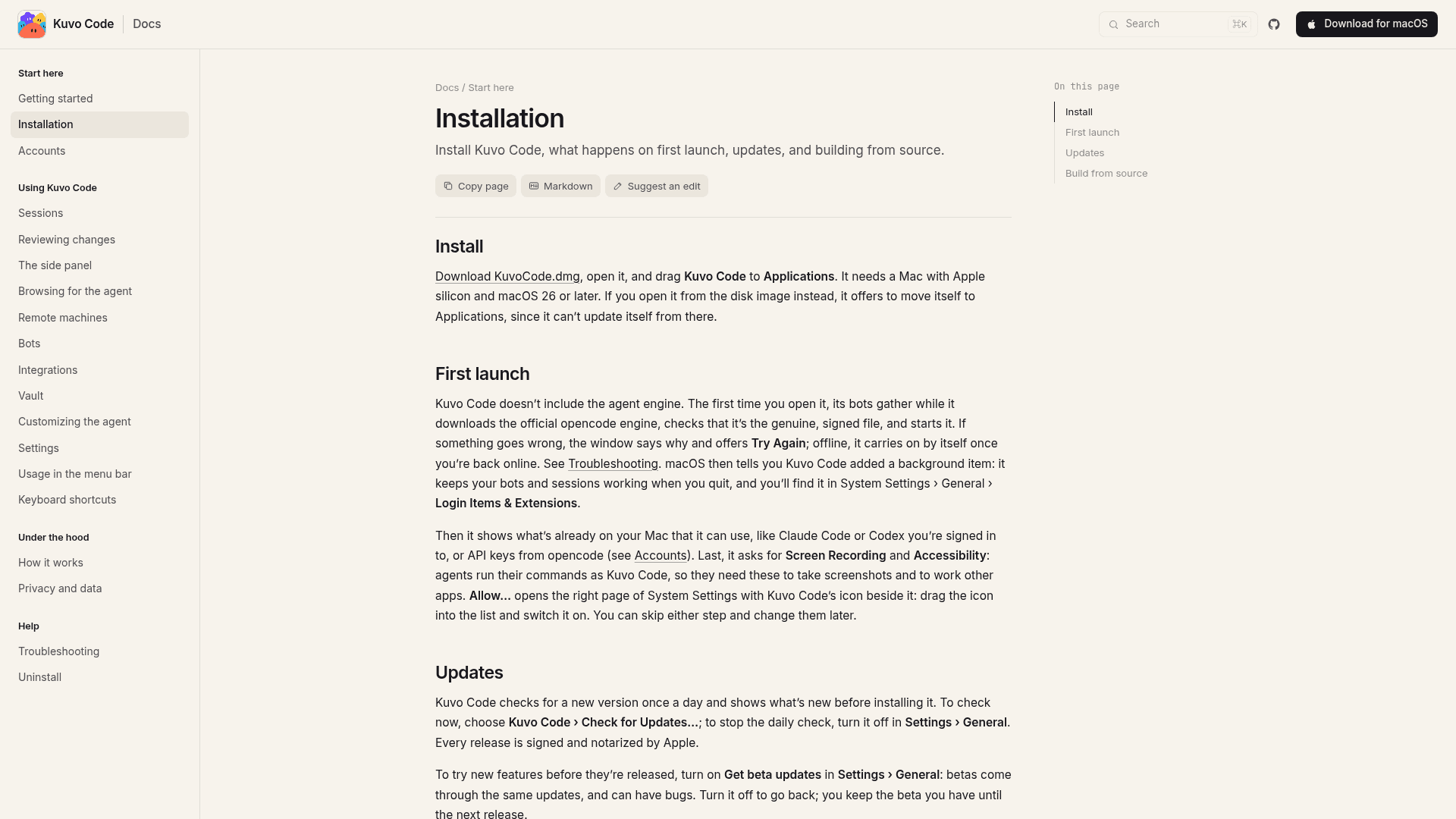
You download KuvoCode.dmg and drag the app to Applications. On first launch it downloads the official opencode engine and verifies its checksum and signature. It then offers to use existing accounts, such as signed-in Claude Code or Codex, and asks for Screen Recording and Accessibility permissions, which can be skipped. Updates arrive through Sparkle once a day, with an optional beta channel, and releases are signed and notarized by Apple. It can also be built from source with Xcode 27 or later. The source is available under the PolyForm Noncommercial License 1.0.0.
Community Discussions
Be the first to start a conversation about Kuvo Code
Share your experience with Kuvo Code, ask questions, or help others learn from your insights.
Pricing
Free for personal use
Kuvo Code is free for personal use; source-available under PolyForm Noncommercial 1.0.0. Commercial use requires a separate written license.
- Free for personal use, with source on GitHub
- Source-available under PolyForm Noncommercial License 1.0.0 (not OSI-approved)
- Commercial use requires a separate written license from the copyright holder
- Free models that need no account
- Bring your own subscriptions or API keys (external cost)
Capabilities
Key Features
- Bots with a name and one job that remember, wake on a schedule and chat in groups
- Works with any model via subscriptions, API keys or free models
- Pull-request-style review of changes with line comments sent to the agent
- Side panel with files, terminals and a browser the agent can use
- Sessions on remote Macs and Linux machines over SSH
- Attach files of any kind
- Menu bar plan limits and spend
- Native SwiftUI and AppKit app
- Signed, notarized daily updates with optional beta channel