
Kyde
A fast native Git client and code editor for macOS focused on commit and diff workflows, built with GPU-rendered native UI via Zed's gpui framework.
At a Glance
Free and open source under the Apache License 2.0. Download prebuilt macOS binaries or build from source.
Engagement
Available On
Listed Jun 2026
About Kyde
Kyde is a fast, native Git client and code editor built primarily for macOS, created by Kyle Johnson (kyle-ssg). It focuses on the commit and diff workflow — the parts of a modern IDE that developers use most — without the overhead of a full IDE or Electron-based app. The project is open source under the Apache License 2.0 and is written in Rust.
What It Is
Kyde is a desktop application that combines a Git client with a lightweight code editor, targeting developers who spend most of their time in the commit and diff view rather than a full IDE. It is built on gpui — the same GPU-rendered native GUI framework used by the Zed editor — which means no web layer, no Electron, and no JVM startup time. The README describes it as "a fast native commit and diff code editor — a Git client for macOS."
Architecture and Stack
Kyde's technical foundation is deliberately minimal and performance-oriented:
- gpui (Apache-2.0) — Zed's native, GPU-rendered GUI framework for all UI rendering
- git — shelled out directly; no libgit2 dependency
- similar (Apache-2.0) — handles line and word diffing
- tree-sitter — powers syntax highlighting, installed on demand via a built-in Language Plugins manager
- alacritty's VTE engine — backs the embedded multi-tab PTY terminal
Each language grammar is a Cargo feature, so builds can include only the grammars needed, reducing binary size and resident RAM.
Core Features
The README documents a substantial feature set across four main areas:
Git workflow:
- Side-by-side diff with word-level highlighting and a center gutter for staging/reverting hunks
- Commit view with editable diff, message box, and per-hunk or whole-file staging
- Branch switcher with searchable tree and Recent/Local roots
- Commit history log with read-only diff against parent, latest, or local working tree
- Rollback window with checkbox tree and optional deletion of added files
- Push support when ahead of upstream
Code browsing and editing:
- Folder tree with git-status colors and file-type icons
- Text editor with undo/redo, find & replace, syntax highlighting, code folding, and auto-save
- Markdown live preview pane
- Image preview for PNG/JPG/GIF/WebP
- Language Plugins manager supporting TypeScript/TSX, JavaScript, Rust, JSON, Markdown, Shell, CSS, SCSS, YAML, TOML, Python, HTML, Go, R, and LaTeX
Search and navigation:
- Go to File (
⌘⇧O/⌘P) and Find Action (⌘⇧A) fuzzy finders - Find in Files (
⌘⇧F) viagit grepwith jump-to-match - Scratch files for throwaway buffers
Terminal:
- Embedded multi-tab PTY terminal docked at the bottom, toggled with `⌃``
- Full color, scrollback, resize, mouse select/copy, bracketed paste, and URL click support
Performance Design
The README states that a 37,000-line package-lock.json scrolls at approximately 120fps. This is achieved through viewport virtualization (only on-screen rows are shaped per frame) and async highlighting (large files open instantly as plain text, then highlight off-thread). Performance is guarded by perf_* time-budget tests and headless-gpui smoke tests that render every screen and fail on any panic. An on-screen FPS monitor is available as a toggle.
Update: v1.3.0
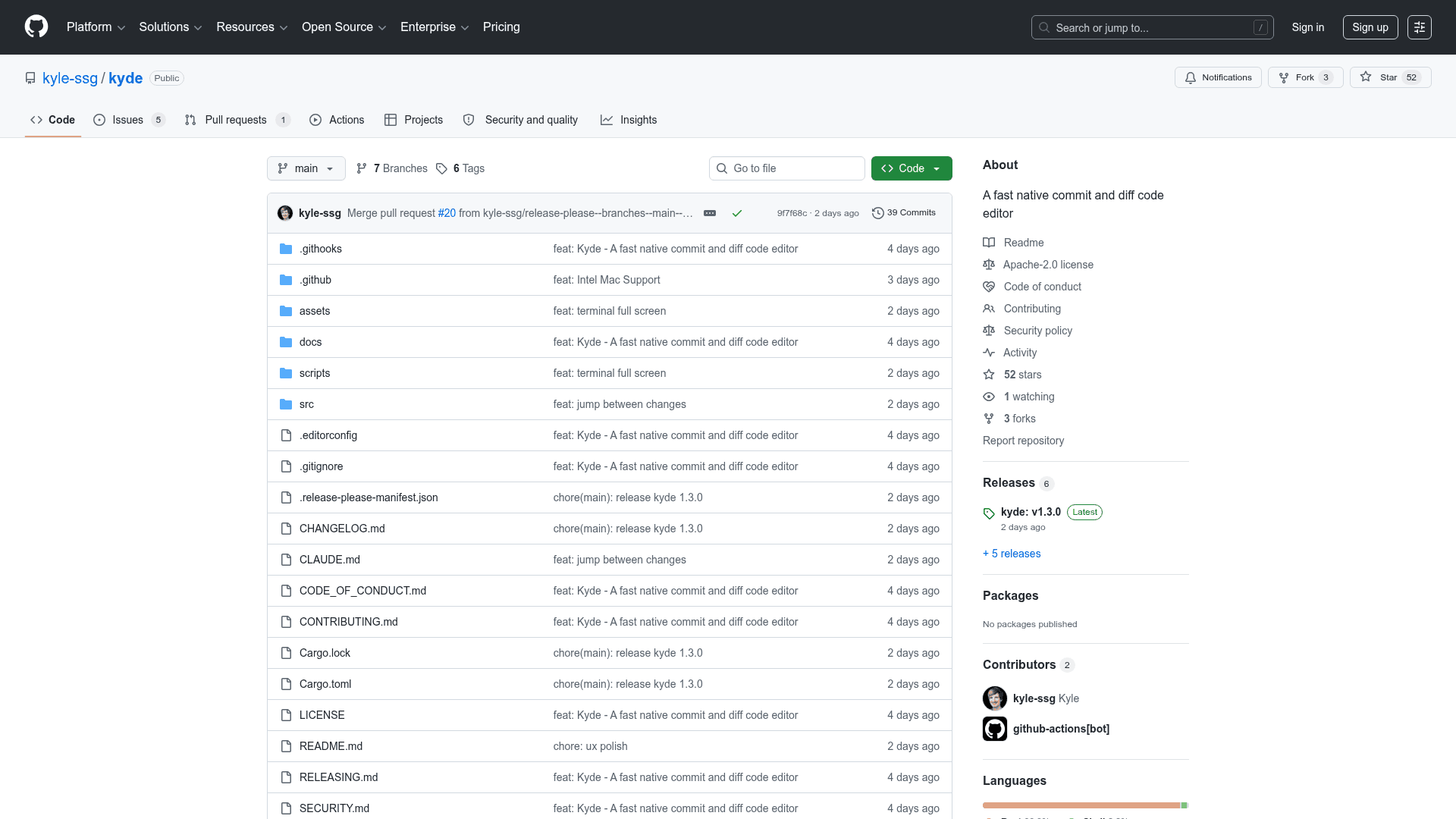
The latest release is kyde-v1.3.0, published on 2026-06-24. The repository was created on 2026-06-22, making this a very recently launched project with rapid early iteration. Prebuilt releases are macOS-only (Apple Silicon and Intel x86_64 zips); Linux and Windows packaging scripts exist in the repository but are not wired to the release pipeline. The README notes that re-enabling cross-platform builds is a "good first issue" for contributors on those platforms.
Known Limitations and Roadmap
The README is candid about current gaps:
- No soft-wrap or caret-follow scrolling yet; the editor uses a flat
Stringbuffer rather than a rope - File watching refreshes on focus only; live updates via
notifyare planned - No LSP or AI integration is mentioned
Community Discussions
Be the first to start a conversation about Kyde
Share your experience with Kyde, ask questions, or help others learn from your insights.
Pricing
Open Source
Free and open source under the Apache License 2.0. Download prebuilt macOS binaries or build from source.
- Full Git client with commit, diff, branch, and history views
- Native GPU-rendered UI via gpui
- Embedded multi-tab PTY terminal
- Syntax highlighting via tree-sitter with Language Plugins manager
- Side-by-side diff with word-level highlighting
Capabilities
Key Features
- Side-by-side diff with word-level highlighting
- Center gutter for staging/reverting hunks
- Commit view with editable diff and message box
- Branch switcher with searchable tree
- Commit history log with read-only diff
- Rollback window with checkbox tree
- Push support when ahead of upstream
- Folder tree with git-status colors
- Text editor with undo/redo and auto-save
- Find & replace in file
- Find in Files via git grep
- Syntax highlighting via tree-sitter
- Built-in Language Plugins manager
- Code folding for grammar-backed languages
- Markdown live preview pane
- Image preview for PNG/JPG/GIF/WebP
- Embedded multi-tab PTY terminal
- Go to File and Find Action fuzzy finders
- Scratch files for throwaway buffers
- WebStorm and VSCode keymap presets
- Configurable theme via ~/.config/kyde/theme.json
- GPU-rendered native UI at 120fps
- Viewport virtualization for large files
- Async syntax highlighting
- Install shell command (ky symlink)
- Searchable recents with branch and path