
launchpad
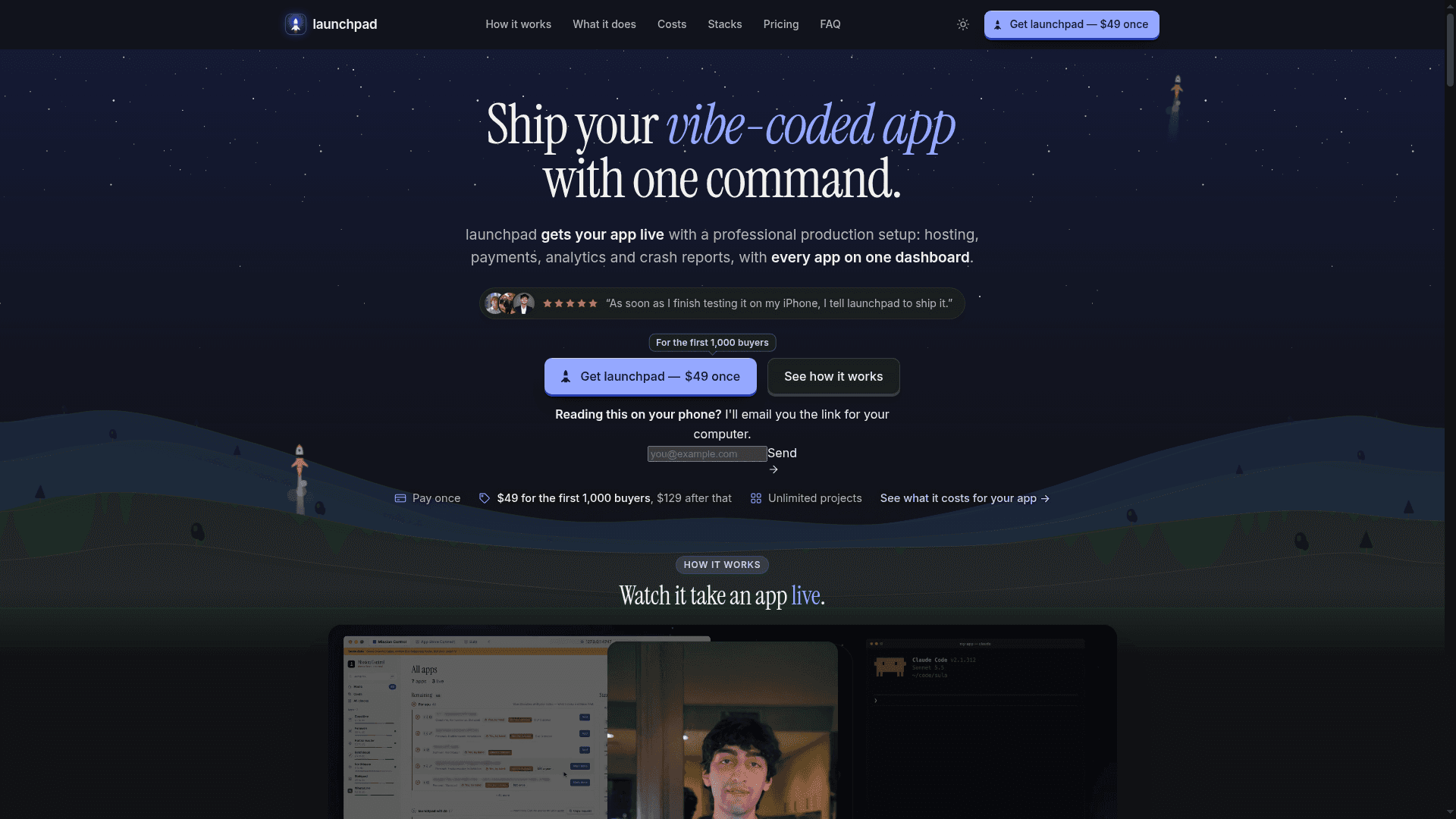
A Claude Code plugin that takes apps from a local repository to production with hosting, payments, analytics, crash reports and a dashboard.
At a Glance
Engagement
Available On
Listed Nov 2026
About launchpad
launchpad is a Claude Code plugin made by Sid Karia that takes apps built with AI from a laptop to live. It works through a production checklist for each repository, covering hosting, builds, signing, analytics, crash reports and store paperwork, and tracks every project on a local dashboard called Mission Control.
What It Is
launchpad runs inside Claude Code on the user's own Claude subscription. Pointed at a repository, it reads the project, finds each app in it, and tells the user what it will write before it writes anything. The site describes a 50-item production checklist, which it sets up or checks and keeps in Mission Control until the item passes.
How the workflow runs
After installing the plugin and activating a license key, the user runs /launchpad:onboard in the app's folder. The checklist spans eight areas: live on the web, app stores and downloads, security and data, usage analytics, legal and trust, payments and costs, builds and releases, and Mission Control and safety. Pipelines are written as GitHub Actions workflows, so the repository must be on GitHub. launchpad asks before it spends money, makes anything public, changes DNS or uploads to a store. A command can undo the project-file changes from its last run, but it cannot undo a deploy, DNS change or payment.
Supported stacks and targets
It ships six kinds of app: iOS, Android, macOS (DMG), web apps, static sites and backend services. Stacks include Flutter, Swift/Xcode, React Native, Expo, Next.js, Nuxt, SvelteKit, Astro, Hugo, Docusaurus, Cloudflare Workers, Express and others. Targets include TestFlight and the App Store, Firebase App Distribution, Vercel, Cloudflare Pages and Workers, and Google Cloud Run. Other stacks are recognized and scored but have no pipeline yet, and Capacitor/Ionic is listed as unsupported.
Privacy and local operation
The README states that launchpad runs on the user's machine, with keys stored in the OS keychain or an encrypted file. It sends an update check, a license check, and optional usage analytics only if the user opts in. The documentation says these never include code, project names or app keys. It works best on macOS today, and Windows and Linux users are advised to contact support first.
Community Discussions
Be the first to start a conversation about launchpad
Share your experience with launchpad, ask questions, or help others learn from your insights.
Pricing
launchpad
One-time purchase for unlimited projects; $49 for the first 1,000 buyers, $129 after that. Runs as a Claude Code plugin on your own Claude plan.
- Pay once, no subscription
- Unlimited projects
- Runs in Claude Code on your computer
- All 1.x updates included; 2.0 is a paid upgrade, discounted for owners
- $49 for the first 1,000 buyers, $129 after that
- Third-party platform fees (Apple $99/year, Google Play $25 once) are paid separately to those vendors
Capabilities
Key Features
- 50-item production readiness checklist
- One-command onboarding via /launchpad:onboard
- Mission Control local dashboard for all projects
- Cloud builds, signing and release channels via GitHub Actions
- TestFlight, App Store and Firebase App Distribution delivery
- Hosting, domain and DNS setup
- Crash reporting, usage analytics and uptime alerts
- Keys stored in OS keychain
- Asks before spending money, changing DNS or uploading to stores
- Undo command for project file changes
- Readiness scorecard for recognized stacks