
LM Studio
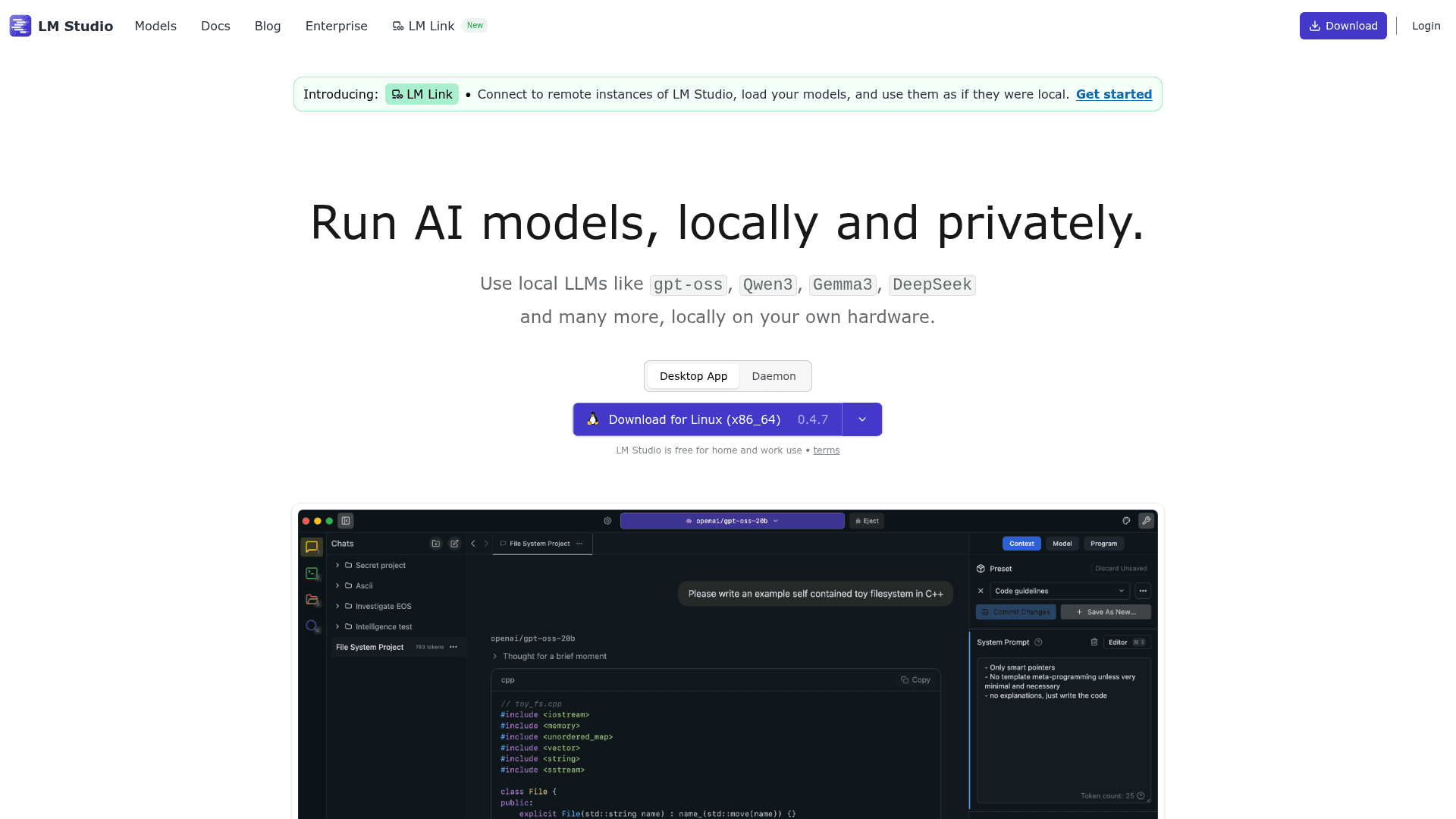
LM Studio lets you download and run large language models locally and privately on your own hardware, with a desktop app, headless daemon, CLI, and OpenAI-compatible API.
At a Glance
About LM Studio
LM Studio, built by Element Labs, Inc., is a desktop application and headless runtime that lets individuals and teams run open-weight large language models entirely on their own hardware — no cloud required. It supports macOS, Windows, and Linux, and is free for both home and work use under its published terms.
What It Is
LM Studio is a local AI inference platform that wraps llama.cpp (for GGUF models) and Apple MLX (on Apple Silicon) into a polished desktop GUI and a headless daemon called llmster. Users can browse, download, and run models like Llama, Qwen, DeepSeek, Gemma, Mistral, and OpenAI's gpt-oss directly from the app or via a CLI tool called lms. The platform also exposes an OpenAI-compatible REST API so existing apps and scripts can point at local models with minimal code changes.
Core Capabilities
- Model discovery and download via Hugging Face integration, directly inside the app
- Chat interface with document attachment (RAG) for fully offline document Q&A
- MCP client support — install and use Model Context Protocol servers with local models
- OpenAI-compatible API for drop-in compatibility with tools built for OpenAI endpoints
- Python SDK (
pip install lmstudio) and JavaScript/TypeScript SDK (npm install @lmstudio/sdk) for programmatic access - Headless mode (
llmster) for server, CI, and cloud deployments without a GUI
Deployment Model
LM Studio covers two distinct deployment paths. The desktop app targets developers and knowledge workers who want a GUI-driven experience on their laptop or workstation. The llmster daemon targets server and CI environments where no display is available — it can be installed on Linux boxes or cloud VMs via a one-line shell script. Both paths share the same model management and API surface, so workflows built locally can be promoted to server deployments without rewriting integration code.
Developer and Integration Surface
The platform ships with first-party SDKs for Python and TypeScript, a CLI (lms) for chat, model downloads, daemon management, and server control, and documented integrations with tools like Codex, Claude Code, and OpenClaw. LM Studio also acts as an MCP client, letting developers connect external tool servers to local models. A "LM Link" feature, introduced as a new capability on the homepage, routes local AI workloads across devices so users can connect to remote LM Studio instances and use them as if they were local.
Update: Version 0.4.7 and llmster
The homepage download badge shows version 0.4.7 for Linux (x86_64) as the current release. The 0.4.0 release introduced llmster — the headless, no-GUI deployment mode — along with server and CI deployment support, which the changelog describes as "deploy on servers, deploy in CI, deploy anywhere." The product direction signal is clear: LM Studio is expanding beyond a desktop-only tool toward a full local inference stack usable in automated and server environments. The addition of LM Link for remote instance connectivity further extends the platform's reach beyond single-machine use.
Community Discussions
Be the first to start a conversation about LM Studio
Share your experience with LM Studio, ask questions, or help others learn from your insights.
Pricing
Personal
Free for home and work use. Download and run local LLMs with the desktop app, CLI, and APIs.
- Desktop app for macOS, Windows, and Linux
- Model download and management via Hugging Face
- Chat interface with document attachment (RAG)
- OpenAI-compatible REST API
- MCP client support
Enterprise
Enterprise-grade local AI deployment across organizations with controls for models, MCPs, and plugins. Contact sales for pricing.
- Deploy local LLMs across your organization
- Enterprise-grade controls for models, MCPs, and plugins
- Team organization management
- Private, secure AI on your own infrastructure
- Dedicated support
Capabilities
Key Features
- Run LLMs locally and privately on your own hardware
- Desktop GUI for model management and chat
- Headless daemon (llmster) for server and CI deployments
- OpenAI-compatible REST API
- MCP client support for connecting tool servers to local models
- RAG: chat with documents entirely offline
- Python SDK and TypeScript/JavaScript SDK
- CLI (lms) for chat, downloads, daemon, and server control
- Apple MLX support on Apple Silicon Macs
- llama.cpp (GGUF) model support
- LM Link for connecting to remote LM Studio instances
- Model search and download via Hugging Face
- Enterprise-grade controls for models, MCPs, and plugins