
LobsterAI
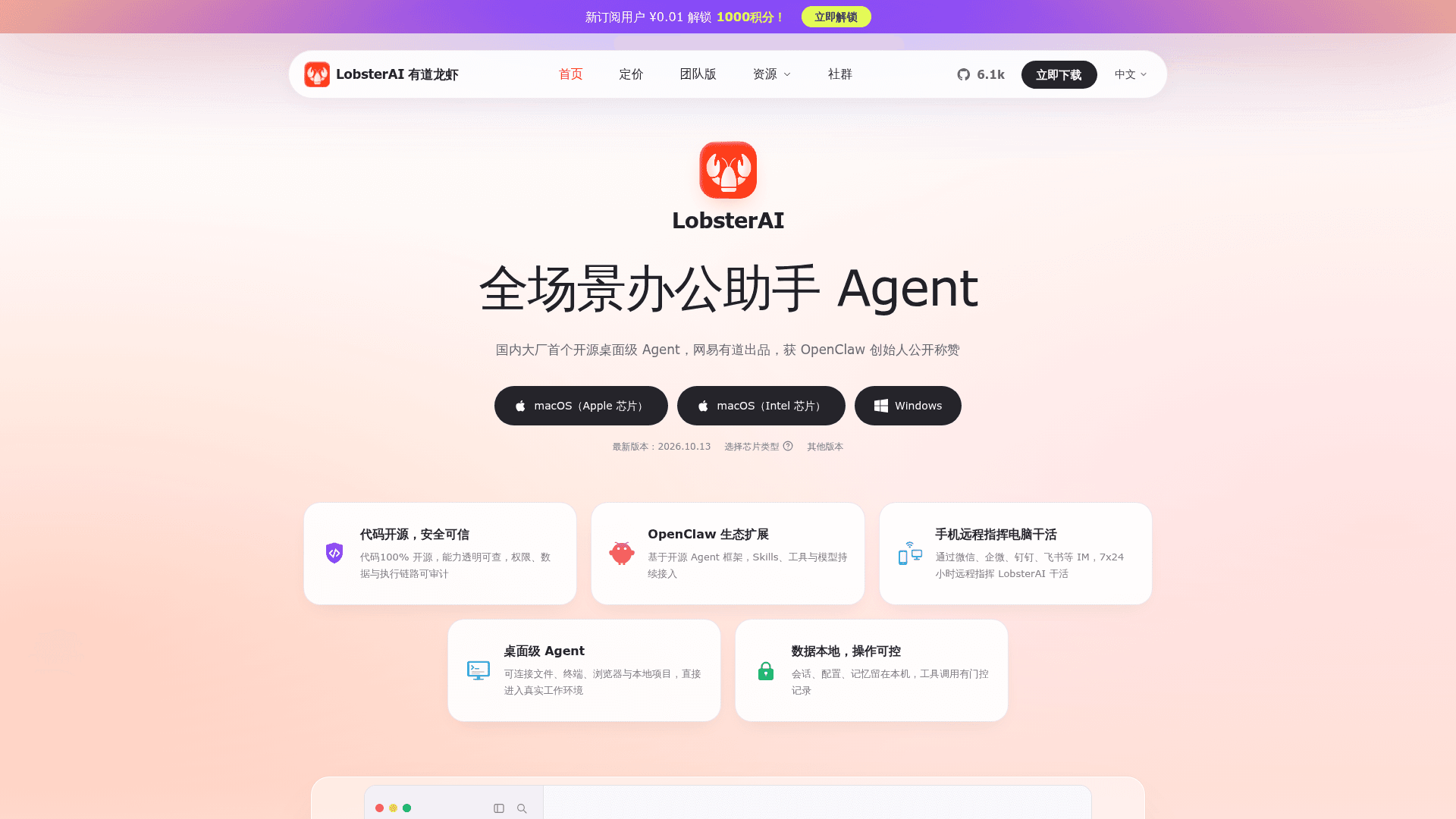
Open-source desktop AI agent from NetEase Youdao that works with local files, terminal, browser and IM channels to complete office tasks.
At a Glance
About LobsterAI
LobsterAI is an open-source desktop agent built by NetEase Youdao. It operates in a real working environment: local files, terminal commands, browser workflows, documents, spreadsheets, slides, scheduled jobs and project workspaces. It is available as macOS and Windows installers and can also be run from source under the MIT license.
What It Is
LobsterAI is a desktop office-assistant agent. A user describes a task, for example building a local inventory system, turning a spreadsheet into a visual dashboard, or researching a market and producing a presentation, and the agent carries it out on the local machine and produces files such as HTML pages, Markdown, PPTX, XLSX or PDF. Cowork is the product and session layer, while OpenClaw is the runtime and gateway underneath that executes the agent.
How the Workflow Works
- Cowork sessions stream progress, keep session history, render tool output and ask for approval before sensitive actions such as file operations, terminal commands or network access.
- Custom agents can be created with their own identity, model choice, skills, working directory and IM bindings.
- Expert Kits package capability selections for scenarios such as product management, marketing and data.
- The README lists 28 built-in skills, including web search, Word, spreadsheets, PowerPoint, PDF processing, browser automation, image/video generation and email.
- MCP servers can be connected to bring in external tools and data sources.
- Scheduled tasks handle recurring work such as daily news digests or website monitoring.
Remote Control and Channels
The desktop agent can be reached from WeChat, WeCom, DingTalk, Feishu/Lark, QQ, Telegram, Discord, NetEase IM, NetEase Bee, POPO and email, so results are sent back to the chat. Multi-instance platforms can bind different accounts or channels to different agents.
Local Data and Security
Sessions and app data are stored locally in SQLite, and OpenClaw workspace memory uses files such as MEMORY.md and USER.md so preferences carry across sessions. The README states that renderer windows use context isolation and sandboxing, and that sensitive tool actions are permission-gated and logged.
Setup Path
Installers for macOS (Apple silicon and Intel) and Windows are offered on the official site and GitHub Releases. Running from source requires Node.js 24.x, npm 11.x, and git and pnpm to build the pinned OpenClaw runtime.
Community Discussions
Be the first to start a conversation about LobsterAI
Share your experience with LobsterAI, ask questions, or help others learn from your insights.
Pricing
Open Source (MIT)
LobsterAI desktop agent core released under the MIT License; free to use, copy, modify and distribute.
- MIT License
- macOS and Windows desktop app
- Source code on GitHub
Capabilities
Key Features
- Desktop Cowork sessions with approval for sensitive actions
- Custom multi-agent workflows
- Expert Kits for scenario-based skill bundles
- 28 built-in skills (web search, Word, spreadsheets, PowerPoint, PDF, browser automation, image/video generation)
- MCP server connections
- Scheduled tasks
- IM remote control from WeChat, WeCom, DingTalk, Feishu/Lark, Telegram and more
- Rich artifact preview (HTML, SVG, Mermaid, Markdown, video)
- Local memory and SQLite data storage
- Permission-gated and logged tool calls