
LocalCan
Tunneling tool that gives localhost apps public HTTPS URLs and .local domains, with a traffic inspector and an MCP server for AI agents.
At a Glance
For ephemeral Public URLs and local development
14-day free trial of any paid plan
Engagement
Available On
Alternatives
Listed Nov 2026
About LocalCan
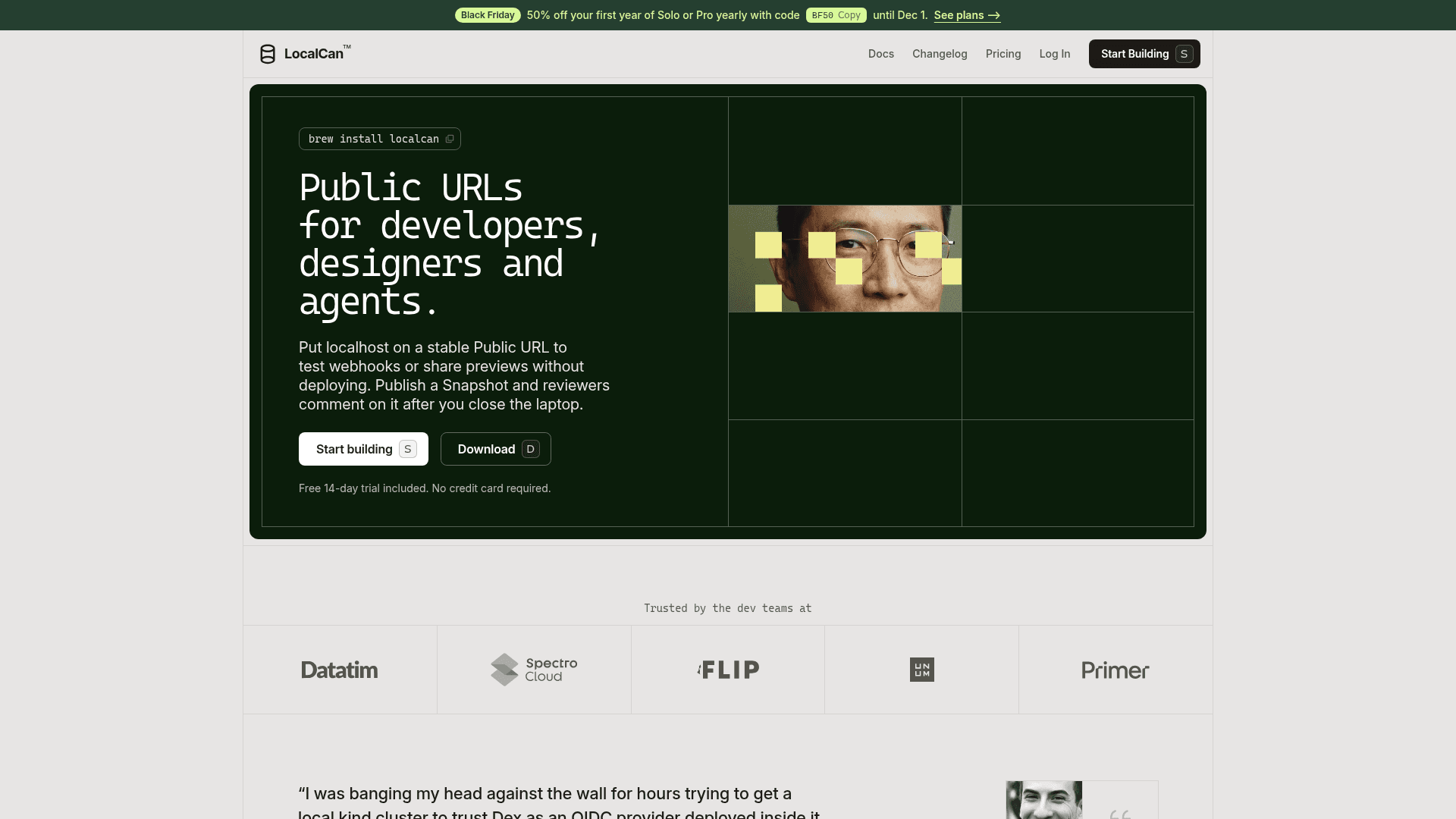
LocalCan puts a local app on the internet with a Public URL (a tunnel) and on the local network with a .local domain, both over HTTPS. It ships as a desktop app for macOS and Windows and a CLI for macOS, Windows, and Linux. Its MCP server lets AI agents such as Claude Code, Codex, and Cursor inspect traffic and manage shared URLs.
What It Is
LocalCan is a local development tunneling and domain tool, positioned by its makers as an ngrok alternative. You point it at an app running on a local port, and it creates a local domain like https://my-app.local and, optionally, a shareable Public URL such as https://my-app.localcan.dev. Developers can use these to test webhooks and OAuth callbacks, share previews without deploying, open a localhost build on a real device, or develop MCP servers that hosted AI clients need to reach.
How the Workflow Runs
A built-in traffic inspector shows requests flowing through domains and Public URLs, lets you replay them, and copies exchanges as cURL, HAR, HTTP, JSON, or Markdown. Request contents are inspected locally in the app, and the FAQ says they are not stored on LocalCan's servers. Snapshots publish a static copy of an app that the same Public URL serves while the machine is off, and reviewers can comment on it. Access control offers a password page, a secret link, or IP and user-agent rules enforced on LocalCan's servers. TCP tunnels cover databases, SSH, and Kubernetes clusters, and custom domains can be used for Public URLs.
AI Agents and Automation
The MCP server, which the FAQ says exposes 26 tools, lets agents read captured requests to debug a failing webhook, create, pause, or remove Public URLs, publish Snapshots, and set passwords. Access is read-only until write access is enabled, and sensitive headers such as Authorization, cookies, and API keys are redacted by default. The CLI supports --json output, and projects are configured with YAML files shared between the desktop app and the CLI.
Teams and Access
The site describes team features including roles (Owner, Admin, Member), team-level custom domains, shared access policies, Okta SSO with SCIM provisioning, and an audit log. A separate LocalCan Access product puts company sign-in (Google, Microsoft, GitHub, or OIDC) in front of internal tools. LocalCan is closed-source; the GitHub repository is used for issues and discussions.
Community Discussions
Be the first to start a conversation about LocalCan
Share your experience with LocalCan, ask questions, or help others learn from your insights.
Pricing
Free
For ephemeral Public URLs and local development
- Desktop app + CLI (Mac / Windows / Linux)
- 1 live Public URL, 60-min sessions, 1 GB/month
- Snapshots (150 MB)
- MCP server for AI agents (Claude Code / Codex / Cursor)
- Unlimited .local domains
Free trial
14-day free trial of any paid plan
Solo
For solo developers with one device
- 1 user, 1 device
- 5 live Public URLs (HTTPS / TCP)
- Snapshots (1 GB)
- Access control
- 2 custom domains
- MCP server for AI agents
- 48h email support
Pro
For developers with multiple projects and devices
- 1 user, 2 devices
- 10 live Public URLs (HTTPS / TCP)
- Snapshots (2 GB)
- Access control
- 4 custom domains
- MCP server for AI agents
- 24h email support
Teams
For teams of any size
- 3 seats included, $15/seat/month
- Unlimited team members
- Unlimited custom domains
- Unlimited Public URLs
- Snapshots (10 GB)
- Team access policies
- RBAC and user roles
- Okta SSO + SCIM provisioning
- Audit Log
- Priority Zoom & email support
Lifetime License
No subscription, license never expires; 1 device, 5 Public URLs, 2 custom domains, 1 year of app updates included
- 1 device
- 5 Public URLs
- 2 custom domains
- 1 year of app updates included
Capabilities
Key Features
- Public URLs for localhost over HTTPS
- Custom domains
- TCP tunnels
- Automatic HTTPS .local domains with mDNS
- Traffic inspector with request replay and export (cURL, HAR, HTTP, JSON, Markdown)
- Snapshots with on-page comments
- Access control (password, secret link, IP and user-agent rules)
- MCP server for AI agents
- CLI with JSON output and YAML configuration
- Team roles, Okta SSO and SCIM, audit log