
LocIn
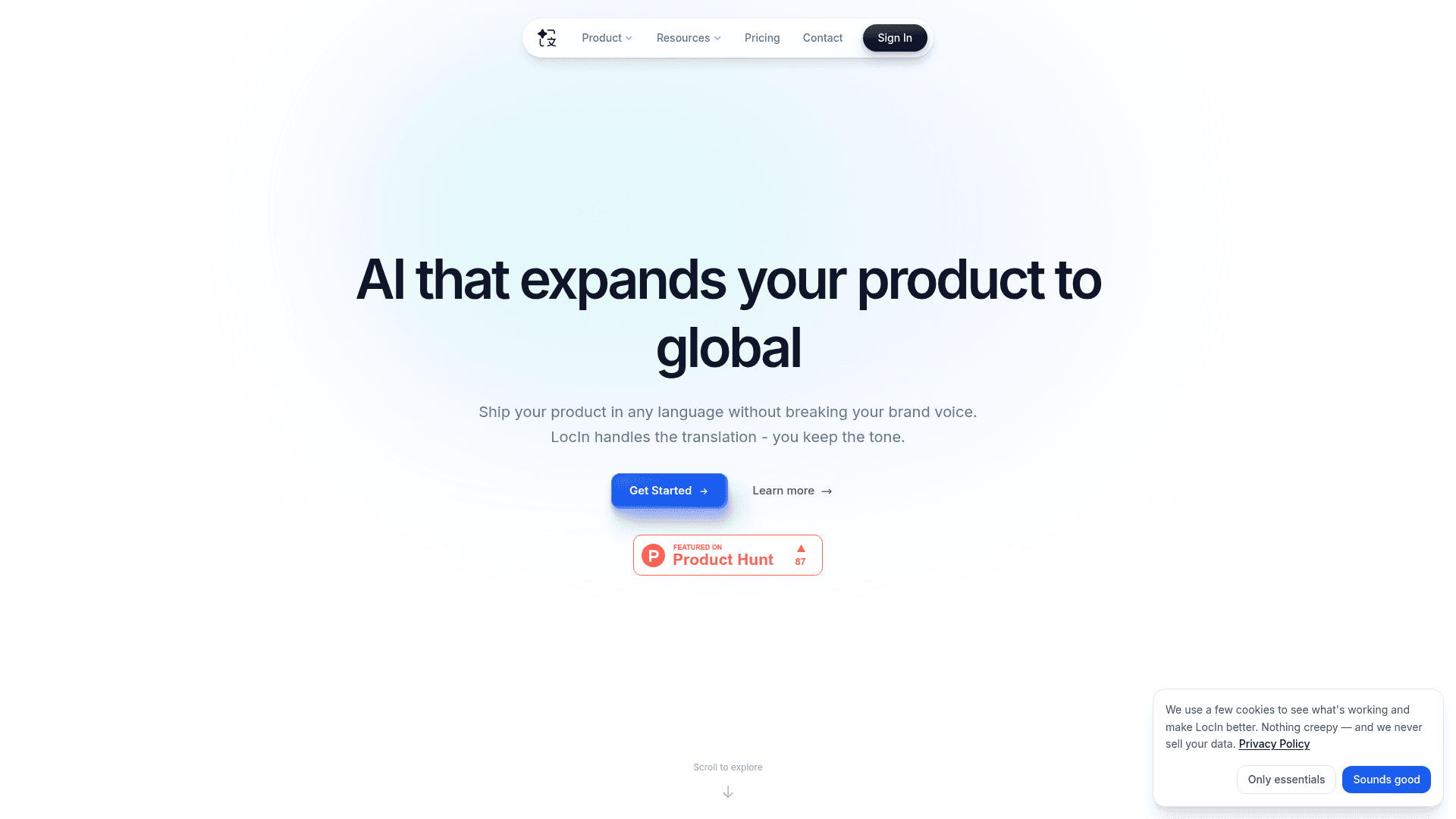
AI-powered software localization tool that translates your product into 50+ languages while preserving brand voice, variables, and UI context.
At a Glance
Perfect for side projects and trying things out.
Engagement
Available On
Alternatives
Listed Jun 2026
About LocIn
LocIn is an AI-powered localization platform built for developers who need to ship software in multiple languages without sacrificing brand voice or breaking string interpolations. It reads your codebase — components, comments, and surrounding code — to understand context before translating, rather than treating strings as isolated text. The tool is available as a CLI, API, and web platform, and is designed to fit directly into existing development and CI/CD workflows.
What It Is
LocIn sits in the software localization category, targeting developers and product teams who need to internationalize apps across React, Next.js, Vue, Nuxt, and React Native projects. Unlike generic LLMs or translation APIs, LocIn claims to analyze screenshots, function names, and surrounding code to produce translations that fit the actual UI context. The core pitch is that words like "Book" mean different things depending on where they appear in an interface, and LocIn resolves that ambiguity by reading the code around each string.
How the Pipeline Works
LocIn exposes a single CLI command — locin flow --full — that runs the entire localization pipeline in sequence: scan, setup, extract, upload, translate, export, and validate. Each step is automated, so developers can trigger a full translation run without manual handoffs. The tool also supports CI/CD integration, allowing translation updates to ship alongside code pushes to branches like main.
Context-Aware Translation and Tone Profiles
A central differentiator the product page highlights is custom tone profiles. Teams define their brand voice once — for example, "Professional & Concise" or "Friendly & Playful" — and LocIn applies it consistently across all translated strings. The platform also runs automated quality assurance on every translation, checking for placeholder consistency, HTML integrity, and length constraints before output reaches production.
Framework and Platform Support
LocIn's CLI automatically detects common JavaScript frameworks: React, Next.js, Vue, Nuxt, and standard i18next setups. Custom file paths can be configured via locin-cli.json for non-standard setups. The platform supports over 50 languages. Documentation covers installation, configuration, key concepts, authentication, tone profiles, glossary management, webhooks, and a full API reference.
Audience and Deployment Model
LocIn targets software development teams — from solo developers working on side projects to larger organizations needing SSO, SLAs, and on-premises deployment. The CLI and API make it accessible to engineers who want localization embedded in their build process rather than managed through a separate translation workflow. The web platform provides project management and tone profile configuration alongside the programmatic interfaces.
Community Discussions
Be the first to start a conversation about LocIn
Share your experience with LocIn, ask questions, or help others learn from your insights.
Pricing
Free
Perfect for side projects and trying things out.
- 200 strings
- 2 languages
Pro
For growing teams shipping globally.
- 150,000 translations
- Tone profile
- All export formats
- API access
- Webhooks
- CLI
Enterprise
Security, control, and scale for large orgs.
- SSO
- SLA
- On-prem deployment
- Dedicated support
Capabilities
Key Features
- Context-aware AI translation that reads surrounding code and components
- Custom tone profiles to preserve brand voice across all languages
- 50+ languages supported
- Full pipeline CLI command (scan, extract, translate, export, validate)
- Automated quality assurance for placeholder consistency, HTML integrity, and length constraints
- CI/CD pipeline integration
- API access
- Webhooks
- React, Next.js, Vue, Nuxt, and React Native framework support
- i18next setup detection
- Configurable file paths via locin-cli.json
- Tone profiles and glossary management
- Multiple export formats