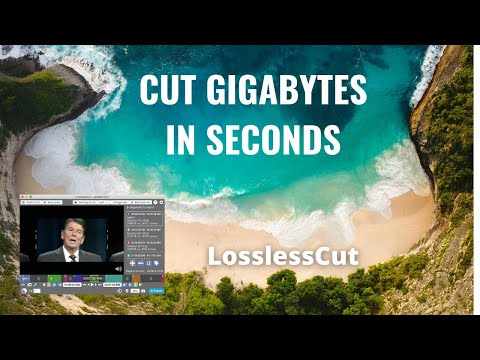
LosslessCut
Cross-platform FFmpeg-based GUI for lossless cutting, merging and remuxing of video, audio and subtitle files.
At a Glance
About LosslessCut
LosslessCut is a free, open-source desktop app by Mikael Finstad that works as a cross-platform FFmpeg GUI for lossless operations on video, audio, subtitle and related media files. Its main job is trimming and cutting large files without re-encoding, so no quality is lost. The latest release listed is version 3.70.2, available for Windows, macOS and Linux.
What It Is
LosslessCut cuts the data stream and copies it directly instead of re-encoding, with FFmpeg doing the underlying work. This makes operations fast and avoids generation loss. It suits trimming footage from video cameras, GoPros or drones and discarding unwanted data. The documentation notes that size can only be reduced losslessly by shortening the file or removing tracks; other size reduction requires re-encoding with a different tool.
How the Workflow Works
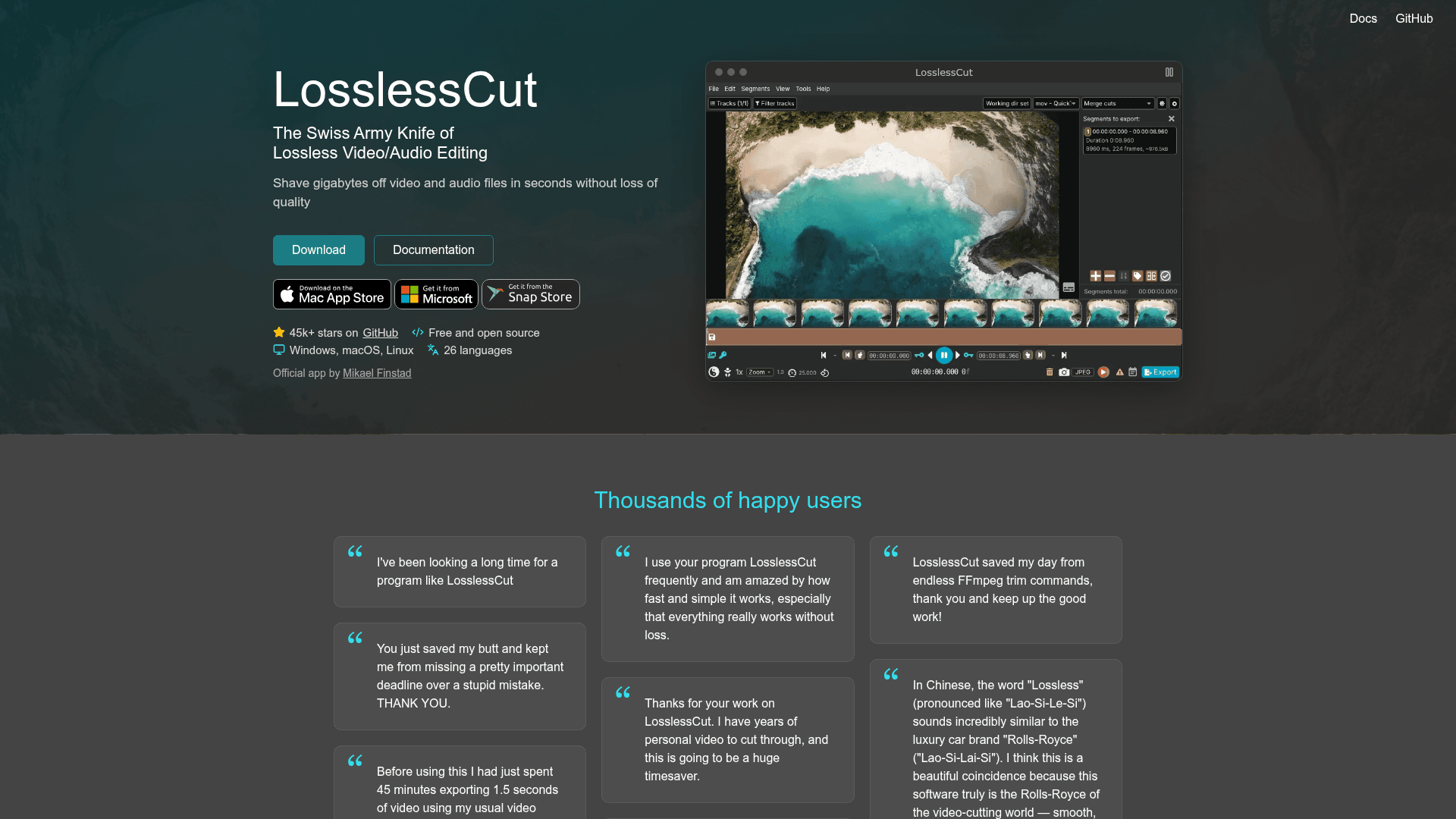
Segments are the core concept: a time slice with a start and end time, optional label and tags, which defines what gets exported. A segment with no end time is a marker. A tracks panel lets users enable or disable individual video, audio and subtitle tracks, and edit track or file metadata. Projects are saved as .llc files and segments can be imported or exported as CSV, TSV, EDL and chapters.
Capabilities and Use Cases
- Merge segments or whole files with identical codecs
- Remux between containers, such as MKV to MP4
- Add, remove, replace or extract tracks
- Detect scenes, black frames and silence and split by them
- Edit metadata and rotation, create chapters, export snapshots and frames
- Automate through a CLI and an HTTP API
Typical uses include cutting commercials from recorded TV, extracting a music track, replacing audio, or joining clips from the same camera.
Limitations to Know
Available functions depend on the file format and codecs. Lossless cuts can only start at a keyframe, so a cut begins at the keyframe before the chosen point, a fraction of a second up to several seconds earlier. Formats not natively supported by the Chromium player are played through FFmpeg-assisted playback, while export still uses the original file.
Distribution
The app is licensed under GPL-2.0 and can be downloaded from GitHub, the Mac App Store, the Microsoft Store and the Snap Store. The site warns that only these are official sources.
Community Discussions
Be the first to start a conversation about LosslessCut
Share your experience with LosslessCut, ask questions, or help others learn from your insights.
Pricing
Open Source (GitHub download)
Free and open source (GPL-2.0) LosslessCut; manual executable downloads from GitHub are always free, and the source can be built by anyone.
- Licensed under GNU General Public License v2.0 (GPL-2.0)
- Free manual downloads for macOS, Windows, Linux from GitHub
- Lossless cut/trim and merge of video and audio
- Track add/remove/replace/extract, remuxing, metadata editing
- CLI and HTTP API
Capabilities
Key Features
- Lossless cut and trim of video and audio
- Lossless merge of segments or files with identical codecs
- Add, remove, replace or extract tracks
- Remux between formats without re-encoding
- Segments, markers and tags with CSV, EDL and chapter import/export
- Scene, black frame and silence detection
- Metadata and rotation editing, chapter creation
- FFmpeg-assisted playback of unsupported formats
- Snapshots and frame export
- Keyboard shortcuts
- Command line interface
- HTTP API
- Batch processing
- 26 languages
Integrations
Demo Video