
Ludolph
A native Mac app for running, organizing, and steering pi coding agents from a full window, a floating window, or a phone.
At a Glance
Ludolph is MIT-licensed; free to use, copy, modify and distribute. Requires pi signed in to a model provider (external cost).
Engagement
Available On
Listed Nov 2026
About Ludolph
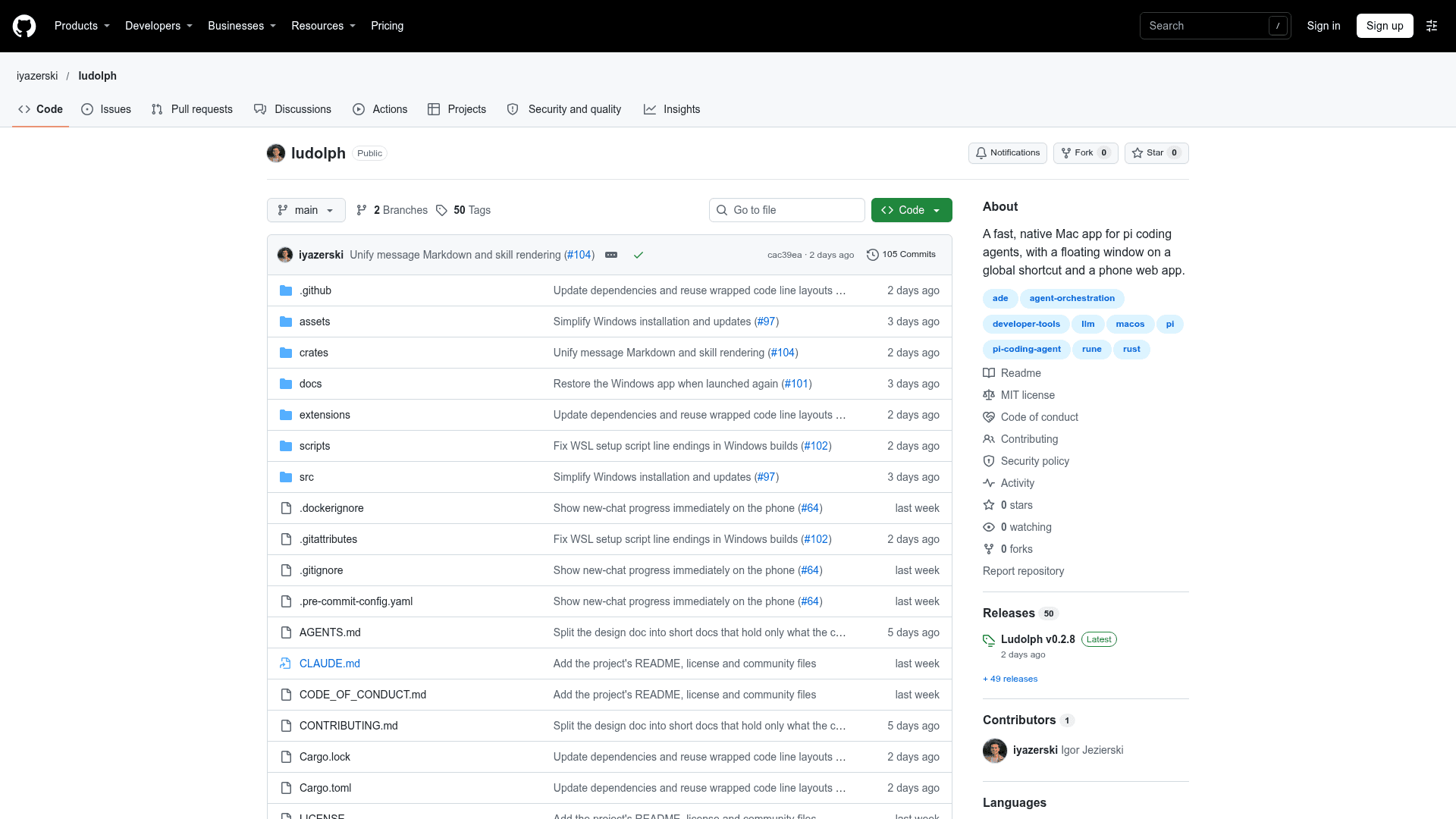
Ludolph is an open-source, MIT-licensed desktop app by Ihar Yazerski (iyazerski) for running pi coding agents on a Mac. It groups pi chat sessions by project and lets users follow and steer agents from a full window, a floating window opened with a global shortcut, or a phone web app. The latest release listed is v0.2.8.
What It Is
Ludolph is a native app, built in Rust on Rune with no Electron or web view, that drives pi through pi's RPC mode. It reads pi's own session files and keeps only a small index beside them, so it does not hold a second copy of chat history. It requires pi, signed in to a model provider. It targets Apple silicon Macs, with a smaller build for Linux and Windows.
How You Follow and Steer Agents
The main window lists pi sessions by project, whichever tool started them. Users can start, follow, and steer chats, and rename, delete, or reopen a chat in the other window. A floating quick window opens over any app with ⌃⌥Space, and the shortcut can be changed in Settings. New chats are titled automatically by a small model after the first message, and each project shows its five newest chats with a Show more option.
Phone Access
In Settings, users choose Link new phone and scan a QR code, then sign in on the phone app with a passkey. Several phones can be linked, and one phone can follow several Macs. Traffic goes through a relay, by default the maintainer's, and messages between phone and Mac are end-to-end encrypted. The Mac dials out, so no VPN or open ports are needed, and the relay can be self-hosted.
Agent Tools and Background Engine
Settings can turn on tools that Ludolph adds to the chats it runs:
- Tool routing steers the agent to the right tool.
- Second opinion asks a GPT or Claude model from the family the chat isn't using for a review.
- Browser use and Computer use hand tasks in Chrome or Mac apps to a subagent, installing browse or Cua Driver after confirmation.
The engine keeps running after the app quits so agents and the phone continue until logout. Open at login is optional.
Platform Notes
Linux and Windows builds omit dictation, browser or computer use, and Open at login. On Windows, the engine and pi run in WSL. The macOS build is not notarized by Apple, so users must approve it via Open Anyway in Privacy & Security.
Community Discussions
Be the first to start a conversation about Ludolph
Share your experience with Ludolph, ask questions, or help others learn from your insights.
Pricing
Open Source (MIT)
Ludolph is MIT-licensed; free to use, copy, modify and distribute. Requires pi signed in to a model provider (external cost).
- MIT License
- Native Mac app (Apple silicon) for pi coding agents
- Full window, floating quick window, and phone web app
- Linux and Windows (WSL) versions with fewer features
- Self-hostable relay for phone app
Capabilities
Key Features
- Native Mac app for pi coding agents
- Chats grouped by project
- Floating quick window on global shortcut (⌃⌥Space)
- Phone web app with passkey sign-in and notifications
- End-to-end encrypted phone relay, self-hostable
- Automatic chat titling with a small model
- Tool routing
- Second opinion review from another model family
- Browser use and Computer use subagent tools
- Engine keeps agents running in background
- Reads pi's own session files without duplicating history