
Fletch
A native macOS app that runs AI coding agents in per-agent sandboxes on separate repo clones, with a code index, change walkthroughs, and autopilot for pull requests.
At a Glance
Free and open source (AGPL-3.0) native macOS app; no Fletch subscription. Runs agent CLIs on your own existing plans.
Engagement
Available On
Listed Nov 2026
About Fletch
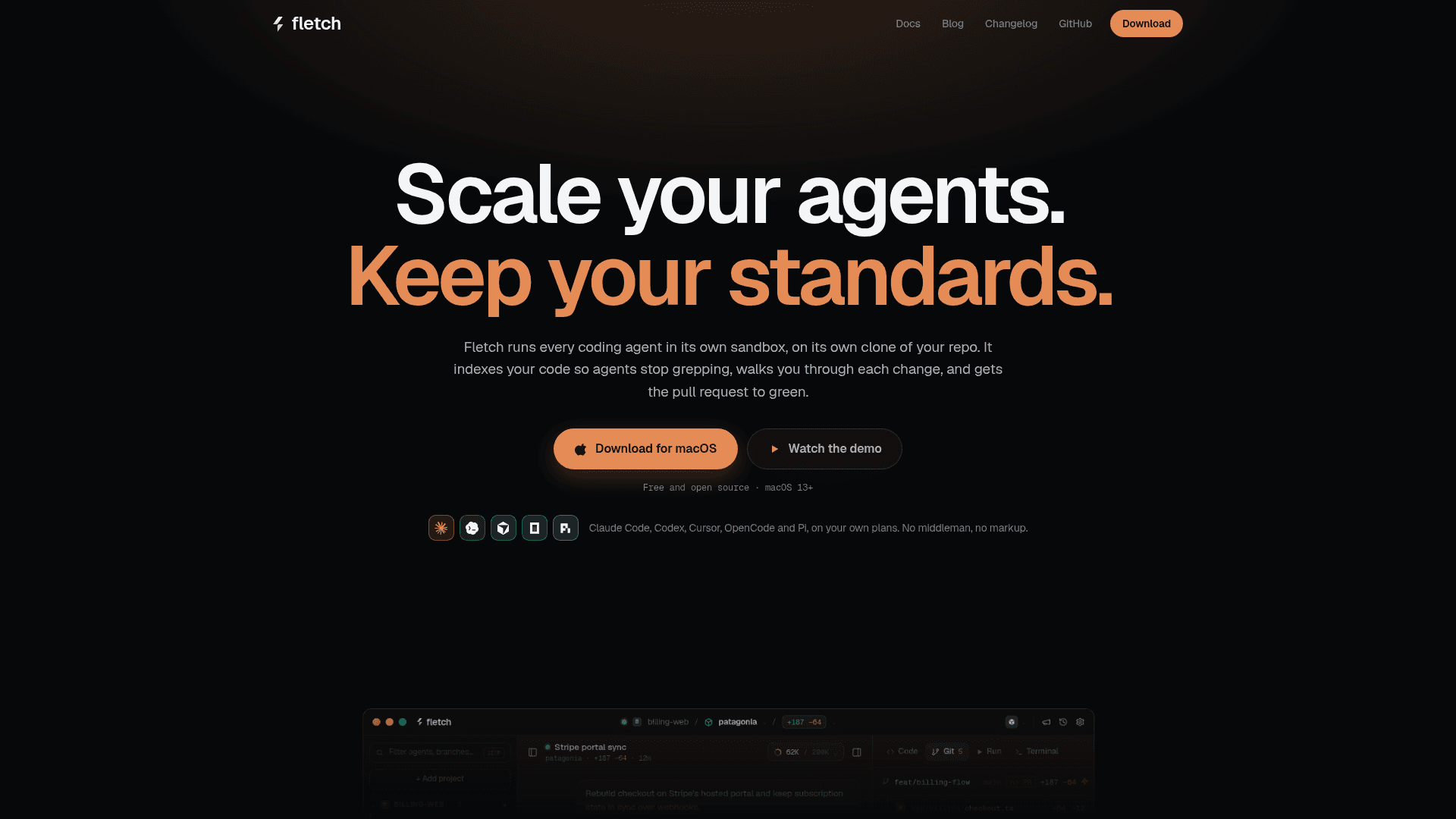
Fletch is a free, open-source macOS app from fwdai for running AI coding agents such as Claude Code, Codex, Cursor, OpenCode and Pi against a repository. Each agent works on its own clone inside its own sandbox, and Fletch adds a code index, step-by-step change walkthroughs, reviewer agents and autopilot to move pull requests toward green checks. It requires macOS 13 or newer and is released under AGPL-3.0.
What It Is
Fletch is a native desktop app, built on Tauri 2 with a Rust backend, that drives the agent CLIs you already have installed and pay for. It does not proxy models, so there are no middleman keys or markup. It normalizes each agent's transcript into one consistent chat view, with the raw terminal and live diffs available alongside, and includes a git and pull request panel for committing, pushing, opening and merging PRs.
Sandboxing and isolation
On Apple silicon the default is a per-agent Linux VM holding its own full clone of the repo. An agent there cannot read your disk beyond folders you share, and cannot write to your repo's .git. Outbound traffic passes through a host proxy with open, ask-first or allow-list postures. Intel Macs and macOS or iOS app projects use the macOS Seatbelt sandbox, which is write protection only: the agent runs as your user and has network access. GitHub credentials stay on the host, and pushes run through a brokered channel. By default an agent can push its own branch under your identity unless you enable Ask before publishing.
Code index, review and autopilot
Fletch indexes the repo's symbols and call graph, built on the vendored codegraph project, and serves it over MCP to Claude Code, Codex and OpenCode so agents can query definitions, callers and impact instead of grepping. Agents explain each change as a walkthrough beside the diff, and an optional reviewer agent on a model of your choice reads each pull request. Autopilot hands failing checks, conflicts and review comments back to the agent, and never merges.
Workflows, roadmap and mobile
Workflows chain custom agents, such as architect, coder, reviewer and tester, into pipelines with verifiable gates and budgets, shareable as YAML. A roadmap lets a project manager agent propose tickets from a goal. A paired iOS app, with end-to-end encrypted traffic, lets you follow agents, approve requests and merge PRs remotely while agents keep running on your Mac. Anonymous usage analytics are on by default and can be turned off in Settings.
Community Discussions
Be the first to start a conversation about Fletch
Share your experience with Fletch, ask questions, or help others learn from your insights.
Pricing
Free
Free and open source (AGPL-3.0) native macOS app; no Fletch subscription. Runs agent CLIs on your own existing plans.
- AGPL-3.0 licensed core
- Per-agent sandbox (Linux VM on Apple silicon, macOS sandbox otherwise)
- Code index served over MCP
- Diff walkthroughs and reviewer agent
- Autopilot (never merges)
Capabilities
Key Features
- Per-agent sandbox on its own repo clone (Linux VM on Apple silicon, macOS Seatbelt otherwise)
- Network proxy policies: open, ask me, allow list
- Code index of symbols and call graph served to agents over MCP
- Step-by-step change walkthroughs beside diffs
- Reviewer agent on a model of your choice
- Autopilot hands failing checks and review comments back to the agent; never merges
- Deterministic workflows with gates and budgets, shareable as YAML
- Roadmap with project manager agent that proposes tickets
- Custom agents with models, instructions, skills and MCP tools
- Fork and rewind conversations
- Sub-agents and context window meter
- Local dictation
- iOS app for remote monitoring, approvals and PR merging
- Git and pull request panel with built-in GitHub connection