
Lunar
A Lua-scriptable terminal coding harness that gives AI models four core tools—read, write, edit, and bash—without imposing a workflow.
At a Glance
Fully free and open source under the MIT license. Install via Homebrew or Cargo.
Engagement
Available On
Alternatives
Listed Aug 2026
About Lunar
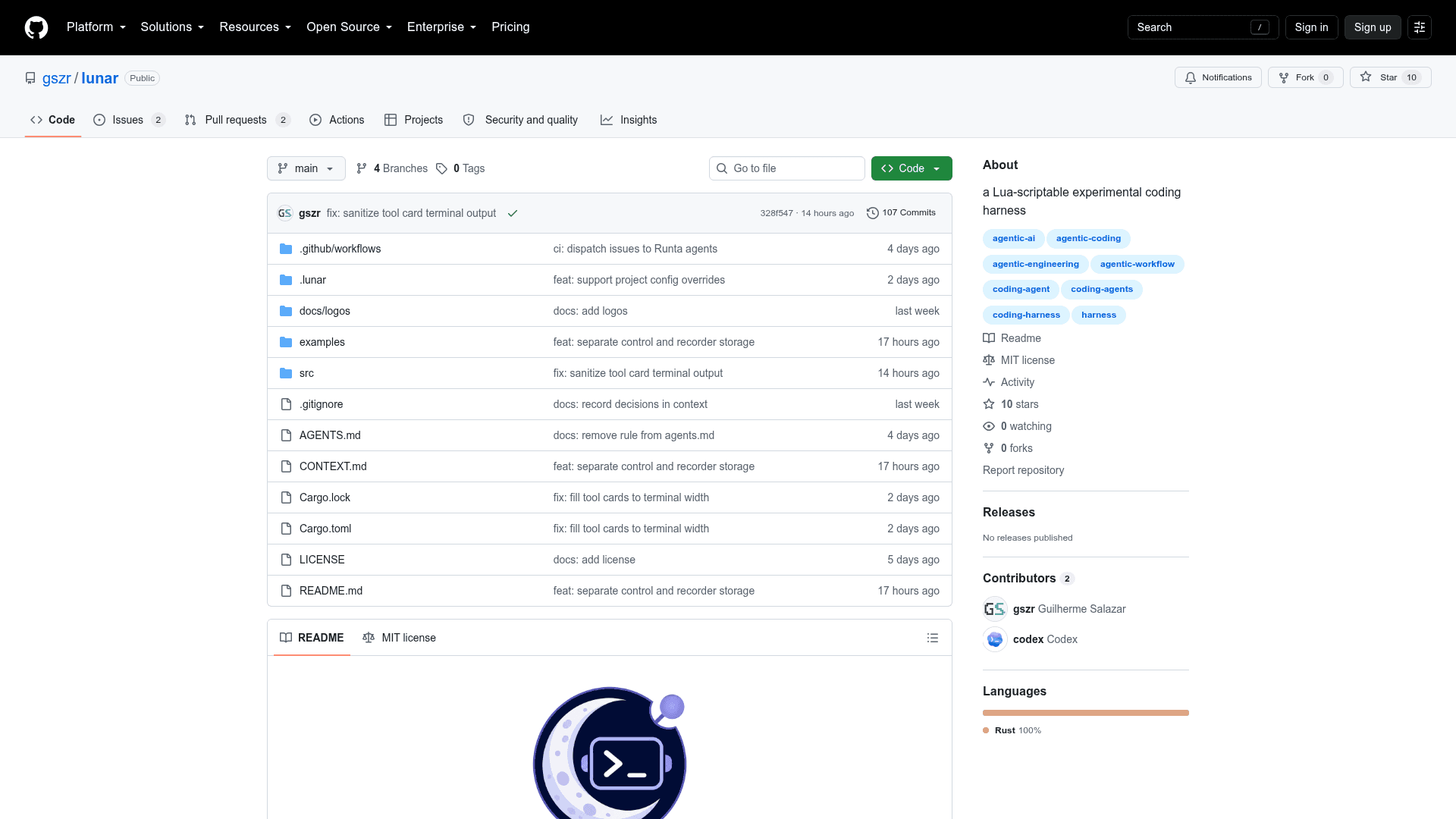
Lunar is a terminal-based coding harness written in Rust and released under the MIT license by Guilherme Salazar. It connects to any OpenAI Chat Completions-compatible endpoint and exposes four primitive tools to the model—read, write, edit, and bash—letting the AI act on a codebase without prescribing a fixed workflow. The project is early-stage software targeting macOS and Linux.
What It Is
Lunar sits in the category of agent harnesses: minimal scaffolding that wires a language model to a local development environment. Rather than building opinionated workflows or multi-step pipelines, it hands the model a small, composable toolset and gets out of the way. The README describes it as "simple and fast like Pi, but using Lua for extensions," signaling a deliberate minimalism over feature richness.
Core Tool Model
The four tools Lunar exposes cover the essential file-system and shell operations a coding agent needs:
- read – read file contents into context
- write – write or create files
- edit – make targeted edits to existing files
- bash – execute shell commands
This flat, four-tool surface area is intentional. The harness does not impose a planning loop, a task queue, or a memory layer—those concerns are left to the model or to future Lua extensions.
Configuration and Provider Support
Lunar supports any OpenAI Chat Completions-compatible endpoint via environment variables (LUNAR_API_KEY, LUNAR_BASE_URL, LUNAR_MODEL) for quick starts, or a persistent ~/.lunar/init.lua file for full configuration. The Lua config lets users define named models, providers, context window sizes, and API types (Completions, Responses, or Messages). The /login TUI command supports xAI device-code auth or masked API key storage; /logout removes stored credentials. The README notes that Completions and Responses APIs currently send; Messages support is planned.
Mission and Context System
Lunar organizes work into "missions." The -c flag continues the latest mission for the current directory, -m opens the mission log, and passing a date (e.g., lunar -m 2026-08-19) opens that day's log. Lunar automatically includes AGENTS.md, CONTEXT.md, and skill summaries from .agents/skills/*/SKILL.md in its context window, giving teams a lightweight convention for injecting project-specific instructions.
Lua Extension Architecture
Lua extensions are planned but not yet implemented. The README shows a forward-looking API example where the local bash tool could be replaced with execution inside a remote Runta runtime, illustrating the intended extensibility model. This design means the harness itself stays small while power users can swap or augment tools via scripts.
Current Status
Lunar is explicitly described in the README as "early software for macOS and Linux." The repository was created on 2026-08-19 and last pushed on 2026-08-22, making it a very new project. Lua extensions are not yet implemented. The project has 10 stars and 0 forks at the time of indexing. Installation is available via Homebrew (brew install --HEAD gszr/taps/lunar) or Cargo (cargo install --git https://github.com/gszr/lunar).
Community Discussions
Be the first to start a conversation about Lunar
Share your experience with Lunar, ask questions, or help others learn from your insights.
Pricing
Open Source
Fully free and open source under the MIT license. Install via Homebrew or Cargo.
- MIT licensed
- Terminal coding harness
- Four AI tools: read, write, edit, bash
- Lua configuration
- Mission log system
Capabilities
Key Features
- Terminal-based coding harness
- Four core AI tools: read, write, edit, bash
- Any OpenAI Chat Completions-compatible endpoint support
- Lua-based configuration and planned extensions
- Mission log system with date-based navigation
- Auto-includes AGENTS.md, CONTEXT.md, and skill summaries in context
- TUI /login with xAI device-code auth or masked API key
- Homebrew and Cargo installation
- macOS and Linux support
- MIT licensed open source