
Memdex
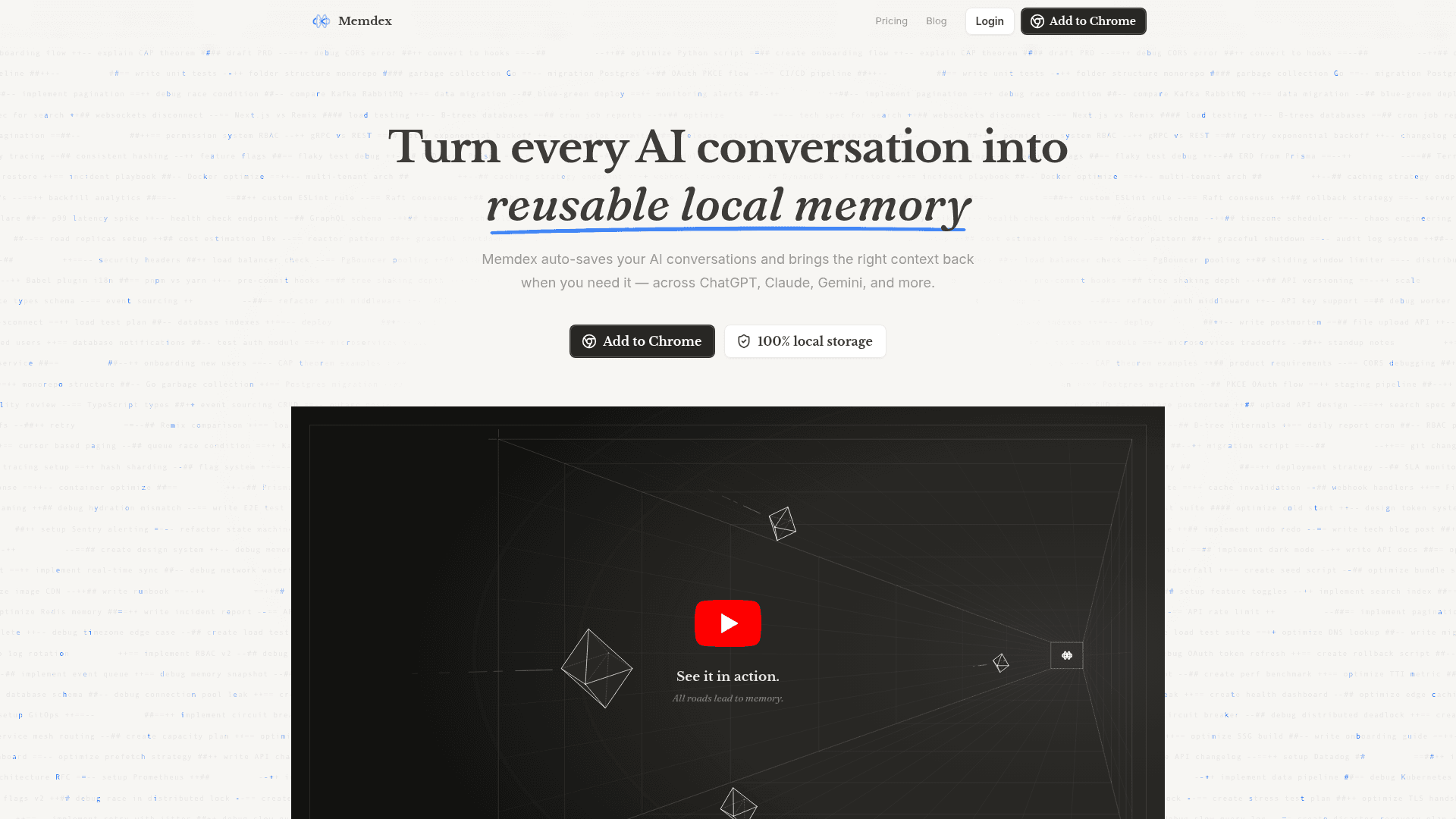
A Chrome extension that auto-saves your AI conversations across ChatGPT, Claude, and Gemini, then surfaces relevant context when you start a new chat.
At a Glance
About Memdex
Memdex is a Chrome browser extension built by NOWGIC LTD that captures your AI conversations and makes them reusable across multiple AI platforms. It stores everything locally on your device — encrypted and never uploaded — so your conversation history stays private while remaining instantly accessible. The extension works across ChatGPT, Claude, and Gemini, and is designed for anyone who regularly switches between AI tools or finds themselves re-explaining context in every new chat.
What It Is
Memdex sits in the category of AI memory and context management tools. Its core job is to solve the fragmentation problem that comes from using multiple AI assistants: conversations are siloed per tool, hard to search, and require constant re-explanation. Memdex addresses this by saving conversations locally, detecting relevant past discussions as you type, and letting you inject that context into any new AI session with a single click. It is a browser extension for Chromium-based browsers (Chrome, Arc, Brave, Edge), with Safari and Firefox support described as planned.
How the Workflow Works
The extension operates in three stages:
- Save: Users can manually click the Memdex button to save a conversation, or enable auto-save (available on the paid tier) to capture everything automatically. Existing ChatGPT or Claude conversations can also be imported.
- Detect: As you type in any AI tool, Memdex scans saved conversations for keyword matches in real time — described on the homepage as "like spell-check, but for context" — and highlights relevant matches without interrupting your flow.
- Inject: One click attaches the matched conversation as context to the current chat, enabling continuation across different AI platforms without copy-pasting or re-explaining.
Privacy and Local-First Architecture
A central design decision for Memdex is local-first storage. The homepage states that all conversations are stored locally on the user's device, encrypted, and never uploaded to Memdex's servers. The company states it "couldn't read your conversations even if we wanted to." This positions Memdex as a privacy-preserving alternative to cloud-based AI memory tools, which is a meaningful differentiator for users handling sensitive work conversations.
Platform and Browser Support
Memdex is a browser extension targeting Chromium-based browsers. Native integration buttons are embedded directly into ChatGPT, Claude, and Gemini interfaces for one-click access. Keyboard shortcuts extend context injection to any text input field, not just the natively supported platforms. The extension is available via the Chrome Web Store ("Add to Chrome" is the primary call to action on the homepage).
Current Status
Memdex is actively available as a Chrome extension. The pricing page shows a "Pro Lifetime – Early Bird!" one-time offer alongside the standard monthly and annual subscription tiers, suggesting the product is in an early commercial phase. The footer credits © 2026 NOWGIC LTD., and the product is listed on the "There's An AI For That" directory. Social presence includes an active X (Twitter) account (@Memdexai) and a YouTube channel (@memdex-ai).
Community Discussions
Be the first to start a conversation about Memdex
Share your experience with Memdex, ask questions, or help others learn from your insights.
Pricing
Free
For anyone just starting with AI tools.
- Manual recording of conversations
- Only access to your 10 most recent conversations
- Unlimited conversation saving
- Limited add context
- Limited cross-AI continuation
Pro
For power users who live in AI tools.
- Auto-record every conversation
- Access all conversations
- Unlimited conversation saving
- Unlimited add context
- Unlimited cross-AI continuation
- Advanced search & management
- Priority support
Pro Lifetime
Early Bird — pay once, use Memdex forever with all Pro benefits included.
- All Pro features
- Lifetime access
- Auto-record every conversation
- Unlimited add context
- Unlimited cross-AI continuation
- Advanced search & management
- Priority support
Capabilities
Key Features
- Auto-save AI conversations across ChatGPT, Claude, and Gemini
- Manual one-click conversation saving
- Real-time keyword detection as you type
- One-click context injection into any AI tool
- 100% local encrypted storage — never uploaded
- Cross-AI continuation (use context from one AI in another)
- Import existing conversations from ChatGPT or Claude
- Advanced search and conversation management
- Keyboard shortcuts for context injection in any text input
- Works on Chrome, Arc, Brave, and Edge