
Microsoft Execution Containers (MXC)
Policy-driven sandboxed execution layer from Microsoft for containing untrusted code and AI agent workloads on Windows, macOS, and Linux.
At a Glance
About Microsoft Execution Containers (MXC)
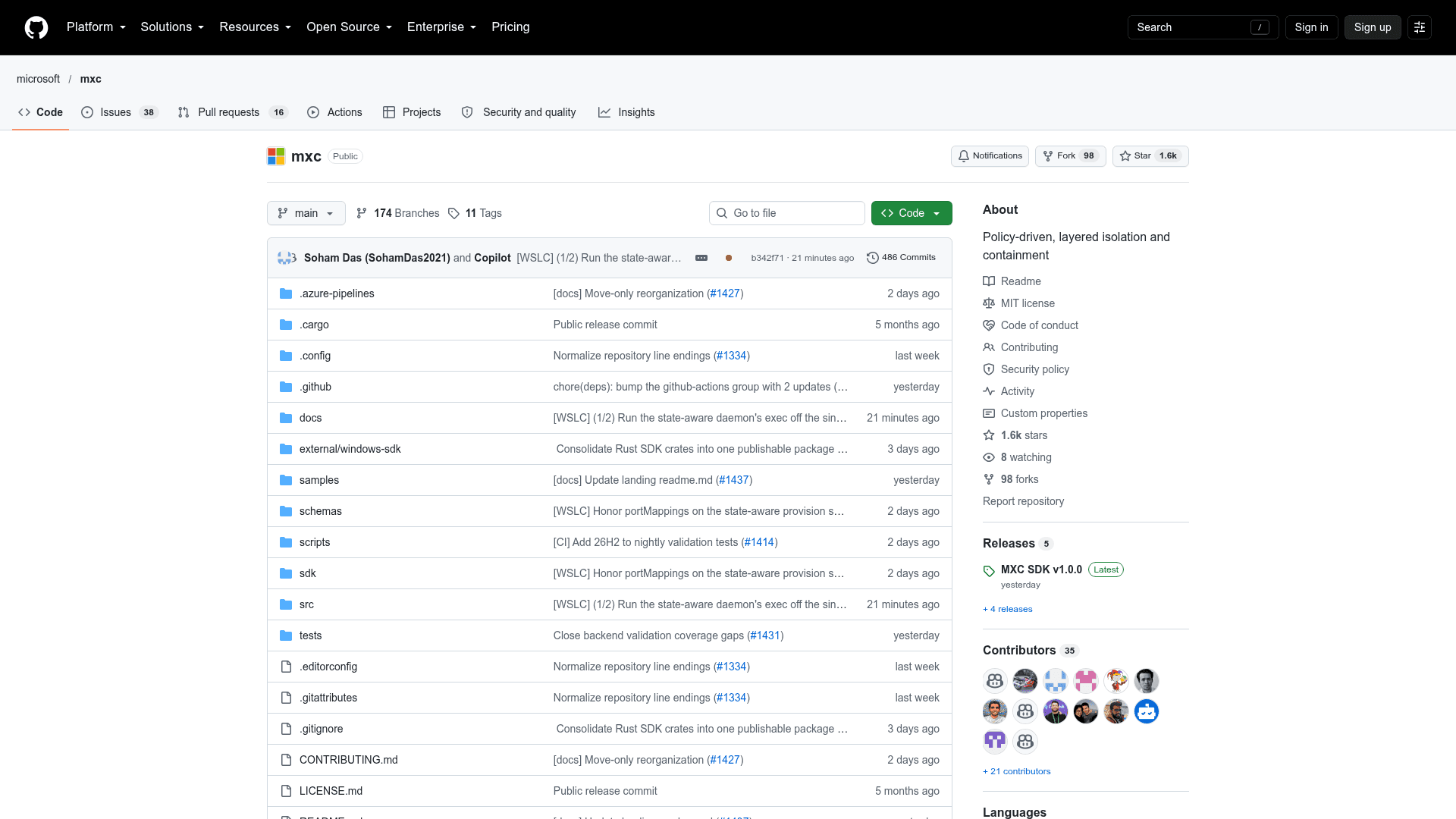
Microsoft Execution Containers (MXC) is a policy-driven execution layer for running untrusted or dynamically generated code, such as model output, plugins, tools, agent harnesses, or whole agents. Microsoft's Windows Developer Blog announced it as generally available on October 7, 2026, and the repository lists SDK v1.0.0 published the same day. Developers declare the files, network destinations, and UI access a workload needs, and MXC enforces that boundary with a suitable container backend.
What It Is
MXC is an SDK dependency that builds into an application. The application specifies a container type, containment rules, and a workload command; MXC validates the request, selects the backend, and launches the workload in isolation. The policy stays outside the control of the agent workload, so the agent or generated code cannot grant itself extra access. Rust, .NET, and Node SDKs are available, along with standalone executor binaries such as wxc-exec.exe that accept JSON container-creation requests.
Containment backends and policy model
A unified JSON configuration schema separates workload requirements from platform-specific containment details. MXC maps requests to backends per platform: process containers (AppContainer on Windows, Seatbelt on macOS, Bubblewrap on Linux), a Windows-only session container with a separate account, desktop, clipboard, and input, a WSL container, and an experimental MicroVM. The repository also lists Windows Sandbox, LXC, and Hyperlight, some of them experimental. Policies cover the following areas:
- Containment type
- Process launch settings
- File system (read-only, read-write, denied paths)
- Network (inbound, outbound, proxy, and loopback controls)
- User interface (clipboard, display, GUI)
Learning and refining policy
Writing a least-privilege policy is hard when an agent's needs are unknown. On Windows, process containers support three operating modes: Enforcement, Learning (blocks and records denied access in a JSON activity report), and Permissive (allows and records). A debug console mode and an audit mode help authors find access-denied failures and reconstruct policies. The audit mode turns off sandbox security and should not be used for untrusted code.
Enterprise management and ecosystem
Microsoft says Intune policy for MXC process containers on Windows 11 and Entra and Agent 365 identity and management for local agents are coming soon. It also says Windows 365 support for MXC is generally available. According to the blog, GitHub Copilot, OpenClaw, OpenAI Codex, Replit, LM Studio, and Unsloth AI already support MXC, and NVIDIA has integrated OpenShell into it.
Community Discussions
Be the first to start a conversation about Microsoft Execution Containers (MXC)
Share your experience with Microsoft Execution Containers (MXC), ask questions, or help others learn from your insights.
Pricing
Open Source (MIT)
MXC SDK and runtime for sandboxed execution of untrusted code on Windows, Linux, and macOS, released under the MIT License.
- Rust, .NET, and Node SDKs
- Multiple containment backends (ProcessContainer, Bubblewrap, Seatbelt, LXC, WSLC, and others; some experimental)
- Filesystem, network, and UI policy controls
- Diagnostics and audit mode
Capabilities
Key Features
- Sandboxed execution of untrusted code and AI agent workloads
- Cross-platform support for Windows, Linux, and macOS
- Multiple containment backends from process sandboxes to microVMs
- Unified versioned JSON configuration schema
- Filesystem, network, and UI policy controls
- Enforcement, Learning, and Permissive operating modes
- JSON activity reports for least-privilege policy authoring
- Persistent container lifecycle: provision, start, execute, stop, deprovision
- Rust, .NET, and Node SDKs
- Debug console and audit diagnostics
- Windows 365 Cloud PC support