minimi
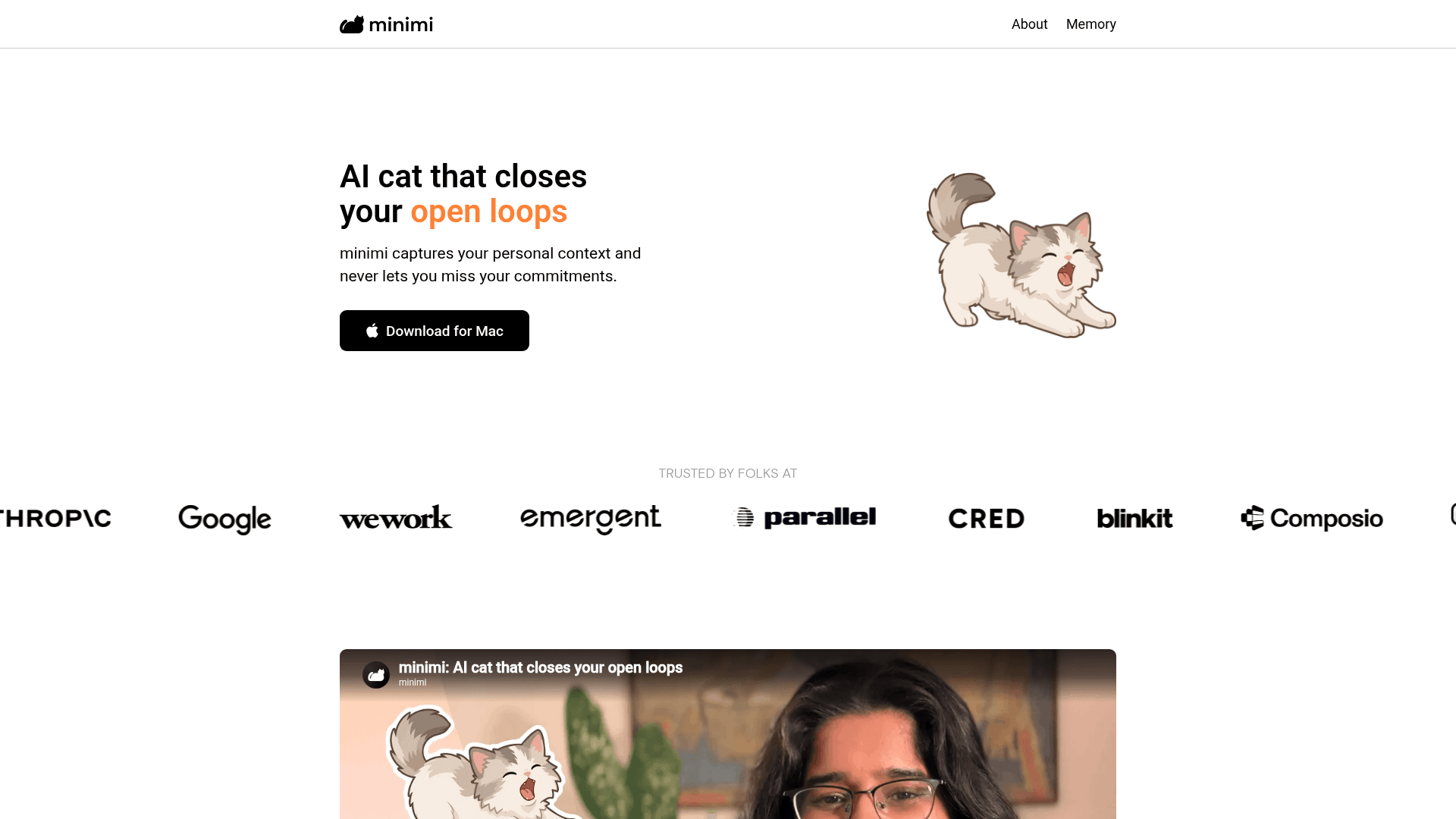
AI-powered Mac app that captures your personal context from your screen, tracks open loops, and feeds your memory into AI tools like Claude and ChatGPT via an MCP server.
At a Glance
About minimi
minimi is a Mac desktop app built by Shram Intelligence that runs in the background, reads your screen activity via Apple's accessibility infrastructure, and builds a personal memory layer from your digital work. It then surfaces unresolved commitments — called "open loops" — and can automatically close them using your captured context. The app launched on Product Hunt in June 2026 and quickly attracted paying customers globally.
What It Is
minimi sits in the category of ambient personal AI memory tools. Its core job is to observe what you do on your Mac across any app — WhatsApp, Gmail, Calendar, and more — without requiring manual integrations, and to build a structured memory of your personal context. That memory is then used in two ways: an Open Loops Inbox that surfaces high-value action items you might miss, and a Memory MCP server that pipes your context directly into AI tools like Claude, ChatGPT, Gemini, Cursor, and compatible agent harnesses.
How the Memory Layer Works
minimi reads on-screen content using Apple's native accessibility infrastructure rather than taking screenshots. All captured memory is stored locally on your Mac — the company states that no private data is stored on their servers and that they do not retain or train on user data. The FAQ describes memory as analogous to how the brain uses senses to create and store information, but applied to your digital activity.
- No integrations required: Works out of the box across all apps visible on screen
- Local storage only: Memory stays on your device, not in a cloud database
- MCP server: Exposes your memory to any MCP-compatible AI client, described on the site as "a digital pendrive you can plug into any AI"
The Open Loops Inbox
The Open Loops Inbox is minimi's task-awareness feature. It uses your captured personal context to identify commitments you've made or received — across conversations, emails, and other on-screen activity — and tracks whether they've been resolved. The system is designed to trace decisions and automatically mark loops as closed without requiring manual effort from the user.
MCP Integration and AI Connectivity
The Memory MCP is a key differentiator. Users quoted on the site describe it as enabling Claude and Cursor to receive automatic context from their Mac activity, eliminating the need to re-explain their situation at the start of every AI conversation. The MCP server connects minimi's local memory store to any LLM or agent harness that supports the Model Context Protocol, including Claude, ChatGPT, Gemini, and platforms like OpenClaw and Hermes.
Why It Got Attention
minimi launched on Product Hunt in early June 2026 and was cited by users on the site as reaching #2 Product of the Day. User testimonials embedded on the homepage describe it replacing paid meeting transcription tools, capturing offline discussions, and providing ambient context that makes AI assistants significantly more useful without manual setup. The team behind it — Jay, Vineet, and Ojasvika — built the initial version in three days as a side project and named it after their late kitten Cotton, who became the product's mascot.
Community Discussions
Be the first to start a conversation about minimi
Share your experience with minimi, ask questions, or help others learn from your insights.
Pricing
Free
Download and use minimi on Mac with no setup required.
- Ambient screen reading
- Local memory storage
- Open Loops Inbox
- Works across all apps without integrations
Capabilities
Key Features
- Ambient screen reading via Apple accessibility infrastructure
- Local memory storage on Mac (no cloud database)
- Open Loops Inbox for tracking unresolved commitments
- Automatic loop closing based on personal context
- Memory MCP server for connecting to Claude, ChatGPT, Gemini, Cursor
- Works across all apps without manual integrations
- Offline discussion capture
- Skill creation for customized output
- Privacy-first: no data stored on servers, no training on user data
Integrations
Demo Video