
Mistral Vibe CLI
Open-source command-line coding assistant powered by Devstral models for terminal-based agentic coding, file manipulation, and codebase exploration.
At a Glance
About Mistral Vibe CLI
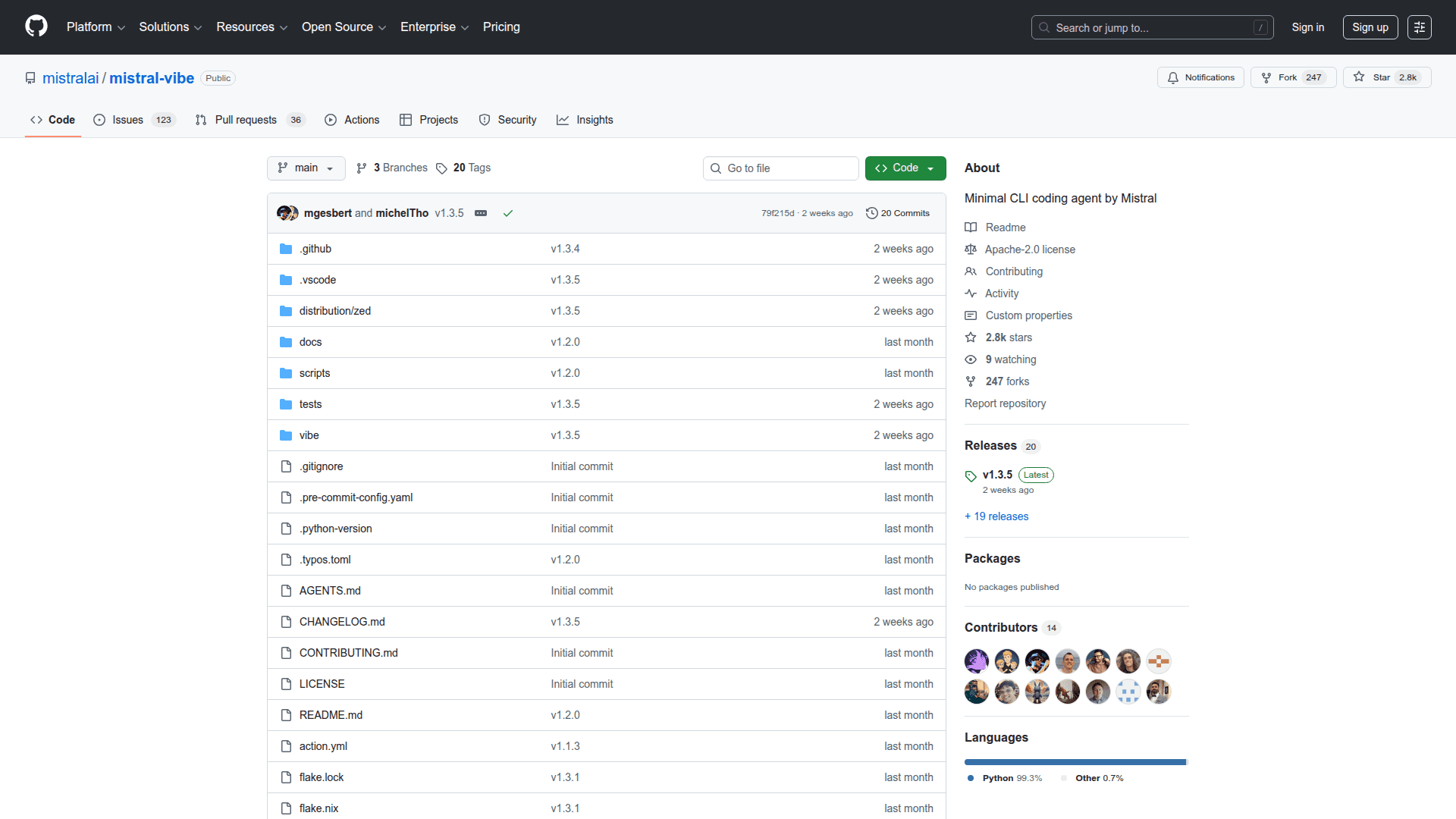
Mistral Vibe CLI was announced on December 9th 2025, and is an open-source command-line coding assistant powered by Devstral models from Mistral. It provides a conversational interface to your codebase, allowing you to explore, modify, and interact with your projects using natural language—directly in your terminal or integrated into your IDE via the Agent Communication Protocol.
Installation
Install with a single command:
# Linux and macOS
curl -LsSf https://mistral.ai/vibe/install.sh | bash
# Windows (first install uv)
powershell -ExecutionPolicy ByPass -c "irm https://astral.sh/uv/install.ps1 | iex"
Or via package managers:
uv tool install mistral-vibe  # Using uv
pip install mistral-vibe        # Using pip
Quick Start
- Navigate to your project directory:
cd /path/to/your/project - Run Vibe:
vibe - On first run, Vibe creates
~/.vibe/config.tomland prompts for your API key - Start chatting with the agent!
Features
- Interactive Chat — Conversational AI agent that understands requests and breaks down complex tasks
- Powerful Toolset — Built-in tools for file manipulation, code searching, version control, and command execution:
read_file,write_file,search_replace— Read, write, and patch filesbash— Execute shell commands in a stateful terminalgrep— Recursively search code (withripgrepsupport)todo— Manage a task list to track the agent's work
- Project-Aware Context — Automatically scans your file structure and Git status to provide relevant context
- Smart References — Use
@for file autocomplete,!to execute shell commands directly,/for slash commands - Multi-file Orchestration — Understands your entire codebase and tracks dependencies across files for architecture-level reasoning
- Persistent History & Themes — Command history, autocompletion, and customizable UI themes
- Safety First — Tool execution approval modes to control what the agent can do
Usage
# Interactive mode
vibe

# Start with a prompt
vibe "Refactor the main function in cli/main.py to be more modular."

# Programmatic mode for scripting
vibe --prompt "Add unit tests for the auth module."

# Auto-approve all tool executions
vibe --auto-approve

# Use a custom agent configuration
vibe --agent my_custom_agent
Keyboard shortcuts:
Ctrl+JorShift+Enter— Multi-line inputShift+Tab— Toggle auto-approve mode
Configuration
Vibe is configured via ~/.vibe/config.toml. API keys are stored in ~/.vibe/.env.
# Set API key via environment variable
export MISTRAL_API_KEY="your_mistral_api_key"
Custom agents: Create agent-specific TOML files in ~/.vibe/agents/ for specialized use cases (red-teaming, specific tasks).
Custom prompts: Add custom system prompts to ~/.vibe/prompts/ and reference them via system_prompt_id in config.
MCP Server Integration: Extend Vibe's capabilities by configuring MCP (Model Context Protocol) servers for HTTP, streamable-HTTP, or stdio transports.
Tool permissions: Control which tools are active using enabled_tools and disabled_tools with glob patterns or regex.
IDE Integration
Mistral Vibe CLI is available as an extension, in Zed allowing you to use it directly inside your IDE via the Agent Communication Protocol.
Community Discussions
Be the first to start a conversation about Mistral Vibe CLI
Share your experience with Mistral Vibe CLI, ask questions, or help others learn from your insights.
Pricing
Open Source
Free and open-source. Requires Mistral API key for cloud models or local model setup for offline use.
- Full CLI functionality
- Apache 2.0 license
- Interactive chat mode
- Programmatic scripting mode
- All built-in tools (read/write files, bash, grep, todo)
Capabilities
Key Features
- Interactive conversational AI agent in terminal
- File manipulation tools (read_file, write_file, search_replace)
- Shell command execution in stateful terminal (bash)
- Recursive code search with grep and ripgrep support
- Project-aware context (file structure + Git status)
- Smart file references with @ autocomplete
- Slash commands for meta-actions and configuration
- Multi-file orchestration and architecture-level reasoning
- Persistent command history
- Customizable themes
- Tool execution approval modes
- Custom agent configurations via TOML
- Custom system prompts
- MCP (Model Context Protocol) server integration
- Programmatic mode for scripting
- Zed IDE extension via Agent Communication Protocol
- Local model support for offline use