
MobileCode
An open-source AI coding agent for mobile apps that builds and previews iOS and Android projects with embedded simulator and emulator panes.
At a Glance
Fully free and open-source under the MIT License. Download, use, modify, and distribute freely.
Engagement
Available On
Listed Sep 2026
About MobileCode
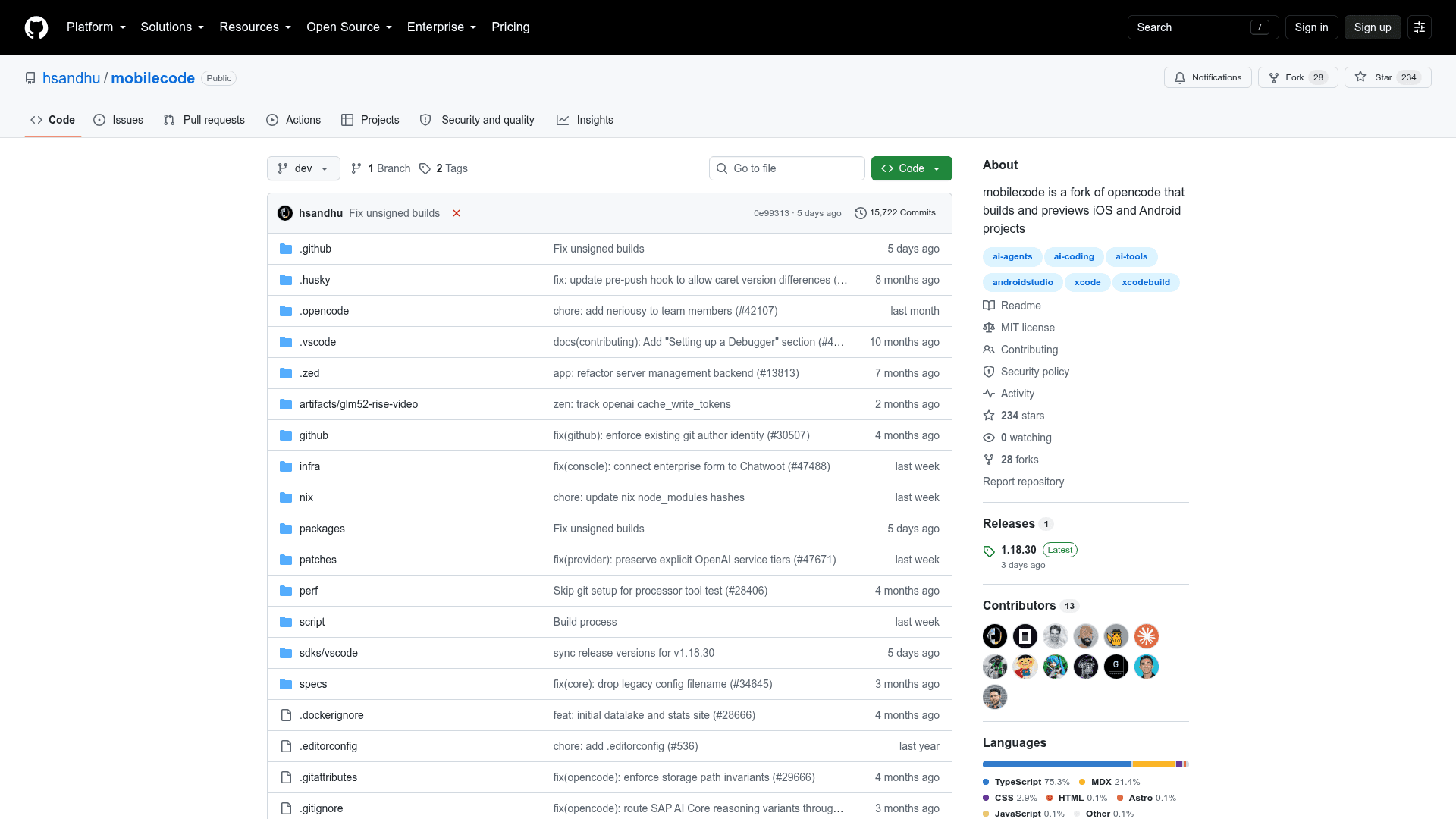
MobileCode is an open-source AI coding agent purpose-built for mobile development, forked from opencode. It detects iOS and Android projects in your workspace and can run a simulator or emulator preview server, rendering the live device directly inside the app alongside your coding session. The project is MIT-licensed and available on GitHub under the handle hsandhu/mobilecode.
What It Is
MobileCode is a terminal UI, desktop app, and web UI that wraps an AI coding agent with first-class mobile project awareness. When it detects an iOS or Android project (including React Native, Expo, Xcode workspaces, and Gradle projects), it activates a device pane that streams a live simulator or emulator feed next to your conversation. It inherits everything opencode does — any model provider, MCP, plugins, and skills — and adds mobile-specific build, run, and preview tooling on top.
How the Device Pane and Build System Work
The device pane opens automatically when you open a session in a mobile project. MobileCode starts npx serve-sim (for iOS) or npx serve-avd (for Android) on the machine running the server and streams the device into the app with Start, Stop, Reload, and Open in Browser controls.
The session titlebar carries an Xcode-style run control for each detected platform:
- Play builds the native project, installs it on the running simulator or emulator, and launches it. On iOS this means
xcodebuildagainst the first shared scheme, thensimctl installandsimctl launch. On Android it runs./gradlew :<module>:assembleDebug, thenadb install -r -gand an explicit launch intent. - Stop cancels an in-flight build or terminates the running app.
- Status moves through Building → Installing → Launching → Running, with the first compiler or Gradle error surfaced inline on failure.
The same operations are also available over HTTP via a /api/device-preview endpoint.
React Native and Expo Support
For React Native projects, a single Play button starts one Metro server, builds both native projects, and launches them in embedded Simulator and Emulator panes simultaneously. Expo apps are handled with expo prebuild to generate the native project when needed, pod installation, Metro startup, and adb reverse to connect the emulator. One Metro instance serves both platforms.
Agent-Driven Builds
MobileCode exposes a device_run tool that lets the AI agent build and launch the app itself, wait for the result, and read the build error and log tail. This means the agent can fix a failing build without requiring the developer to manually paste logs — the agent observes the build output directly and iterates autonomously.
Update: v1.18.30
The latest release is v1.18.30, published on September 10, 2026. The repository was created in early September 2026 and has accumulated 233 stars and 28 forks in its first week, with active development on the dev branch. The project is written primarily in TypeScript and builds a macOS .app, .dmg, and .zip via a single bun run build:macos command. The build is unsigned by default; signed and notarized builds are supported by passing --sign with a Developer ID certificate.
System Requirements and Installation
MobileCode is installed via a curl script that downloads a release binary from GitHub and places it in ~/.mobilecode/bin, or it can be built from source using Bun. iOS support requires macOS with Xcode and Node 20 or newer (for serve-sim). Android support requires the Android SDK platform-tools with at least one AVD, a compatible JDK, and aapt2 from the SDK build-tools. Configuration is fully compatible with opencode's existing opencode.json format, provider credentials, plugins, and skills, stored in ~/.config/opencode.
Community Discussions
Be the first to start a conversation about MobileCode
Share your experience with MobileCode, ask questions, or help others learn from your insights.
Pricing
Open Source
Fully free and open-source under the MIT License. Download, use, modify, and distribute freely.
- Embedded iOS Simulator and Android Emulator panes
- React Native and Expo support
- Agent-driven builds
- Any model provider
- MCP, plugins, and skills
Capabilities
Key Features
- Embedded iOS Simulator and Android Emulator panes
- React Native and Expo project support
- Agent-driven builds via device_run tool
- Xcode-style run controls (Play/Stop) in session titlebar
- Live device streaming next to AI conversation
- HTTP API for device preview and build control
- Auto-detection of iOS/Android projects up to two directories deep
- One Metro server for both iOS and Android (React Native)
- Build status indicators (Building, Installing, Launching, Running)
- Inline build error surfacing with full log access
- Terminal UI, desktop app, and web UI
- Any model provider support
- MCP, plugins, and skills support
- macOS app build with DMG and ZIP output
- Compatible with existing opencode configuration