
Cloud-hosted marimo notebook workspace for running Python and SQL notebooks with full compute resources, package support, and collaboration features.
At a Glance
About molab
molab is a cloud-hosted marimo notebook service that provides powerful compute resources and full Python package support for data science, machine learning, and AI workflows. Unlike browser-based playgrounds, molab runs notebooks on real cloud infrastructure, making it ideal for heavy computational workloads while maintaining marimo's reactive notebook experience.
How It Works:
molab runs marimo notebooks on cloud infrastructure with dedicated compute resources. When you create a notebook, it runs in a containerized environment with popular packages pre-installed (PyTorch, NumPy, Polars, etc.). The built-in package manager using uv automatically installs additional packages as you import them, with dependencies tracked in a pyproject.toml file.
Key Features:
-
Cloud Compute - Run notebooks with real CPU/GPU resources, not limited by browser constraints
-
Full Package Support - Access any Python package through lightning-fast
uvpackage installation -
Persistent Storage - Upload and store data files in Cloudflare R2 buckets that persist across sessions
-
AI Code Generation - Generate code and entire notebooks using integrated AI assistants
-
Shareable Links - Share notebooks via public-but-undiscoverable links (like secret GitHub Gists)
-
Download & Run Locally - Download notebooks and run them locally with
uv run marimo editor pass notebook URLs directly to marimo CLI -
Reactive Execution - Get marimo's signature reactive cell execution where dependent cells automatically update
-
Modern Tech Stack - Built on Modal for fast container startups, uv for package management, and Cloudflare R2 for storage
Use Cases:
- Machine learning model training and experimentation
- Data engineering pipelines with real compute power
- AI workloads requiring GPUs or significant RAM
- Collaborative data analysis projects
- Running notebooks with heavy Python dependencies
- Sharing data science experiments and results
Getting Started:
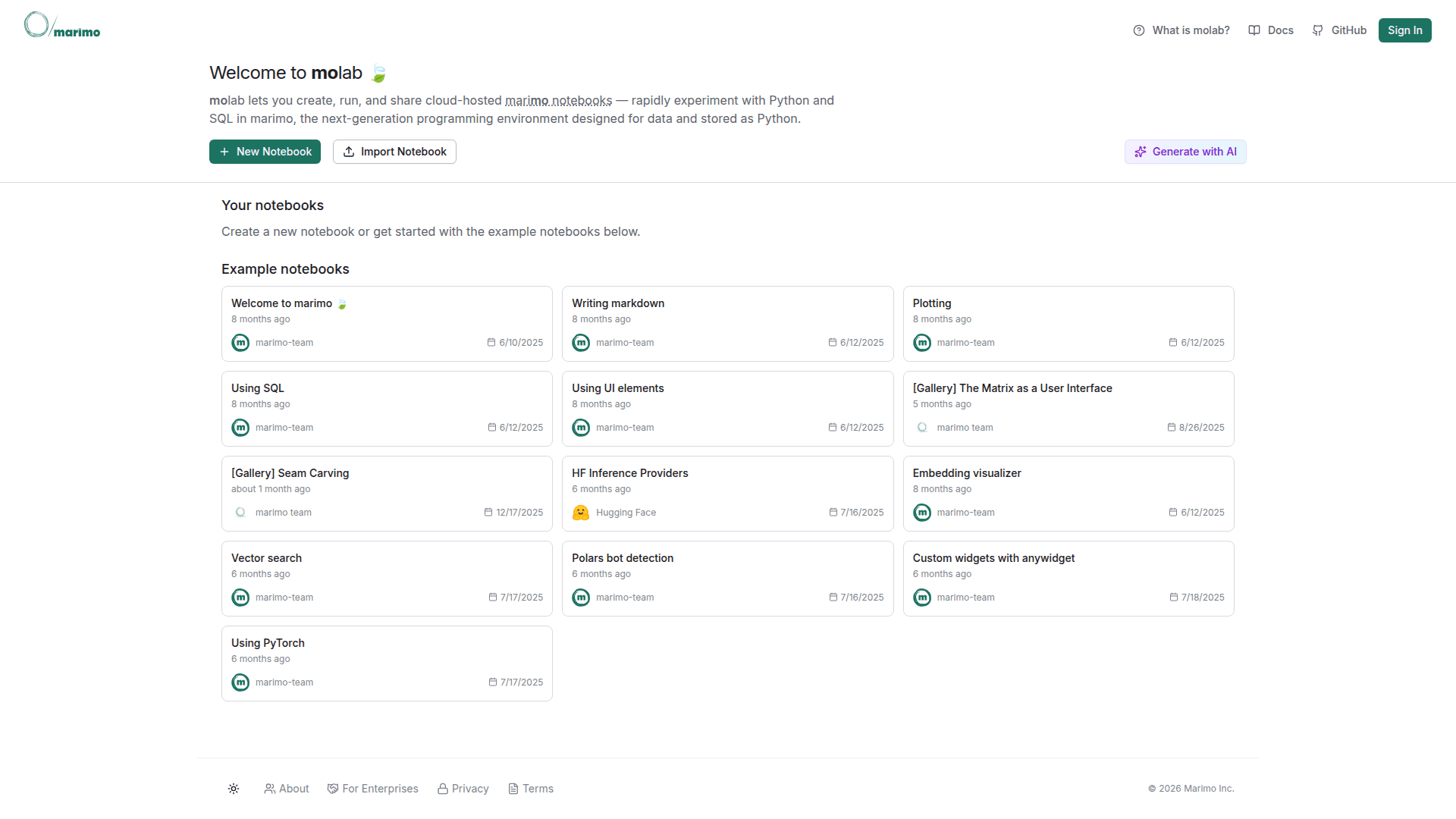
Visit https://molab.marimo.io and create an account. Start with example notebooks on visualizing embeddings, calling LLM inference providers, or annotating data. Each notebook includes a file browser for uploading data and a shareable link icon for sharing your work.
To run a molab notebook locally, simply pass the URL to marimo: marimo edit https://molab.marimo.io/notebooks/nb_XXX
Comparison to Other marimo Offerings:
- marimo.app (WebAssembly playground) - Lightweight, browser-based, limited packages, no backend. Best for quick experiments and documentation.
- molab (this service) - Cloud-hosted, full package support, real compute resources. Best for ML/AI workloads.
- marimo library - Local installation, runs on your machine. Best for development and production.
molab fills the gap between lightweight browser experiments and local development, providing the cloud compute necessary for modern AI and data workflows.
Community Discussions
Be the first to start a conversation about molab
Share your experience with molab, ask questions, or help others learn from your insights.
Pricing
Free Cloud Notebooks
Free cloud-hosted notebooks with real compute resources, currently free for reasonable usage
- Cloud-hosted compute resources
- Full Python package support via uv
- Pre-installed ML packages (PyTorch, NumPy, Polars)
- Persistent storage with Cloudflare R2
- AI code generation
Capabilities
Key Features
- Cloud-hosted compute (CPU/GPU available)
- Full Python package ecosystem access
- Lightning-fast package installation with uv
- Persistent data storage (Cloudflare R2)
- Pre-installed ML libraries (PyTorch, NumPy, Polars)
- AI-powered code generation
- Reactive cell execution
- Shareable notebook links
- Download notebooks as Python files
- Run notebooks locally via CLI
- File browser and upload
- SQL query support
- pyproject.toml dependency tracking
- Fast container startups (Modal)
- Open in molab badges for GitHub
- Example notebooks gallery