
marimo
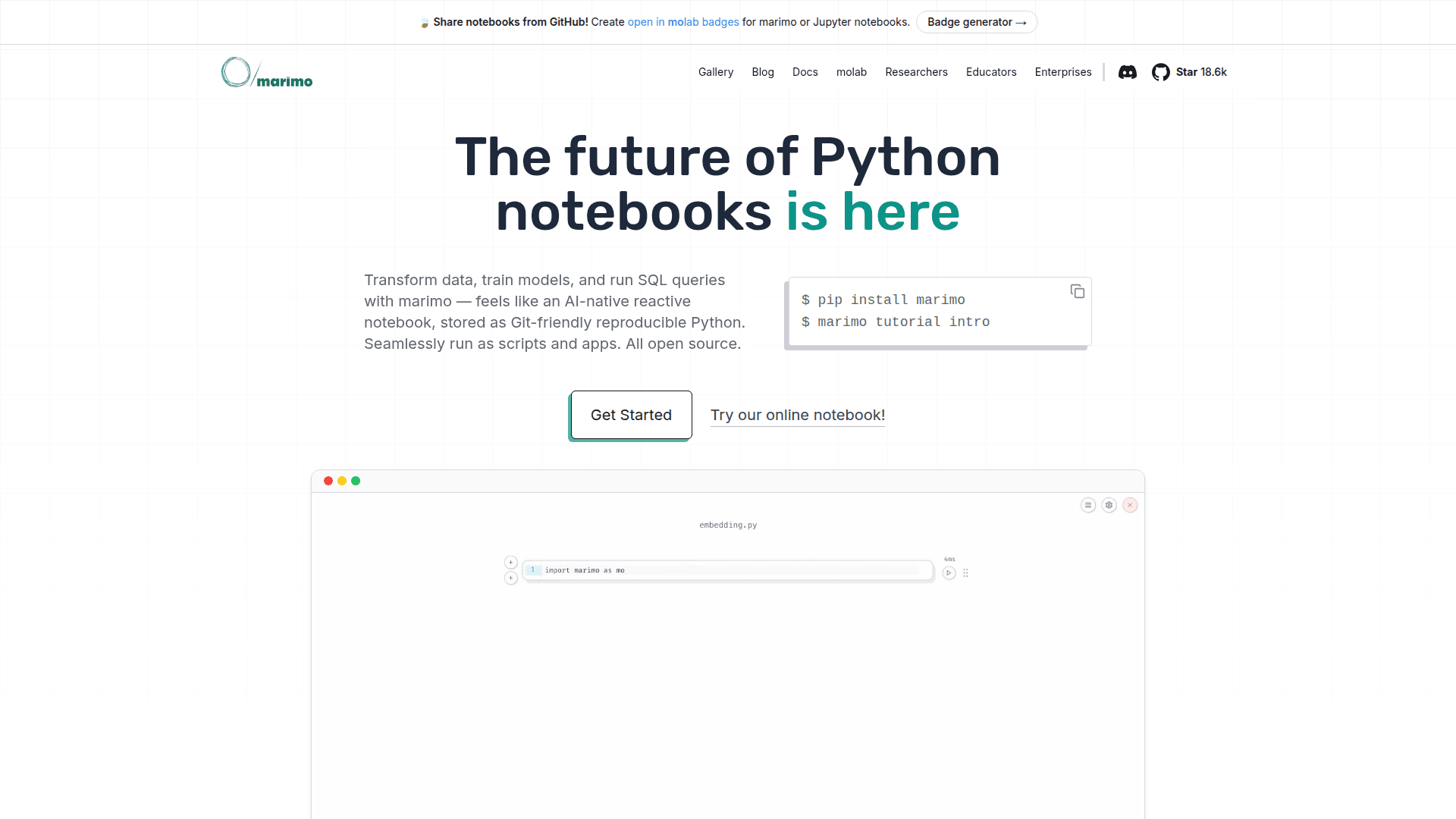
A reactive Python notebook that stores as Git-friendly .py files, runs as scripts and apps, with built-in SQL and AI support.
At a Glance
About marimo
marimo is a next-generation Python notebook that reinvents the traditional notebook experience by storing notebooks as pure Python files instead of JSON. It provides a reactive programming environment where running one cell automatically updates all dependent cells, eliminating the error-prone task of manually managing notebook state. marimo notebooks can be deployed as web apps, run as scripts, and shared via WebAssembly-powered HTML, all while remaining fully reproducible.
-
Reactive Execution automatically runs affected cells when you modify code, keeping outputs synchronized with your code changes and eliminating hidden state issues common in traditional notebooks.
-
Git-Friendly Storage saves notebooks as clean .py files that version control seamlessly, enabling proper code reviews, CI/CD integration, and collaboration without merge conflicts.
-
Interactive Elements include built-in sliders, dropdowns, dataframe tables, and selectable plots that make data exploration fast and intuitive.
-
First-Class SQL Support allows querying dataframes and databases directly with built-in SQL cells, supporting DuckDB, PostgreSQL, MySQL, SQLite, and more.
-
AI-Native Editor features GitHub Copilot-style autocomplete, AI assistance, inline edits, and context-aware chat using OpenAI, Anthropic, Google Gemini, or local models.
-
Multiple Deployment Options let you share notebooks as interactive web apps, export to WebAssembly-powered HTML, or run as Python scripts in pipelines.
-
Package Reproducibility optionally serializes package requirements in notebook files using PEP 723 metadata, with marimo managing virtual environments automatically.
-
Developer-Focused Features include hover tooltips, vim keybindings, code formatting, debugging panels, extensive hotkeys, a CLI, and a VS Code extension.
To get started, install marimo via pip with pip install marimo, then run marimo edit to launch the notebook editor. You can also try the online playground at molab.marimo.io without any installation. The tool integrates with popular Python data science libraries and can import existing Jupyter notebooks.
Community Discussions
Be the first to start a conversation about marimo
Share your experience with marimo, ask questions, or help others learn from your insights.
Pricing
Open Source
Free and open-source Python notebook
- Reactive notebook execution
- Git-friendly .py file storage
- Interactive UI elements
- Built-in SQL support
- AI-powered code completion
Capabilities
Key Features
- Reactive cell execution
- Git-friendly .py file storage
- Interactive UI elements (sliders, dropdowns, tables)
- Built-in SQL support
- AI-powered code completion
- Deploy as web apps
- Run as Python scripts
- WebAssembly export
- Package reproducibility with PEP 723
- VS Code extension
- Vim keybindings
- GitHub Copilot-style autocomplete
- Selectable plots
- DuckDB integration
- PostgreSQL support
- MySQL support
- SQLite support
- Context-aware AI chat
- Debugging panels
- CLI interface