
Moli
Open-source headless browser for AI agents, built in Rust, that fetches pages and automates tasks via CLI, CDP and WebDriver.
At a Glance
Moli core under Apache-2.0 or MIT, at your option, self-hosted via CLI, CDP, WebDriver
Engagement
Available On
Listed Oct 2026
About Moli
Moli is an open-source headless browser from Lexmount, built in Rust for AI agent workloads. It fetches and extracts web pages, searches the web and automates browser tasks through a CLI, CDP, WebDriver Classic or WebDriver BiDi. It runs on Linux, macOS and Windows, and Lexmount also offers a managed cloud browser service built around it.
What It Is
Moli is a standalone browser kernel rather than a Chromium wrapper. It includes a native DOM, V8 JavaScript, CSS, networking, storage and standard automation protocols in a single binary, so no separate ChromeDriver or browser installation is needed. Its design is structure-first: most requests read DOM and runtime state directly, and layout and painting run only when an operation needs them, such as geometry queries, screenshots or PDF export.
How the Workflow Looks
The moli fetch command renders a page and outputs HTML, Markdown, JSON or a compact semantic tree. With the --layout flag it can also produce viewport or full-page PNG screenshots and paginated PDFs. moli serve starts an automation server where one endpoint speaks CDP, WebDriver Classic and WebDriver BiDi, so Playwright can connect over CDP. Options cover profiles, cookies, HTTP cache, proxies, resource families, timeouts and network tracing.
Scope and Boundaries
The README documents deliberate limits: there is no GUI browser, GPU compositor or persistent window, and it does not aim for pixel-for-pixel parity with Chrome or high-fidelity Canvas, WebGL or media playback. Unsupported protocol paths return explicit errors. The README's own benchmarks compare Moli with Chrome Headless, Lightpanda and Obscura on public-web crawl success, memory and startup time; these are project-published results.
Relationship to Lexmount Browser
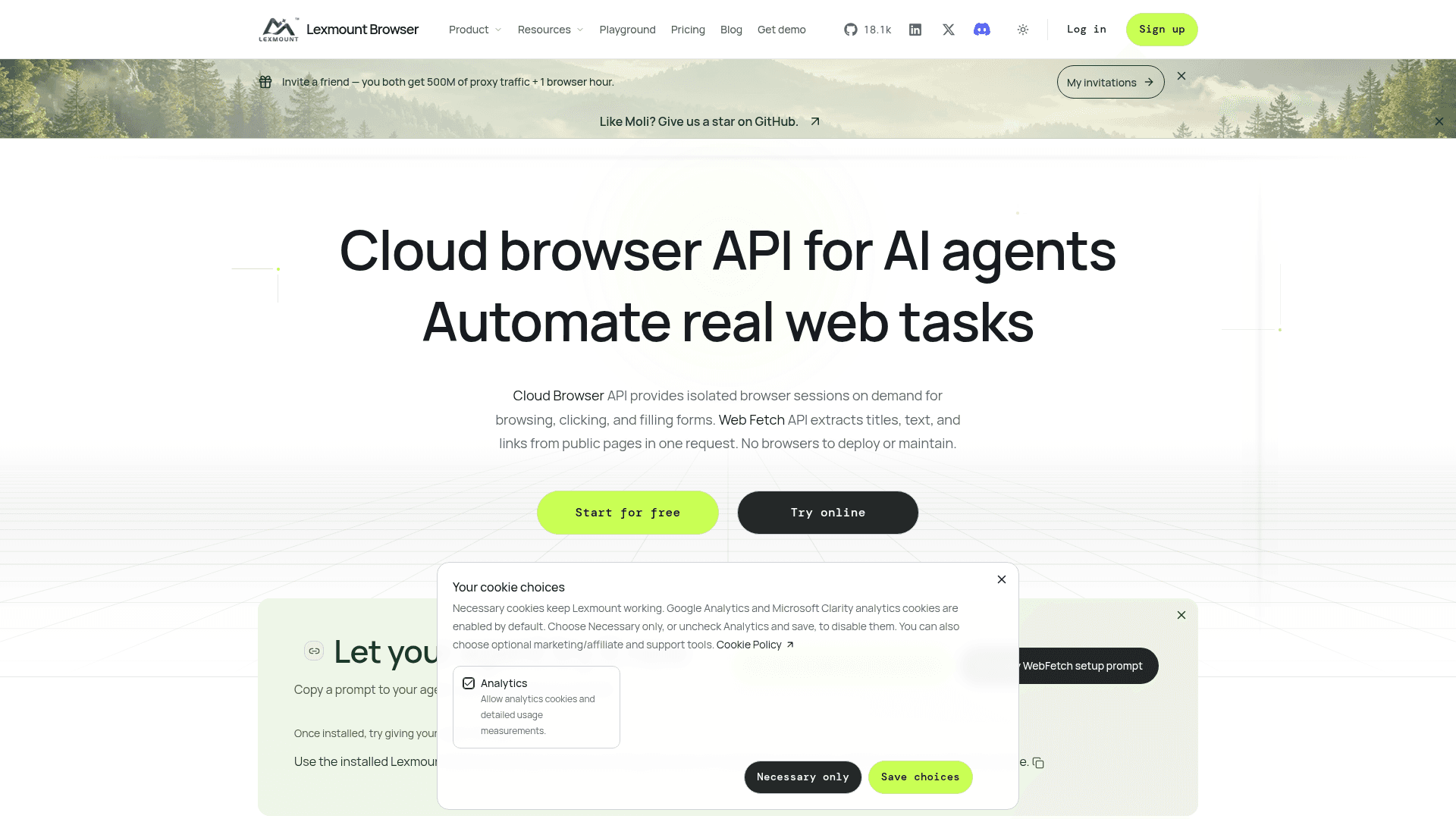
Lexmount Browser is the managed cloud runtime around Moli, offering a Cloud Browser API with Python and Node.js SDKs and a Web Fetch API for extracting page content. Users can pick Chromium or Moli as the session runtime. The README states the open-source browser is fully usable without Lexmount Browser.
Community Discussions
Be the first to start a conversation about Moli
Share your experience with Moli, ask questions, or help others learn from your insights.
Pricing
Open Source (self-hosted)
Moli core under Apache-2.0 or MIT, at your option, self-hosted via CLI, CDP, WebDriver
- Apache License 2.0 or MIT License, at your option
- CLI, CDP, WebDriver Classic and WebDriver BiDi
- Linux, macOS, Windows
- Separately licensed third-party components remain under their own licenses
Cloud Free
Hosted Cloud Browser plan for personal validation and small web tasks
- 10 hours / month browser hours
- 1,000 Web Fetch requests / month
- 3 concurrent browsers
- 0 CAPTCHA uses
- 100 MB official proxy traffic
Pro
Reliable production automation (cloud, one-time purchase for 1 month)
- 100 hours / month browser hours
- 1,000 Web Fetch requests / month
- 25 concurrent browsers
- 100 CAPTCHA uses / period
- 1 GB official proxy traffic
- 10 Persistent Contexts
- Web Fetch pack: $0.47 / 1,000 requests
Pro+
High concurrency, teams, and stronger guarantees (cloud, one-time purchase for 1 month)
- 500 hours / month browser hours
- 10,000 Web Fetch requests / month
- 100 concurrent browsers
- 500 CAPTCHA uses / period
- 1 GB official proxy traffic
- 50 Persistent Contexts
- Web Fetch pack: $0.43 / 1,000 requests
Enterprise
Dedicated capacity and custom integrations (cloud, one-time purchase for 1 month)
- 1,500 hours / month browser hours
- 10,000 Web Fetch requests / month
- 250 concurrent browsers
- 1,500 CAPTCHA uses / period
- 1 GB official proxy traffic
- 200 Persistent Contexts
- Web Fetch pack: $0.39 / 1,000 requests
Capabilities
Key Features
- Headless browser with native DOM, V8 JavaScript, CSS and networking
- CLI page fetch to HTML, Markdown, JSON and semantic tree
- On-demand layout for screenshots (PNG) and PDF export
- Single endpoint serving CDP, WebDriver Classic and WebDriver BiDi
- Playwright connection over CDP
- Profiles, cookies, HTTP cache and proxy controls
- Agent skills for installing and using Moli
- Managed cloud browser sessions via Lexmount Browser