
NekoTrail
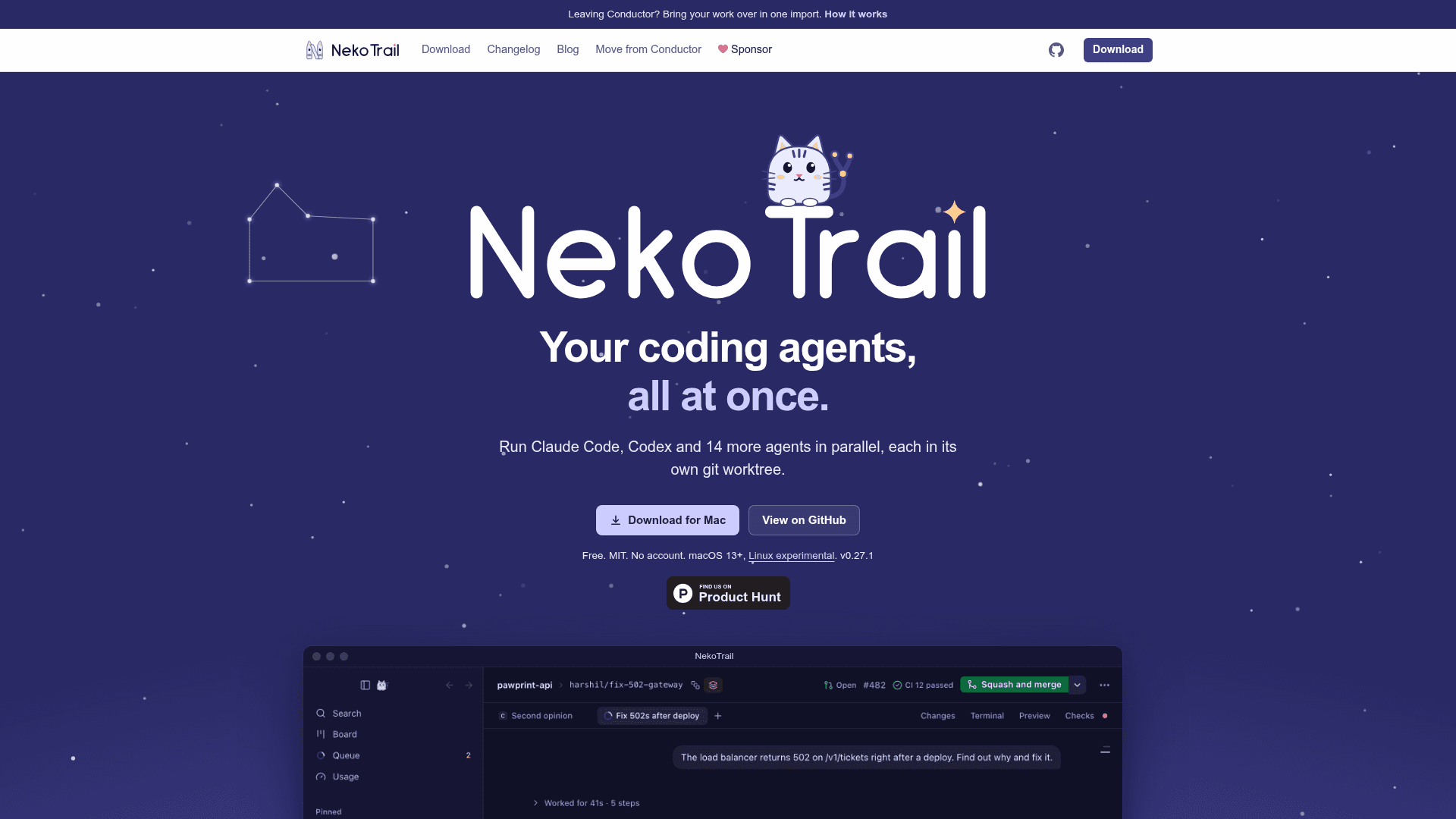
Desktop app that runs Claude Code, Codex and 14 other coding agents in parallel, each in its own git worktree.
At a Glance
Free, MIT-licensed desktop app for running multiple coding agents in parallel git worktrees; no account required. Agents use your own logins and subscriptions.
Engagement
Available On
Listed Nov 2026
About NekoTrail
NekoTrail is an open-source desktop app by Harshil Jani for running many coding agents side by side on one machine. Each task gets its own git worktree, branch, chat, diff and terminal, and the agents run through their own CLIs on the user's existing logins. The latest release listed is v0.27.1, with macOS 13+ supported and Linux builds marked experimental.
What It Is
NekoTrail is a local, workspace-based manager for AI coding agents. Users open a repo, type a task and press Enter, and the app creates a workspace: a git worktree on its own branch with a chat, a diff view, a live preview, a terminal and a PR bar showing GitHub status. It supports sixteen agents, including Claude Code, Codex, Gemini CLI, OpenCode, Cursor, GitHub Copilot, Goose, Qwen Code, Kimi, Auggie, Grok, Kiro, Droid, Mistral Vibe, Cline and Kilo. Workspaces, branches and chats stay on the user's disk, and the project states it has no account requirement and no telemetry.
Running and comparing agents
Tasks can start from a plain prompt, a GitHub or Linear issue, a PR, a branch or another workspace. A task queue runs several tasks at once (three by default), and plans can be approved or split into parallel workspaces. Two agents can be raced on the same task, with files, turns, time and cost compared so the better diff can be kept. A hand-off feature lets another agent continue in the same branch from a brief the user reads and edits first; the brief is built from the chat locally rather than written by a model. Each workspace also gets its own block of 10 ports to avoid conflicts such as everyone using port 3000.
Review, control and shipping
The Changes tab supports line comments that are sent back to the agent as one review, and checkpoints let users rewind files to before any message. Other documented controls include protected files, spend caps, a usage view, checks after each turn, phone alerts via ntfy, Slack or Discord, and an Environment view showing every variable a workspace gets. PR actions cover opening a PR, fixing failing checks, resolving conflicts and squash merging. Shared MCP servers can be copied between agents, and a command line and VS Code and Cursor integration can send tasks to the app.
Moving from Conductor
An import brings over Conductor repos, workspaces and chats, moving worktrees with git worktree move and checking branch, commit and uncommitted files for each. The project is independent and not affiliated with Conductor or the agent vendors.
Setup path
On macOS, a one-line install script or a .dmg is offered. Requirements are git, a signed-in GitHub CLI and at least one agent CLI. Linux .deb and .rpm packages exist and are described as new and experimental. The app checks for updates on launch and every six hours.
Community Discussions
Be the first to start a conversation about NekoTrail
Share your experience with NekoTrail, ask questions, or help others learn from your insights.
Pricing
Free
Free, MIT-licensed desktop app for running multiple coding agents in parallel git worktrees; no account required. Agents use your own logins and subscriptions.
- MIT licensed, open source on GitHub
- No account required
- Runs Claude Code, Codex and 14 more agents in parallel git worktrees
- Uses your own agent logins and subscriptions; no proxy, no markup
- macOS 13+, Linux experimental
Capabilities
Key Features
- Parallel agent workspaces, each in its own git worktree and branch
- Support for sixteen agent CLIs on the user's own logins
- Compare two agents on the same task side by side
- Hand off to another agent in the same branch from a readable brief
- Line-by-line review comments sent back as one review
- Checkpoints and rewind to before any message
- Task queue with plan approval and splitting
- Spend caps, usage view and post-turn checks
- Per-workspace port blocks and environment viewer
- GitHub and Linear issue start and PR workflow
- Built-in preview with annotation
- Share MCP servers between agents
- Import from Conductor
- Phone alerts via ntfy, Slack and Discord
- Themes and search across all chats
- Command line for creating workspaces