
Neon MCP Server
An open-source MCP server that lets AI assistants interact with Neon Postgres databases using natural language to manage projects, run queries, and perform schema migrations.
At a Glance
Free and open-source under the MIT License. Self-host or use the remote hosted server at mcp.neon.tech.
Engagement
Available On
Alternatives
Listed Aug 2026
About Neon MCP Server
Neon MCP Server is an open-source tool built by Neon Inc. that implements the Model Context Protocol (MCP), enabling AI assistants and coding agents to interact with Neon Postgres databases through natural language commands. It is available under the MIT License and hosted remotely at mcp.neon.tech, with the source code published on GitHub under the neondatabase organization.
What It Is
Neon MCP Server acts as a bridge between large language models (LLMs) and the Neon API. When an AI assistant receives a natural language request—such as "create a new database called my-database with a users table"—the MCP server translates that request into the appropriate Neon API calls. This removes the need to write SQL directly or navigate the Neon Console for common database management tasks. The server is designed primarily for local development and IDE-based workflows, and the documentation explicitly recommends against connecting it to production environments.
How the Tool Categories Work
The server organizes its capabilities into named tool categories, each of which can be enabled or disabled independently via URL query parameters:
- Projects – list, create, describe, and delete Neon projects and organizations
- Branches – create branches, compare schemas, reset branches to parent state
- Schema – inspect tables and columns; run schema changes via a safe temporary-branch workflow
- Querying (SQL) – execute queries and transactions; inspect database structure
- Neon Auth – set up and configure app authentication for a branch
- Neon Data API – enable HTTP-based Data API access for a branch
- Observability – query OpenTelemetry-based logs from serverless functions and storage
- Docs – look up Neon documentation from within the assistant (no OAuth required)
Operators can restrict the server to read-only mode by appending ?readonly=true to the MCP URL, or scope all operations to a single project with ?projectId=<id>.
Setup Path
Three setup options are documented in the README:
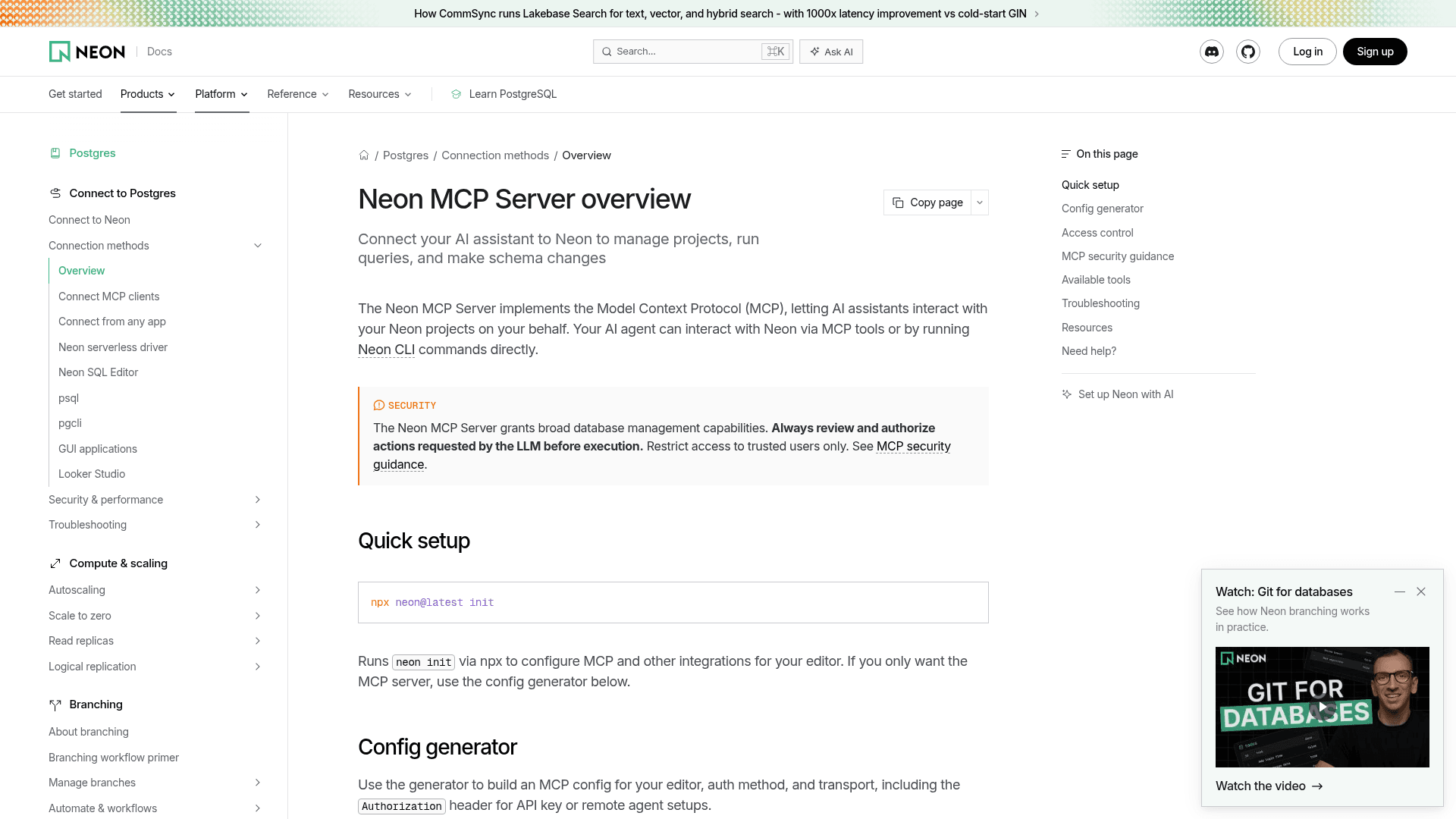
- Quick setup via
npx neon@latest init– authenticates via OAuth, creates a Neon API key, and configures the editor automatically. Works with Cursor, VS Code (GitHub Copilot), and Claude Code. - Remote MCP Server with OAuth – add
https://mcp.neon.tech/mcpto the MCP client config; an OAuth browser window handles authorization. No static secret is required. - Remote MCP Server with API Key – pass a Neon API key in the
Authorizationheader for headless or remote agent setups where OAuth is unavailable.
The server runs as a Next.js App Router application deployed on Vercel. For clients that do not yet support Streamable HTTP, a deprecated SSE endpoint (https://mcp.neon.tech/sse) is also available.
Safe Migration Workflow
One of the more distinctive capabilities is the two-step database migration workflow. The prepare_database_migration tool creates a temporary Neon branch, applies the proposed schema change there, and returns control to the LLM so it can test the migration in isolation. Only after the LLM calls complete_database_migration are the changes merged into the main branch and the temporary branch cleaned up. This pattern leverages Neon's copy-on-write branching to make AI-driven schema changes safer and reversible.
Current Status and Repository Activity
The repository was created in November 2024 and shows active development, with the last push recorded in August 2026. As of the available data, the project has accumulated over 620 stars and 118 forks on GitHub. The server is deployed continuously to Vercel from the main branch, with preview environments generated for pull requests. Neon notes that the project is part of the broader Databricks Platform following Neon's acquisition.
Community Discussions
Be the first to start a conversation about Neon MCP Server
Share your experience with Neon MCP Server, ask questions, or help others learn from your insights.
Pricing
Open Source
Free and open-source under the MIT License. Self-host or use the remote hosted server at mcp.neon.tech.
- Full MCP server source code under MIT License
- Remote hosted server at mcp.neon.tech
- OAuth and API key authentication
- All tool categories included
- Read-only and project-scoped modes
Capabilities
Key Features
- Natural language interaction with Neon Postgres databases
- Project management: list, create, describe, delete projects
- Branch management: create, delete, describe, reset branches
- SQL query execution and transactions
- Safe database migration workflow via temporary branches
- Schema inspection: tables, columns, indexes
- Query performance analysis and optimization (slow queries, EXPLAIN)
- Neon Auth provisioning and configuration
- Neon Data API provisioning
- Observability: query OpenTelemetry-based logs
- Documentation search and retrieval from within the assistant
- Read-only mode via ?readonly=true URL parameter
- Project-scoped mode via ?projectId= URL parameter
- Category-based tool filtering via ?category= URL parameter
- OAuth and API key authentication
- Streamable HTTP and SSE transport support
- Config generator for multiple editors
- IP allowlist support for hosted MCP server