
NinjaChat MCP
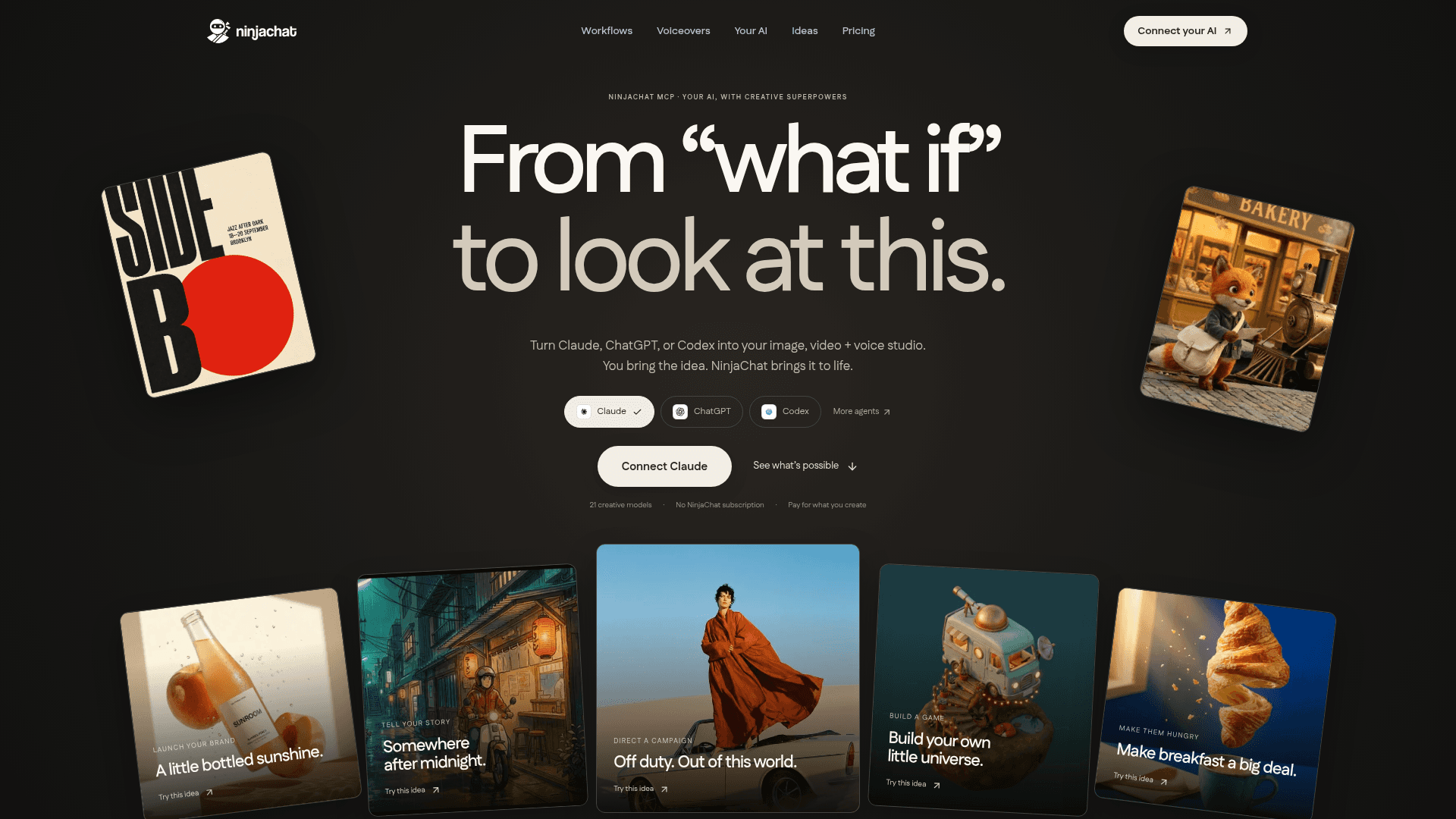
A hosted MCP server that gives Claude, ChatGPT, Cursor, Codex, and VS Code image generation, video creation, image editing, and AI voiceover capabilities through 19 creative tools.
At a Glance
About NinjaChat MCP
NinjaChat MCP is a hosted Model Context Protocol server built by Bloon (the company behind NinjaChat AI) that connects AI assistants like Claude, ChatGPT, Cursor, Codex, and VS Code to a suite of 21 creative models for image generation, video production, image editing, and text-to-speech voiceovers. It requires no NinjaChat subscription to start — users pay only for what they generate, with a developer balance and a configurable monthly spending cap. The server endpoint is available at https://www.ninjachat.ai/api/mcp and connects via standard MCP connector settings in supported clients.
What It Is
NinjaChat MCP is a creative media server that extends AI chat assistants with image, video, and voice generation capabilities without requiring users to leave their existing AI environment. Rather than switching to a separate creative app, users prompt Claude or ChatGPT directly and the MCP server handles model routing, cost estimation, and media delivery. The server exposes 19 named tools — from create_media and generate_video to estimate_cost and publish_page — that the connected AI can call on the user's behalf.
The 19-Tool Creative Toolkit
The server's tools cover the full creative production loop:
- Generation:
generate_image,generate_video,generate_speech,create_media,image_to_video - Editing & references:
edit_image,upload_asset,save_creation_as,list_creative_entities - Status & retrieval:
get_generation_status,get_creation,search_creations - Planning & cost control:
estimate_cost,compare_models,search_models,get_account_balance,add_credits - Publishing:
prepare_scrub_video,publish_page
The estimate_cost tool lets the connected AI quote a price before any generation runs, and a server-side monthly spending cap prevents agents from overspending autonomously.
Model Roster
The server routes across 21 models spanning image and video generation and two voice synthesis options:
- Image: FLUX.2 Pro (Black Forest Labs), Nano Banana 2 / Pro / standard (Google), Seedream 4.5 (ByteDance), GPT Image 2 (OpenAI), Grok Imagine (xAI), Recraft V3, Qwen Image Edit (Alibaba), Z-Image Turbo (Alibaba), plus Runway Gen-4 Image Turbo, Flux Schnell
- Video: Veo 3.1 / Veo 3.1 Fast (Google), Kling 2.6 Pro (Kuaishou), Seedance 2.0 / Lite / Pro (ByteDance), Runway Gen-4.5
- Voice: OpenAI TTS and OpenAI TTS HD, with nine available voices, output as MP3 or WAV
Supported Agents and Setup Path
The server supports Claude, ChatGPT, Cursor, Claude Code, Codex, VS Code, Hermes, and OpenClaw. Setup for Claude involves pasting the MCP endpoint URL into Settings → Connectors → Add custom connector, signing in to NinjaChat, and approving the connection — no API key is required. Dedicated setup guides exist for each supported client. The page notes that custom MCP connections may require a specific account plan or workspace admin approval depending on the client.
Workflow Library and Use Cases
The MCP page documents 19 named workflows organized into categories: UGC & ads, Stories & video, Products & brands, and Agent workflows. Example workflows include generating a week of creator ad videos from a single brief, producing a narrated explainer film, and building a consistent visual brand kit. The page also shows 27 case studies with per-run cost breakdowns — for example, a "week of ads" workflow producing 11 files is listed at a specific per-run cost, illustrating the pay-per-generation model.
Current Status
The MCP page references a creative campaign dated September 2026 and a comparison table of competing creative MCP servers (Higgsfield, fal, Replicate) read from vendor documentation on September 11, 2026, indicating the server is actively maintained and positioned as a production-ready offering. The page lists 21 models and 19 tools as the current roster, with the broader NinjaChat platform also offering a REST API, iOS app, and enterprise tier.
Community Discussions
Be the first to start a conversation about NinjaChat MCP
Share your experience with NinjaChat MCP, ask questions, or help others learn from your insights.
Pricing
Pay As You Create
No subscription required. Connect your AI and pay only for what you generate using your developer balance.
- 19 MCP tools
- 21 creative models
- Images from $0.003
- Video from $0.15
- Voiceovers from $0.015 per 1,000 characters
Capabilities
Key Features
- 19 MCP tools for image, video, voice, and publishing
- 21 creative models including Veo 3.1, Kling 2.6 Pro, FLUX.2 Pro, GPT Image 2, Seedance 2.0
- estimate_cost tool quotes price before generation runs
- Server-side monthly spending cap for agent budget control
- Failed generations refunded automatically
- 9 AI voices for text-to-speech, MP3 or WAV output
- Image editing with prompt-driven background and detail changes
- Image-to-video animation
- Named reusable references for characters, products, and styles
- compare_models tool to test one prompt across multiple models
- publish_page tool to deploy HTML to ninja.site
- prepare_scrub_video for scroll-driven website playback
- No NinjaChat subscription required — pay per generation
- Supports Claude, ChatGPT, Cursor, Codex, VS Code, Claude Code, Hermes, OpenClaw
- 19 pre-built creative workflows (UGC ads, brand campaigns, agent workflows)
- Single developer balance shared with REST API