
Noctty
A native Windows terminal built on Ghostty's terminal core with tabs, splits, session restore, and a command palette.
At a Glance
Noctty, a native Windows terminal built on Ghostty's terminal core, is MIT licensed and free to use, modify and distribute.
Engagement
Available On
Listed Nov 2026
About Noctty
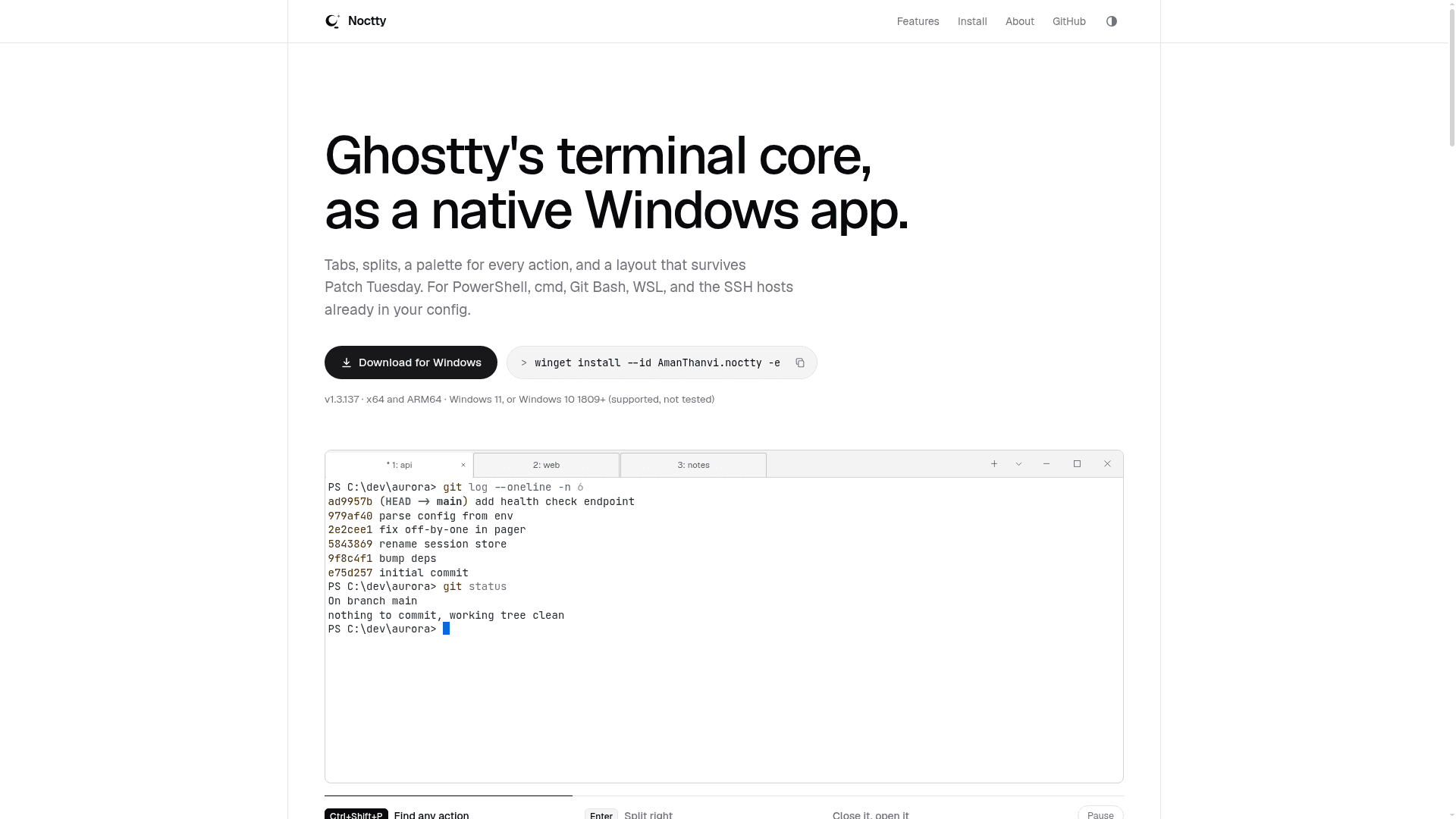
Noctty is a Windows terminal emulator that pairs Ghostty's terminal core with a native Win32 app written for this fork, maintained by Aman Thanvi. It offers tabs, splits, a command palette, and session restore for PowerShell, cmd, Git Bash, WSL, and SSH hosts. The latest release listed is version 1.3.137, published 2026-11-09, formerly known as winghostty.
What It Is
Noctty is a terminal for Windows 10 (1809+) and Windows 11 on x64 and ARM64. It reuses Ghostty's terminal core for parsing, fonts, rendering, and input, while the Win32 runtime, windowing, tabs and splits, settings window, and updater are its own work. It is an independent project and is not affiliated with Ghostty. Most Ghostty config options and themes work as they are.
Session Restore and Palette
On relaunch, windows, tabs, splits, and working directories come back, each pane with its profile and any title you set. Running programs are not restored, and SSH panes reopen as the default shell. Scrollback can optionally return as plain text via the window-save-state-scrollback setting. The command palette (Ctrl+Shift+P) puts actions, tabs, panes, profiles, themes, and settings in one fuzzy list, with prefixes to narrow by type.
Shells, Settings, and Extras
Noctty detects PowerShell, Command Prompt, Git Bash, WSL distributions, Visual Studio developer shells, and hosts from ~/.ssh/config. A native Settings window rewrites only the changed keys in config.ghostty. Other features include undo of a closed tab, docked scrollback search with regex, an Explorer "Open noctty here" entry, a jump list, a global-hotkey quick terminal, and tab status markers for tools that report via OSC 7501.
Rendering, Privacy, and Caveats
The default renderer needs OpenGL 4.3, with a beta Direct3D 11 fallback where OpenGL cannot start. There is no telemetry; the update check is the only connection it makes on its own and can be turned off. Releases use a self-signed certificate, so SmartScreen warns on first run. Accessibility is described as partial, and no screen reader has been validated against a release build. It runs on Windows only. The project is MIT licensed.
Community Discussions
Be the first to start a conversation about Noctty
Share your experience with Noctty, ask questions, or help others learn from your insights.
Pricing
Open Source
Noctty, a native Windows terminal built on Ghostty's terminal core, is MIT licensed and free to use, modify and distribute.
- MIT licensed
- Tabs, splits and session restore
- Universal command palette
- Native settings window
- SSH host profiles
Capabilities
Key Features
- Tabs and splits
- Session restore of windows, tabs, splits, and working directories
- Universal command palette with prefix filters
- Automatic shell detection (PowerShell, cmd, Git Bash, WSL, VS developer shells)
- SSH hosts from ~/.ssh/config as profiles
- Native Settings window preserving config comments
- Ghostty config and theme compatibility
- Undo closed tab
- Scrollback search with regex, case, and whole-word modes
- Quick terminal with global hotkey
- Tab status notifications via OSC 7501
- Direct3D 11 fallback renderer (beta)
- Explorer context menu and jump list integration
- No telemetry
- Portable ZIP and installer