
octomux
Local dashboard for running many Claude Code and Cursor agents in parallel, each in its own git worktree, with a single permission inbox and in-app diff review.
At a Glance
Self-hosted local dashboard for running parallel Claude Code and Cursor agents, released under the MIT license.
Engagement
Available On
Listed Nov 2026
About octomux
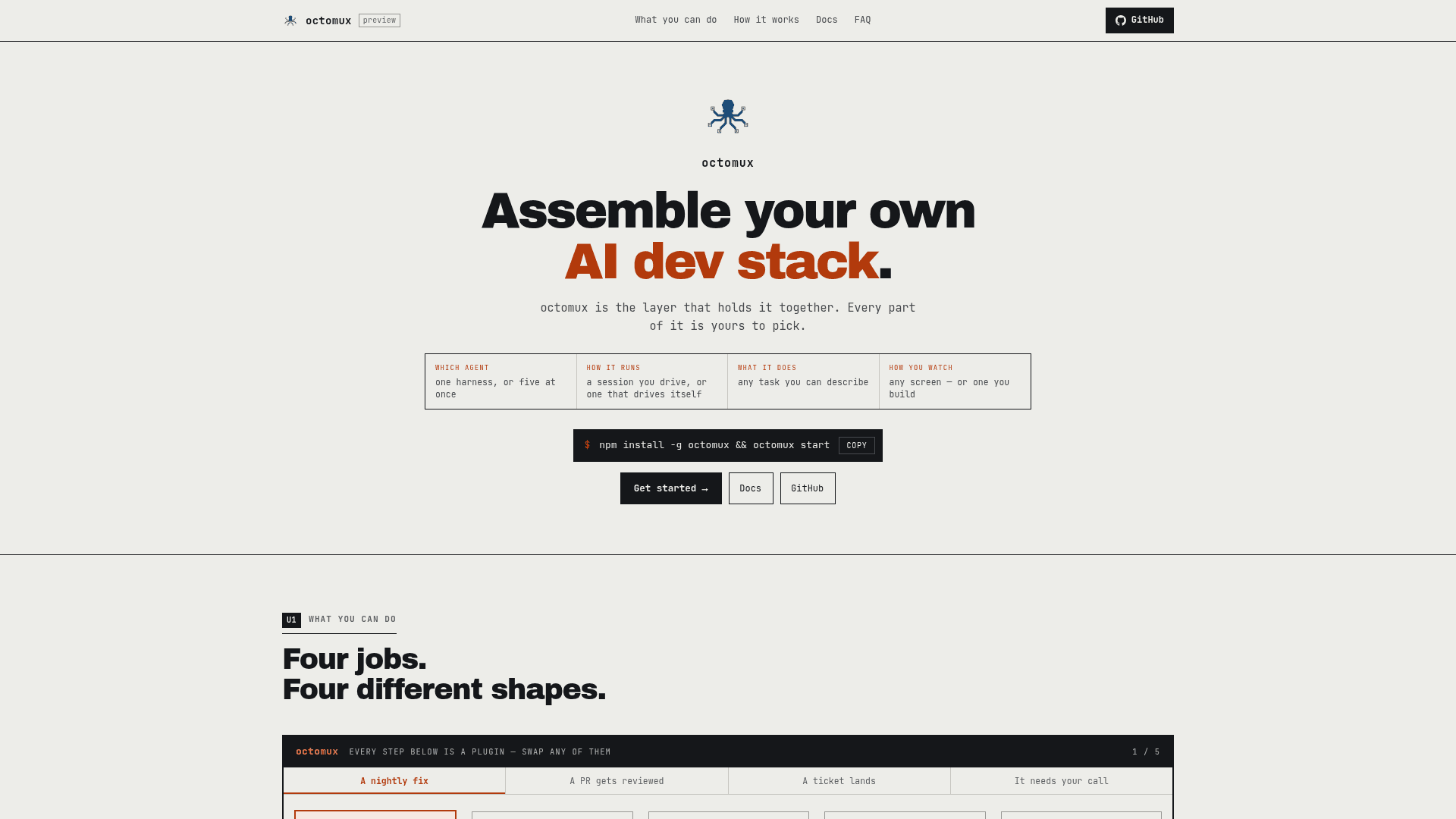
octomux is an open-source, MIT-licensed local dashboard for running multiple Claude Code and Cursor agents in parallel. Each task gets its own git worktree and branch, and the dashboard (served at localhost:7777) collects permission prompts, live terminals, and diffs in one place. It runs on the user's machine; the README states there is no cloud and no telemetry. The latest listed release is v1.5.2.
What It Is
octomux is an agent-fleet manager layered on tmux and git worktrees. You describe a task (or paste a Jira, Linear, or GitHub link, or a list of them), choose Claude Code or Cursor as the harness and a model, and octomux creates a worktree, branch, and agent session for it. The dashboard then shows every agent's state so a single person can supervise many sessions without switching panes. It drives the Claude Code or Cursor subscription the user already has rather than adding inference of its own.
Workflow: dispatch, run, watch, review
- Dispatch tasks individually or in batches, with a model and harness chosen per task.
- Attach a verify command and a task loops in fresh context until that command exits 0, with iteration limits and an optional budget. Tasks can also be scheduled on a cron.
- An orchestrator agent can plan a goal, split it, and dispatch child tasks for approval.
- A Monitor grid shows live terminals for all agents, a kanban command center tracks tasks from backlog to done, and a sessions inbox gathers every "allow this tool?" prompt.
- An agent drafts a review walkthrough and inline comments grounded on the real diff. The user reviews in-app and publishes as one batched GitHub review once accepted.
- After a crash or reboot,
octomux startrestores tasks, branches, and sessions.
Setup and access
Install with npm (npm install -g octomux), run octomux init, then octomux start inside a repository. The CLI supports macOS and Linux with Node.js 20+ and git (tmux is bundled), and at least one harness (Claude Code or Cursor CLI) must be installed. A macOS desktop app is also offered. By default it binds to 127.0.0.1; it can be reached from a phone over a Tailscale tailnet using a generated access token.
Extending octomux
octomux exposes a REST API, WebSocket channels for events, terminals, and orchestrator conversations, a queryable SQLite schema, and user hook scripts for task-lifecycle events. Third-party npm plugins can register workflows, integration providers, or harnesses through an apply(ctx) function listed in ~/.octomux/octomux.yml. The README notes that plugins run in-process without a sandbox, so they should only be installed from trusted sources.
Community Discussions
Be the first to start a conversation about octomux
Share your experience with octomux, ask questions, or help others learn from your insights.
Pricing
Open Source (MIT)
Self-hosted local dashboard for running parallel Claude Code and Cursor agents, released under the MIT license.
- MIT-licensed open source core
- Runs locally, no cloud, no telemetry
- Git worktree per agent
- Single permission inbox
- Monitor grid
Capabilities
Key Features
- Run many Claude Code and Cursor agents in parallel, each in its own git worktree
- Single inbox for all tool permission prompts
- Live Monitor grid of all agent terminals
- Kanban command center from backlog to done
- Verify-command loops that rerun in fresh context until passing
- Cron schedules for recurring tasks
- Orchestrator agent that plans and dispatches child tasks
- In-app diff review with agent-drafted walkthrough and inline comments
- Batched GitHub review publishing after human acceptance
- Persistent agents with optional Telegram/Slack channel
- Session restore after crash or reboot
- Remote access from phone over Tailscale
- Plugin system for workflows, integrations, and harnesses
- REST API, WebSocket channels, and hook scripts
- macOS desktop app and npm CLI