oh-my-codex
A workflow and multi-agent orchestration layer for OpenAI Codex CLI that adds staged pipelines, parallel team execution, persistent memory, and extensible hooks.
At a Glance
Fully free and open-source under MIT license, installable via npm.
Engagement
Available On
Alternatives
Listed May 2026
About oh-my-codex
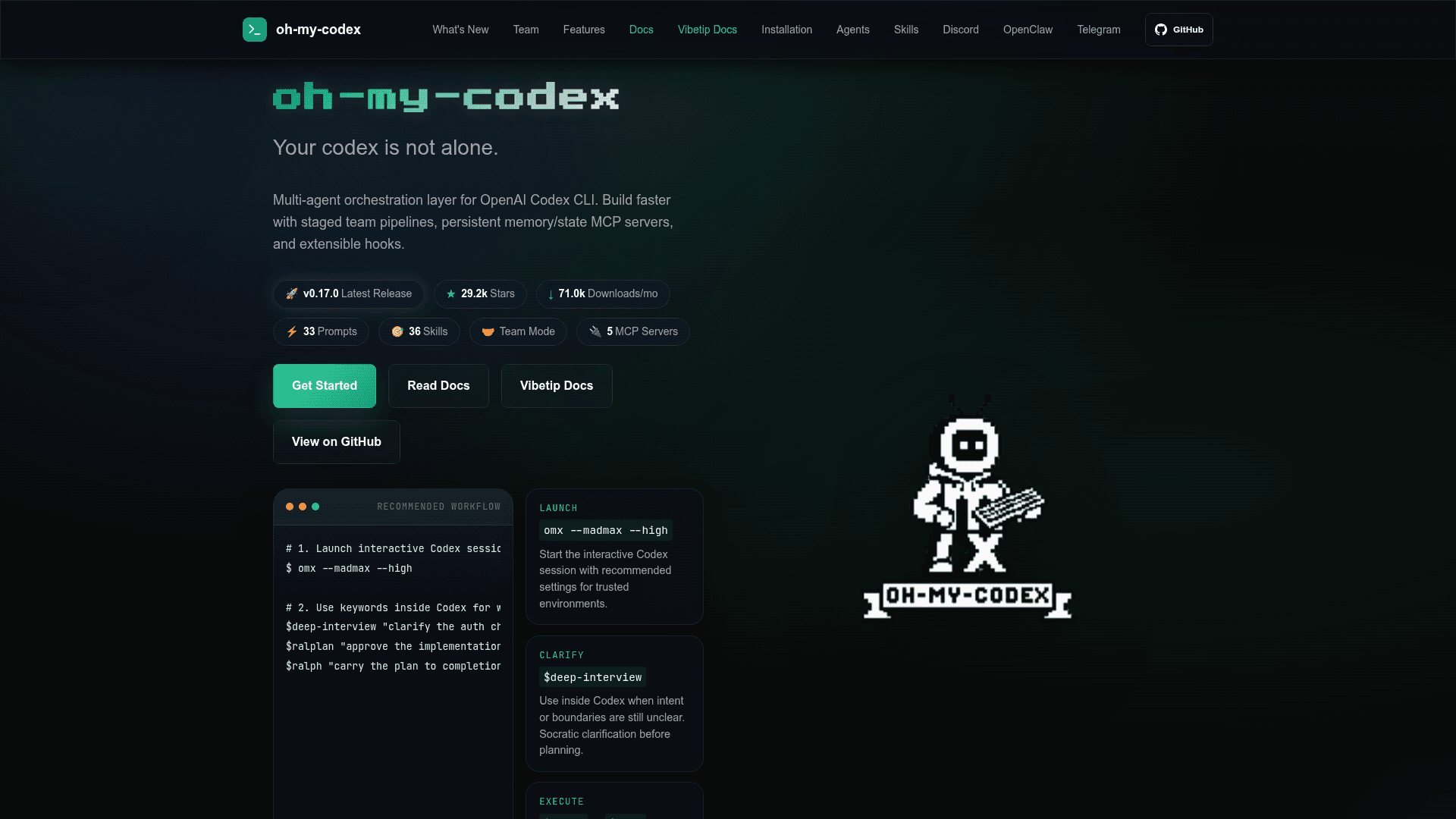
oh-my-codex (OMX) is an open-source workflow layer built on top of OpenAI Codex CLI, created by Yeachan Heo and maintained on GitHub. It keeps Codex as the execution engine while adding structured workflows, reusable skill keywords, parallel team orchestration, and durable project state. The project homepage reports over 29,000 GitHub stars and 71,000 monthly npm downloads as of its latest release.
What It Is
OMX is a CLI-first orchestration wrapper for OpenAI Codex CLI. Rather than replacing Codex, it adds a consistent workflow layer: a set of canonical skill keywords ($deep-interview, $ralplan, $ralph, $team), 33 specialized role prompts, 36 workflow skills, and a .omx/ directory that stores plans, logs, memory, and runtime state across sessions. It is primarily designed and actively tuned for macOS and Linux; native Windows support is described as a secondary, less-supported path.
Core Workflow Model
OMX structures Codex sessions around a four-step pattern:
$deep-interview— Socratic clarification of intent, scope, and non-goals before any planning begins.$ralplan— Turns clarified scope into an approved architecture and implementation plan with tradeoff review.$ralph— A persistent completion loop that drives the approved plan to verified completion.$team— Coordinated parallel execution across N isolated git worktrees when the work is large enough to parallelize.
Launch profiles (--yolo, --high, --xhigh, --madmax) control reasoning effort and execution intensity. The recommended default is omx --madmax --high.
Team Mode and Worktree Isolation
Since v0.13.1, every $team worker runs in a dedicated git worktree at .omx/team/<name>/worktrees/worker-N by default — no flags required. Workers write to isolated detached branches, keeping the leader workspace clean. The leader continuously integrates worker commits via merge, cherry-pick, or cross-worker rebase strategies, with conflicts detected early and reported in integration-report.md. Mixed-provider teams are supported via OMX_TEAM_WORKER_CLI_MAP, allowing Codex, Claude, and Gemini workers to run side-by-side.
MCP Servers and Integrations
OMX ships five MCP servers covering state, memory, code intelligence, and trace surfaces for persistent context and cross-session learning. The v0.17.0 release introduced the Hermes MCP Bridge — a bounded, opt-in coordination bridge that exposes audited session status, follow-up dispatch, safe artifact reads, log tails, and final reports without leaking tmux scrollback or raw private state. Notification integrations include Discord webhooks, Telegram bot commands, and an OpenClaw unified outbound gateway for routing to Discord, Slack, Telegram, and custom webhooks.
Update: v0.18.0
The latest release is v0.18.0, published May 19, 2026. The preceding v0.17.0 (May 12, 2026) introduced the Hermes MCP Bridge, the canonical $design workflow backed by a durable DESIGN.md artifact, plugin-mode skill discovery via the local Codex plugin marketplace, adversarial UltraQA guidance requiring hostile scenario modeling and prompt-injection coverage, Windows native hook hardening, tmux ownership checks, startup-shell isolation, committed project memory loading, and Ultragoal goal reconciliation. The project is actively maintained with frequent releases and a multilingual README spanning 16 languages.
Setup and Requirements
Installation requires Node.js 20+, the Codex CLI (npm install -g @openai/codex), and configured Codex auth. The recommended install is npm install -g @openai/codex oh-my-codex followed by omx setup and omx doctor. On macOS/Linux, tmux is required for the durable team runtime. The omx doctor command verifies install shape and runtime prerequisites; omx exec provides a real execution smoke test that catches auth and provider configuration problems.
Community Discussions
Be the first to start a conversation about oh-my-codex
Share your experience with oh-my-codex, ask questions, or help others learn from your insights.
Pricing
Open Source
Fully free and open-source under MIT license, installable via npm.
- Full CLI workflow layer for OpenAI Codex CLI
- 33 role prompts and 36 workflow skills
- Multi-agent team orchestration with git worktree isolation
- 5 MCP servers
- Discord, Telegram, and OpenClaw integrations
Capabilities
Key Features
- Multi-agent team orchestration with parallel git worktree isolation
- 33 specialized role prompts across implementation, review, domain, and coordination lanes
- 36 workflow skills triggered by $keyword syntax
- Canonical workflow: $deep-interview → $ralplan → $ralph/$team
- Durable project state under .omx/ (plans, logs, memory, mode tracking)
- 5 MCP servers for state, memory, code intelligence, and trace
- Hermes MCP Bridge for bounded session coordination
- Mixed-provider team support (Codex, Claude, Gemini)
- Launch profiles: --yolo, --high, --xhigh, --madmax
- Discord, Telegram, and OpenClaw notification integrations
- omx doctor for install verification
- omx explore for read-only repository lookup
- omx wiki for project knowledge management
- Staged pipeline: plan → prd → exec → verify → fix
- Ultragoal for durable multi-goal handoffs across Codex sessions
- Plugin-mode skill discovery via Codex plugin marketplace
- tmux-backed HUD and team runtime management