
Oil Studio
Native Mac screen recorder and editor with auto-zoom, on-device Whisper captions, transcript-based cutting, and a CLI and skill for Claude Code and Codex.
At a Glance
Engagement
Available On
Listed Nov 2026
About Oil Studio
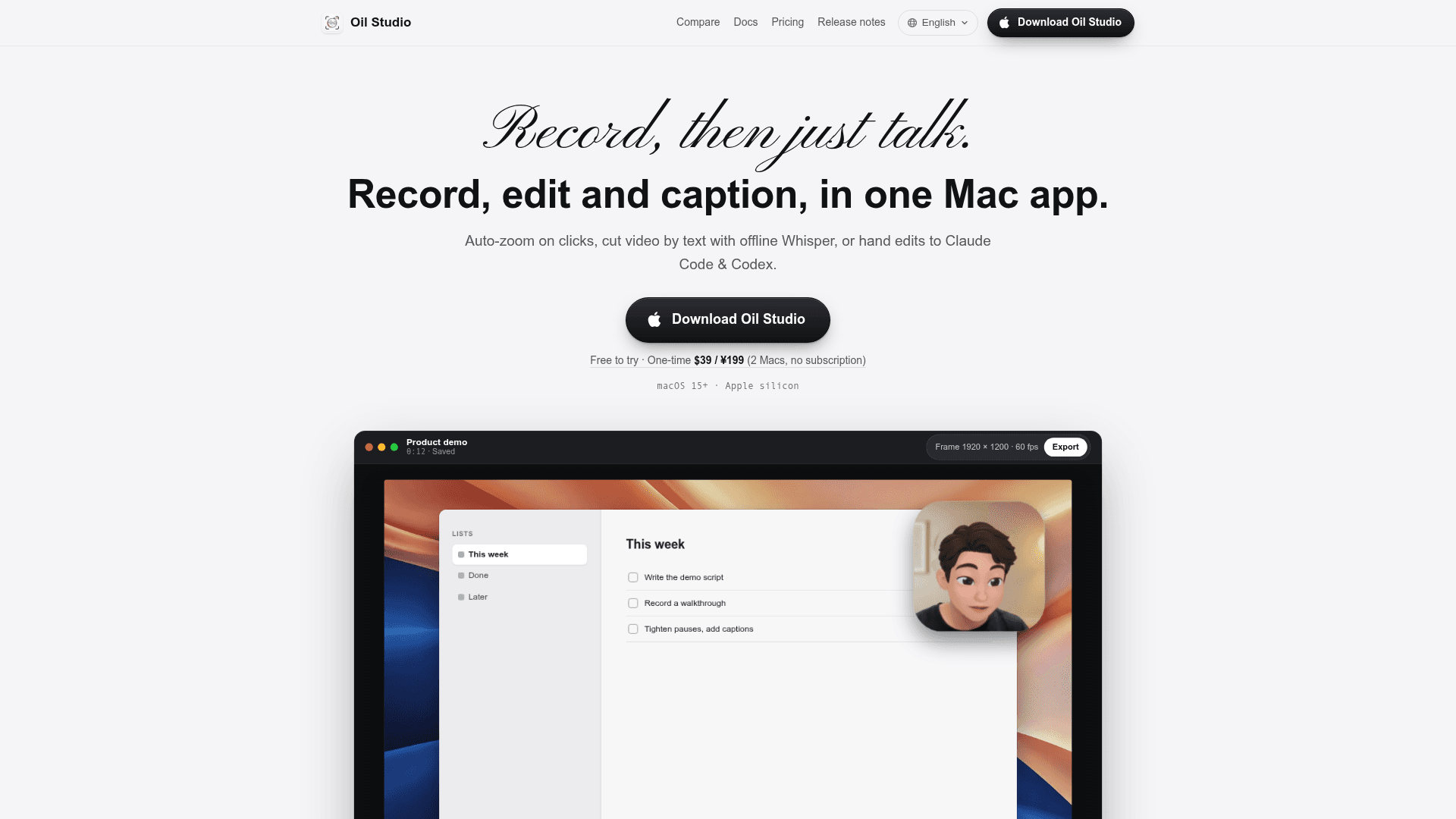
Oil Studio is a native macOS app for recording, editing and captioning screen videos in one place. It records a display, window or area with camera, mic and system audio, adds click-following auto-zoom, and exports MP4 or GIF. It also ships an oilstudio CLI and an open-source agent skill so Claude Code or Codex can propose cuts, fix captions and even record demos.
What It Is
Oil Studio is a screen recorder and video editor for Apple silicon Macs running macOS 15 or later. You record a display, window or area, optionally with camera, microphone and system audio, and edit on a single timeline with trim, speed, zoom and camera layouts. Export goes up to 4K 60 fps MP4 (H.264 or HEVC) or GIF, with subtitles burned in or exported as SRT. This is the Oil Studio recording app, separate from Oil UI.
Auto-zoom and transcript editing
Clicks and cursor movement are recorded, so the camera springs in on clicks and eases back out while the cursor is redrawn smoothly. Zoom blocks can be adjusted on the timeline for timing, factor and center. Captions come from on-device Whisper, and you can cut video by selecting transcript sentences; cuts snap to word boundaries, and pauses and filler words can be cleared in one click. Captions follow every edit, and undo restores them.
Agent workflow
The CLI and local socket return JSON, letting an agent list projects, read transcript and click context, submit a cut plan, record a window, remove idle gaps and export. The vendor states proposals open in a review bar by default, with optional auto-apply. The skill installs with npx skills add oil-oil/oil-studio-skill.
On-device processing and finishing tools
The vendor states that recording, editing, Whisper, voice enhancement, skin smoothing and avatars run locally, with cloud options opt-in. Other built-in tools include noise removal, loudness leveling, music auto-ducking, a teleprompter, privacy redaction, keystroke overlays, wallpapers and camera layouts. The interface is available in English and Simplified Chinese.
Community Discussions
Be the first to start a conversation about Oil Studio
Share your experience with Oil Studio, ask questions, or help others learn from your insights.
Pricing
Oil Studio License
One-time purchase license; activates on 2 Apple silicon Macs. Launch price $39 (regular $49).
- Spring auto-zoom on clicks, smoothed cursor, motion blur, and 4K 60 fps hardware export
- Offline on-device Whisper captions and word-level transcript cutting (audio stays local)
- Sensitive-region privacy redaction, keystroke overlays, voice enhancement, and teleprompter
- Built-in AI Agent CLI & open-source Skill for Claude Code and Codex automation
- Activates on 2 Apple silicon Macs per license (inactive devices auto-release after 30 days)
- No subscription, no media-hour caps, and $0 AI credit fees
- Black Friday code BFCM2026 gives extra 20% off ($31.20, ends Dec 2)
Capabilities
Key Features
- Click-following auto-zoom with smoothed cursor and motion blur
- Record display, window or area with camera, mic and system audio
- Offline on-device Whisper captions
- Cut video by transcript on word boundaries
- One-click pause and filler removal
- Export up to 4K 60 fps MP4 (H.264/HEVC) or GIF with SRT or burned-in subtitles
- oilstudio CLI with JSON output and local socket
- Agent skill for Claude Code and Codex
- Agent-driven recording and idle-gap removal
- Voice enhancement and music auto-ducking
- Privacy redaction and keystroke overlays
- Teleprompter, avatar and skin smoothing
- Wallpapers and camera layouts
- Import of existing recording projects