
Open Cowork
Open-source AI agent desktop app for Windows and macOS with sandbox isolation, Skills, MCP connectors, and multi-model support.
At a Glance
Open Cowork desktop app is completely free and open-source under the MIT license; users pay only for AI model API usage from their chosen provider.
Engagement
Available On
Alternatives
Listed Oct 2026
About Open Cowork
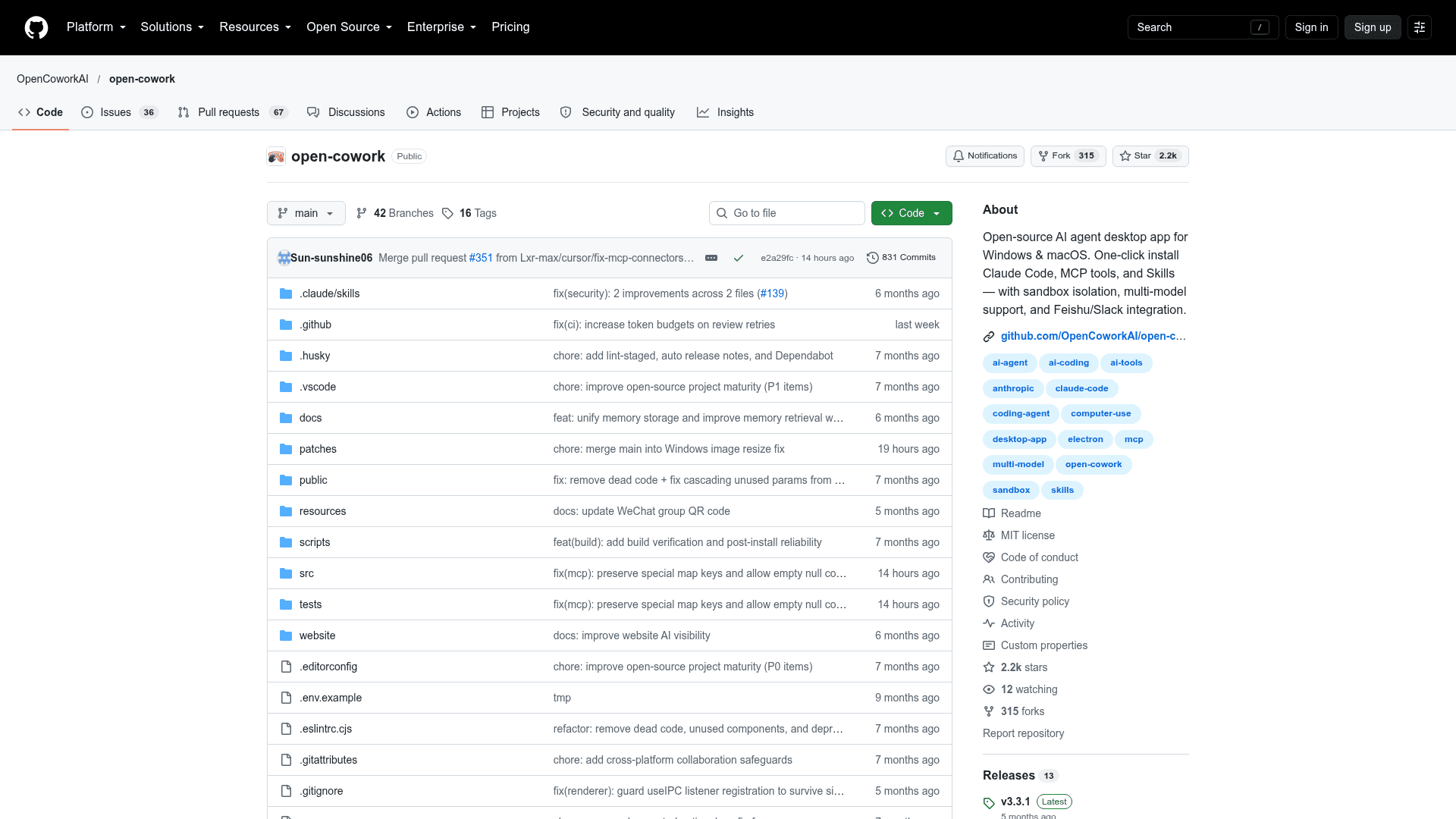
Open Cowork is an open-source desktop application from OpenCoworkAI that wraps AI models such as Claude, OpenAI-compatible APIs, Gemini, DeepSeek, GLM, MiniMax and Kimi in a graphical interface. It provides a sandboxed workspace where an AI agent can manage files and produce documents. Installers are provided for Windows and macOS, and the project is MIT licensed. The latest listed release is v3.3.1.
What It Is
Open Cowork describes itself as an open-source implementation of Claude Cowork. Users pick a workspace folder, enter a prompt such as asking for a PowerPoint summary of a CSV file, and the agent reads, writes and organizes files within that folder. Users supply their own API key and base URL from providers such as OpenRouter, Anthropic, or Chinese model providers, and the app talks only to the configured model API.
Skills and MCP Connectors
A built-in Skills system covers PPTX, DOCX, PDF and XLSX generation and processing, plus a skill-creator for building custom skills. Skills live under .claude/skills/. MCP connectors extend the agent to browsers, Notion and custom apps. A Trace Panel shows the agent's reasoning and tool execution in real time, and files and images can be dragged into the chat input.
Sandbox and Safety Model
The app offers layered protection: path guarding that confines file operations to the workspace on all platforms, and VM-level isolation using WSL2 on Windows or Lima on macOS. When a VM is detected, commands run inside an isolated Linux environment; otherwise they run natively with path restrictions. The README warns that some operations may still carry risk, especially when authorizing file modifications or deletions.
Remote Control and GUI Operation
Open Cowork can be driven remotely through Feishu (Lark) and Slack, and can interact with desktop GUI applications; the README recommends Gemini-3-Pro for GUI understanding. Linux has no pre-built installer, though it can be built from source, and Linux support is listed on the roadmap.
Community Discussions
Be the first to start a conversation about Open Cowork
Share your experience with Open Cowork, ask questions, or help others learn from your insights.
Pricing
Open Source
Open Cowork desktop app is completely free and open-source under the MIT license; users pay only for AI model API usage from their chosen provider.
- MIT License
- Windows and macOS one-click installers
- VM-level sandbox isolation (WSL2 on Windows, Lima on macOS)
- Skills system for PPTX, DOCX, XLSX, PDF
- MCP connectors
Capabilities
Key Features
- One-click installers for Windows and macOS
- Multi-model support (Claude, OpenAI-compatible, GLM, MiniMax, Kimi)
- Skills system for PPTX, DOCX, PDF, XLSX
- Custom skill creation
- MCP connectors for browser, Notion and custom apps
- Remote control via Feishu (Lark) and Slack
- GUI operation of desktop apps
- VM-level sandbox isolation (WSL2/Lima)
- Workspace-confined file management
- Real-time trace panel
- Multimodal drag-and-drop input
- System language switching