
Open Notebook
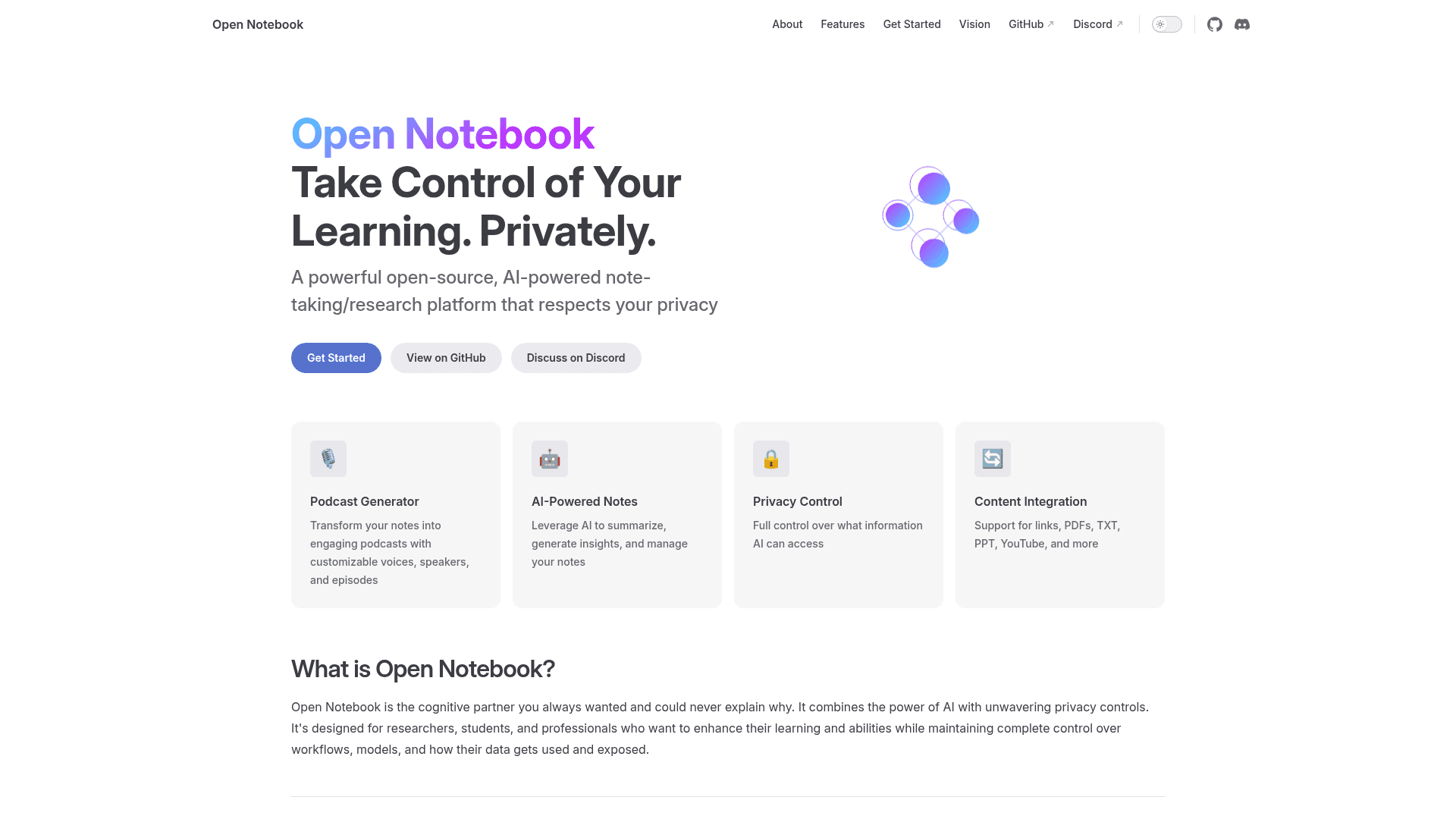
An open-source, privacy-first AI-powered note-taking and research platform that serves as a self-hosted alternative to Google's Notebook LM with multi-model support.
At a Glance
Fully free and open-source under the MIT License. Self-hosted; users pay only for their own AI provider API usage.
Engagement
Available On
Listed Jun 2026
About Open Notebook
Open Notebook is an MIT-licensed, self-hosted alternative to Google's Notebook LM, built by Luis Novo (GitHub: lfnovo). It combines AI-powered note-taking, content ingestion, and podcast generation while keeping all data under the user's control. The project is actively maintained on GitHub, with the latest release v1.9.0 published in June 2026.
What It Is
Open Notebook is an open-source knowledge management and research platform designed for researchers, students, and professionals who want AI assistance without surrendering data to third-party cloud services. Users deploy it locally or on their own infrastructure via Docker, then connect it to whichever AI providers they prefer. The core pitch is full data sovereignty combined with the kind of multi-modal research workflow that proprietary tools like Notebook LM offer, but with far more flexibility in models, speakers, and customization.
How It Compares to Notebook LM
The project's README positions Open Notebook directly against Google Notebook LM across several dimensions:
- AI provider choice: Open Notebook supports 18+ providers (OpenAI, Anthropic, Google, Ollama, LM Studio, Mistral, DeepSeek, xAI, and more) vs. Google models only
- Podcast speakers: 1–4 speakers with custom profiles vs. 2 speakers only
- Deployment: Docker, cloud, or fully local vs. Google-hosted only
- API access: Full REST API vs. no API
- Cost model: Pay only for AI usage vs. Google's subscription model
- Customization: Fully open source vs. closed system
Core Features and Architecture
Open Notebook is built on Python, FastAPI, Next.js, React, SurrealDB, and LangChain. Key capabilities include:
- Universal content ingestion: PDFs, videos, audio, web pages, Office documents, YouTube links, and more
- AI-powered notes: Summarization, insight generation, and manual note-taking
- Content transformations: Customizable actions to process and enrich source material
- Intelligent search: Full-text and vector search across all content
- Context-aware chat: AI conversations grounded in the user's research materials
- Professional podcast generation: Multi-speaker podcasts with Episode Profiles and full script control
- MCP integration: Connect with Claude Desktop, VS Code, and other MCP clients
- Optional password protection: Secure public deployments with authentication
- Multi-language UI: English, Portuguese, Chinese (Simplified & Traditional), Japanese, Russian, and Bengali
Deployment and Setup
The recommended installation path is Docker Compose, which the README describes as a 2-minute quick start. Users download a docker-compose.yml, set an encryption key, run docker compose up -d, and then configure their preferred AI provider through the UI. Source installation is also available for developers who want to contribute or customize. System requirements are modest: Docker Engine, 4 GB RAM minimum, and 2 GB free disk space, plus an API key for at least one supported provider. Local inference via Ollama is supported for fully offline use.
Update: v1.9.0 — Esperanto 2.22 & New Audio Providers
The latest release, v1.9.0 (published June 2, 2026), focuses on the Esperanto 2.22 library update and adds new audio providers. Recent completed milestones listed in the README include a Next.js frontend rewrite, a comprehensive REST API, advanced podcast generation with Episode Profiles, enhanced citations, and multiple chat sessions per notebook. The roadmap lists live front-end updates, async processing, cross-notebook source reuse, and bookmark integration as upcoming work. The repository had approximately 29,971 stars and 3,400 forks as of mid-June 2026, according to the GitHub project page.
Community Discussions
Be the first to start a conversation about Open Notebook
Share your experience with Open Notebook, ask questions, or help others learn from your insights.
Pricing
Open Source
Fully free and open-source under the MIT License. Self-hosted; users pay only for their own AI provider API usage.
- Self-hosted deployment via Docker or source
- 18+ AI provider support
- Multi-speaker podcast generation
- Universal content ingestion
- Full-text and vector search
Capabilities
Key Features
- Self-hosted deployment via Docker Compose
- 18+ AI provider support (OpenAI, Anthropic, Google, Ollama, LM Studio, Mistral, DeepSeek, xAI, and more)
- Multi-speaker podcast generation with Episode Profiles
- Universal content ingestion (PDFs, videos, audio, web pages, Office docs, YouTube)
- Full-text and vector search
- Context-aware AI chat grounded in research materials
- AI-powered notes with summarization and insight generation
- Content transformations for processing and enriching sources
- Comprehensive REST API
- MCP integration for Claude Desktop, VS Code, and other MCP clients
- Optional password protection for public deployments
- Multi-language UI (English, Portuguese, Chinese, Japanese, Russian, Bengali)
- Fine-grained context control over what AI can access
- Reasoning model support (DeepSeek-R1, Qwen3)
- Local inference via Ollama
- Citations with source references
- Multiple chat sessions per notebook
- Encryption key-based data protection
Integrations
Demo Video