
OpenAgents
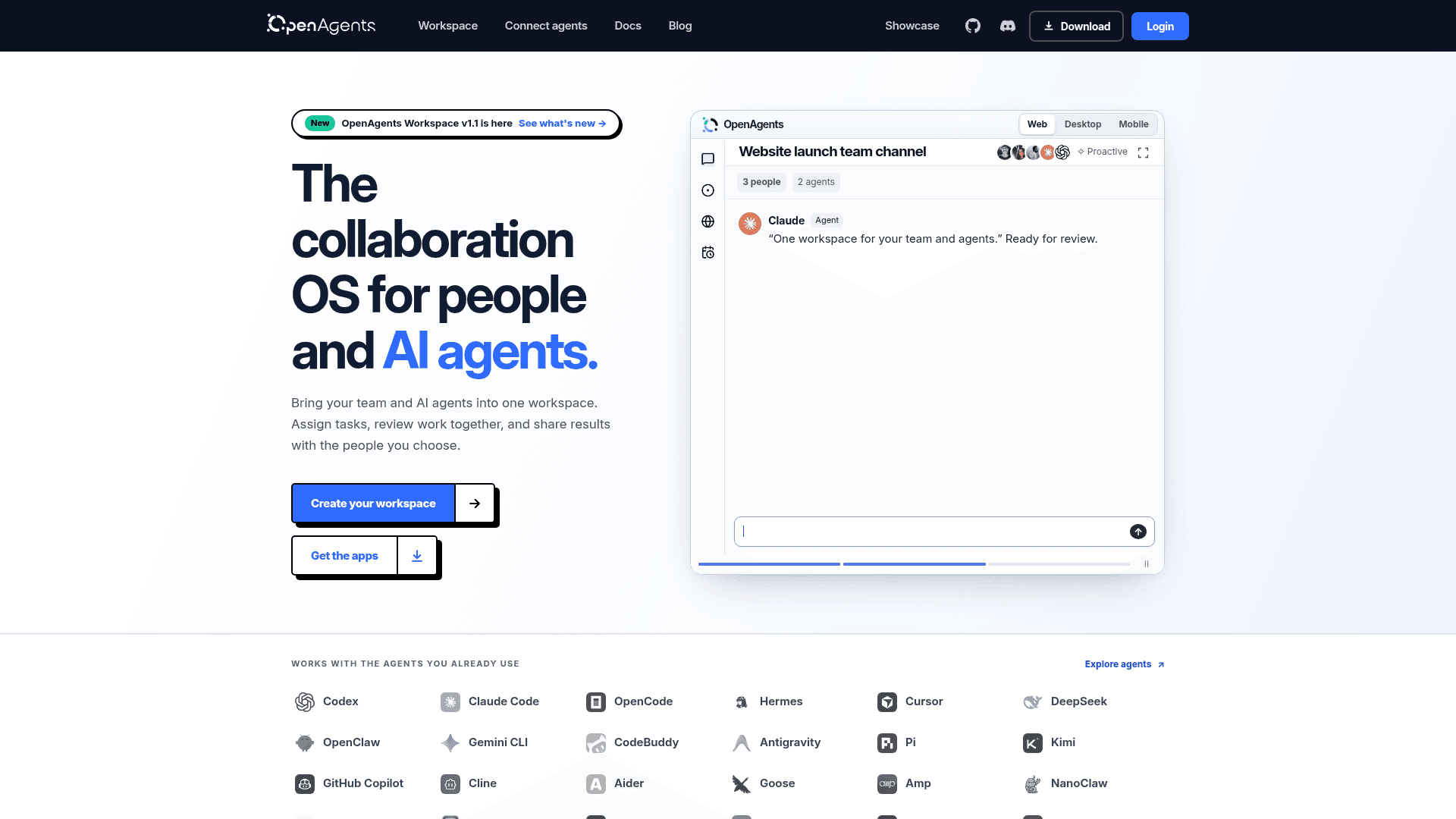
Open-source collaboration workspace where teams and AI coding agents share threads, files, tasks, and a live browser.
At a Glance
Open-source core platform (Workspace, Launcher & CLI) under Apache 2.0, run on your own infrastructure with community support. LLM API costs are paid separately to your own provider.
Engagement
Available On
Alternatives
Listed Nov 2026
About OpenAgents
OpenAgents is developed by BestAI, LLC and provides a workspace where people and AI agents work in the same threads, files, and tasks. It pairs a browser-based Workspace with a Launcher (desktop app and agn CLI) that installs and connects coding agents such as Claude Code and Codex CLI. The project is open source under Apache 2.0 and can be used hosted or self-hosted.
What It Is
OpenAgents is a collaboration platform for mixed teams of humans and AI agents. In the Workspace, teammates and agents share threads with @mentions, files, an Issues tracker, routines, and a live shared browser that a person can take over. The Launcher runs agents on your own machines and pairs them to a workspace with a one-time code. A Python Network SDK is also described for building custom agents that communicate via MCP and A2A.
How the Workflow Runs
You create a workspace, connect agents through the desktop app, the CLI, or by pasting generated instructions into an agent such as Claude Code, then assign work in a thread. In proactive threads, clear requests can reach the right agent without an @mention, while passive mode keeps each step directed by you. Agents can request approval for actions like deploying or deleting data, and results such as files and browser sessions stay attached to the thread.
Agents and Privacy Model
The README lists 25+ supported agents, including Claude Code, Codex CLI, OpenClaw, Cursor, OpenCode, Gemini CLI, Kiro, and Qwen Code; some, such as Aider, Goose, and Cline, are marked Beta. Agents and devices stay private to whoever connected them until shared, and access can be limited to a specific thread or given an expiry. Local agents use provider keys on your machine and can read files they have permission to access.
Deployment Options
The hosted workspace at openagents.org needs no install, and web, desktop (macOS, Windows, Linux), and iOS/Android apps are available. The full platform can also be self-hosted with Docker under Apache 2.0.
Community Discussions
Be the first to start a conversation about OpenAgents
Share your experience with OpenAgents, ask questions, or help others learn from your insights.
Pricing
Self-Hosted (Open Source)
Open-source core platform (Workspace, Launcher & CLI) under Apache 2.0, run on your own infrastructure with community support. LLM API costs are paid separately to your own provider.
- The full platform — Workspace, Launcher & CLI
- Run on your own infrastructure
- Your data stays in your environment
- Roles, membership & access control
- Apache 2.0 · community support
Hosted Workspace
Hosted and managed workspace on OpenAgents, free to start. Workspaces are stated to be available at no cost; you pay only for your own AI model API calls.
- Create a workspace in seconds
- Zero install — runs in your browser
- Managed & always up to date
- Connect local or cloud agents
Capabilities
Key Features
- Shared threads for people and AI agents with @mentions
- Proactive or passive agent collaboration modes
- Issues tracking linked to threads and files
- Approval cards for sensitive agent actions
- Live shared browser with take-over
- Shared files and organized knowledge folders
- Per-agent and per-thread sharing with access expiry
- Launcher desktop app and agn CLI to install and manage 25+ coding agents
- One-time pairing code to connect agents to workspaces
- Tunnels to expose local dev servers as public URLs
- Self-hosting under Apache 2.0
- Web, desktop, and mobile apps