EveryDev.ai
Subscribe
Home
Tools

5,118+ AI tools

  • New
  • Trending
  • Featured
  • Rate tools
  • Compare
  • Arena
Categories
  • Agents2616
  • Coding1923
  • Infrastructure904
  • Projects719
  • Research646
  • MCP613
  • Analytics497
  • Marketing497
  • Design422
  • Testing411
  • Data378
  • Security329
  • Integration259
  • Communication250
  • Prompts247
  • Extensions219
  • Commerce171
  • Voice171
  • DevOps168
  • Web123
  • Learning114
  • Finance35
AI Tools by Topic
  • AI Coding Assistants
  • Agent Frameworks
  • MCP Servers
  • AI Prompt Tools
  • Vibe Coding Tools
  • AI Design Tools
  • AI Database Tools
  • AI Website Builders
  • AI Testing Tools
  • LLM Evaluations
Follow Us
  • X / Twitter
  • LinkedIn
  • Reddit
  • Discord
  • Threads
  • Bluesky
  • Mastodon
  • YouTube
  • GitHub
  • Instagram
Get Started
  • Users
  • Rate Tools
  • About
  • Editorial Standards
  • Corrections & Disclosures
  • Community Guidelines
  • Advertise
  • Contact Us
  • Newsletter
  • Submit a Tool
  • Start a Discussion
  • Write A Blog
  • Share A Build
  • Terms of Service
  • Privacy Policy
Explore with AI
  • ChatGPT
  • Gemini
  • Claude
  • Grok
  • Perplexity
Agent Experience
  • llms.txt
Theme
With AI, Everyone is a Dev. EveryDev.ai ©
    1. Home
    2. Tools
    3. OpenAI CLI
    OpenAI CLI icon

    OpenAI CLI

    API Integration Platforms
    Featured

    The official command-line tool for calling the OpenAI REST API from a terminal or shell scripts.

    Visit Website

    At a Glance

    Pricing
    Open Source

    OpenAI CLI is licensed under Apache License 2.0; the CLI itself is free to use, while API calls require an OpenAI API key and are billed separately by the API.

    Engagement

    Available On

    Windows
    macOS
    Linux
    API
    CLI

    Resources

    WebsiteDocsGitHubllms.txt

    Topics

    API Integration PlatformsTask AutomationCommand Line Assistants

    Alternatives

    rcliYoloAIOctrafic
    Developer
    OpenAI, Inc.San Francisco, CAEst. 2015$180+ raised

    Listed Oct 2026

    About OpenAI CLI

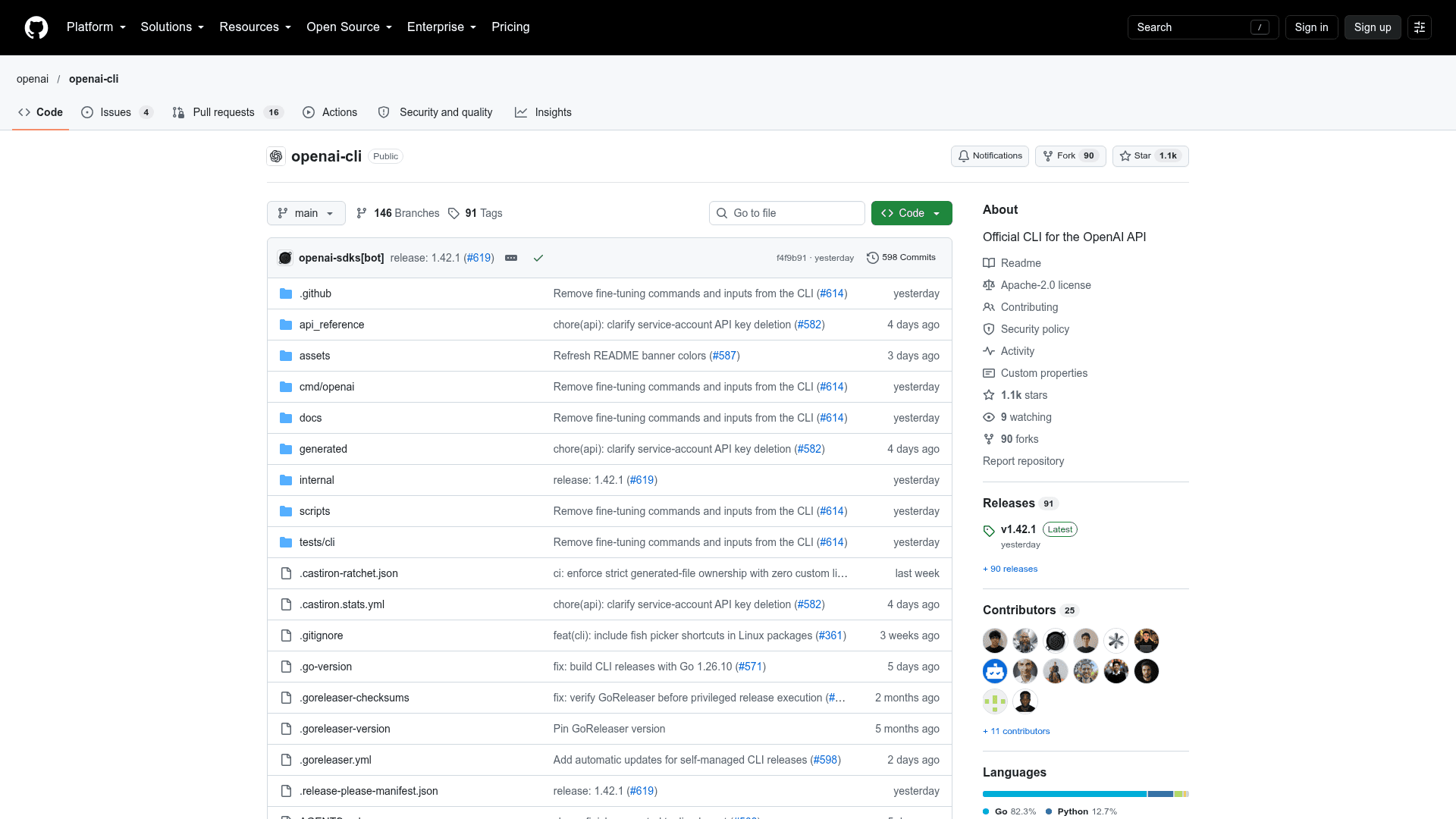
    OpenAI CLI is the official command-line tool for the OpenAI REST API, published by OpenAI as an Apache-2.0 open-source Go project. It lets users generate images, upload files, submit batches, and inspect API results from a terminal or shell script without writing an application. Prebuilt binaries are available for macOS, Linux, and Windows.

    What It Is

    OpenAI CLI exposes the OpenAI API as terminal commands that follow API resources, using the pattern openai <resource> [subresource...] <command> [flags...]. It is aimed at calling a specific API or putting API operations in scripts. The README distinguishes it from Codex CLI, which is a coding agent that reads and edits code in a project.

    Workflows and Outputs

    Documented workflows include generating images and saving them locally with optional terminal preview, uploading, retrieving and downloading files, and submitting JSONL batches then waiting for and downloading results. Other guides cover audio and speech generation, local token inspection and counting, and webhook testing. Admin endpoints are supported with a separate admin API key.

    Output is readable text by default. Users can choose JSON, JSONL, raw or YAML formats, extract fields with GJSON syntax via --transform, and send errors to stderr in readable or JSON form. Debug flags add HTTP timing and redacted body previews.

    Setup Path

    Install from a prebuilt release binary, Homebrew, or go install (Go 1.26 or later). Authenticate by running the setup guide or by supplying OPENAI_API_KEY in the environment. Shell completion and a command-insertion feature for searching examples are available. Self-managed release installs can update automatically, and environment variables disable auto-update or update checks.
    OpenAI CLI - 1

    Community Discussions

    Be the first to start a conversation about OpenAI CLI

    Share your experience with OpenAI CLI, ask questions, or help others learn from your insights.

    Pricing

    OPEN SOURCE

    Open Source

    OpenAI CLI is licensed under Apache License 2.0; the CLI itself is free to use, while API calls require an OpenAI API key and are billed separately by the API.

    • Licensed under Apache License 2.0
    • Prebuilt binaries, Homebrew and Go installation
    • Requires an OPENAI_API_KEY for API calls (external API usage costs)

    Capabilities

    Key Features

    • Commands mirror OpenAI API resources
    • Image generation with local saving and terminal preview
    • File upload, retrieval and download
    • Batch creation, waiting and result download
    • Audio and speech generation
    • Local tokenizer utilities
    • Webhook testing
    • Text, JSON, JSONL, raw and YAML output formats
    • GJSON-based field extraction with --transform
    • HTTP debug and timing flags
    • Shell completion and command insertion
    • Admin endpoint support via admin API key
    • Automatic update handling for self-managed installs

    Integrations

    OpenAI API
    Homebrew
    Go
    jq
    OpenAI Terraform provider
    API Available
    View Docs

    Ratings & Reviews

    No ratings yet

    Be the first to rate OpenAI CLI and help others make informed decisions.

    Rate other tools you’ve used

    Developer

    OpenAI, Inc.

    OpenAI is an AI research and deployment company dedicated to ensuring that artificial general intelligence benefits all of humanity. They develop powerful AI systems like GPT and DALL-E and provide access to them through their commercial API services.

    Founded 2015
    San Francisco, CA
    $180+ raised
    8,171 employees

    Used by

    Amgen
    Cisco
    Morgan Stanley
    T-Mobile
    +6 more
    Read more about OpenAI, Inc.
    WebsiteGitHubX / Twitter
    14 tools in directory

    Similar Tools

    rcli icon

    rcli

    A CLI tool by RunanywhereAI that enables running AI-powered commands from the terminal.

    YoloAI icon

    YoloAI

    A lightweight, no-frills AI command-line tool hosted on GitHub that lets you interact with AI models directly from your terminal.

    Octrafic icon

    Octrafic

    Open source CLI tool for AI-powered API testing in plain English, straight from the terminal. No code required.

    Browse all tools

    Related Topics

    API Integration Platforms

    AI-powered platforms for building, testing, and managing APIs with intelligent documentation generation, automated testing, and performance optimization capabilities.

    177 tools

    Task Automation

    Agent-powered tools that automate routine project tasks and workflows with intelligent prioritization, dependency management, and contextual assignment of work across teams.

    161 tools

    Command Line Assistants

    AI-powered command-line assistants that help developers navigate, search, and execute terminal commands with intelligent suggestions and context awareness.

    328 tools
    Browse all topics
    Back to all toolsSuggest an edit
    ratings
    discussions