
OpenCove
An open-source infinite canvas desktop workspace for running Claude Code, Codex, terminals, tasks, and notes side by side.
At a Glance
OpenCove desktop app, CLI and worker are released under the MIT License and can be downloaded, built from source and self-hosted at no cost. The project is currently in Alpha.
Engagement
Available On
Alternatives
Listed Nov 2026
About OpenCove
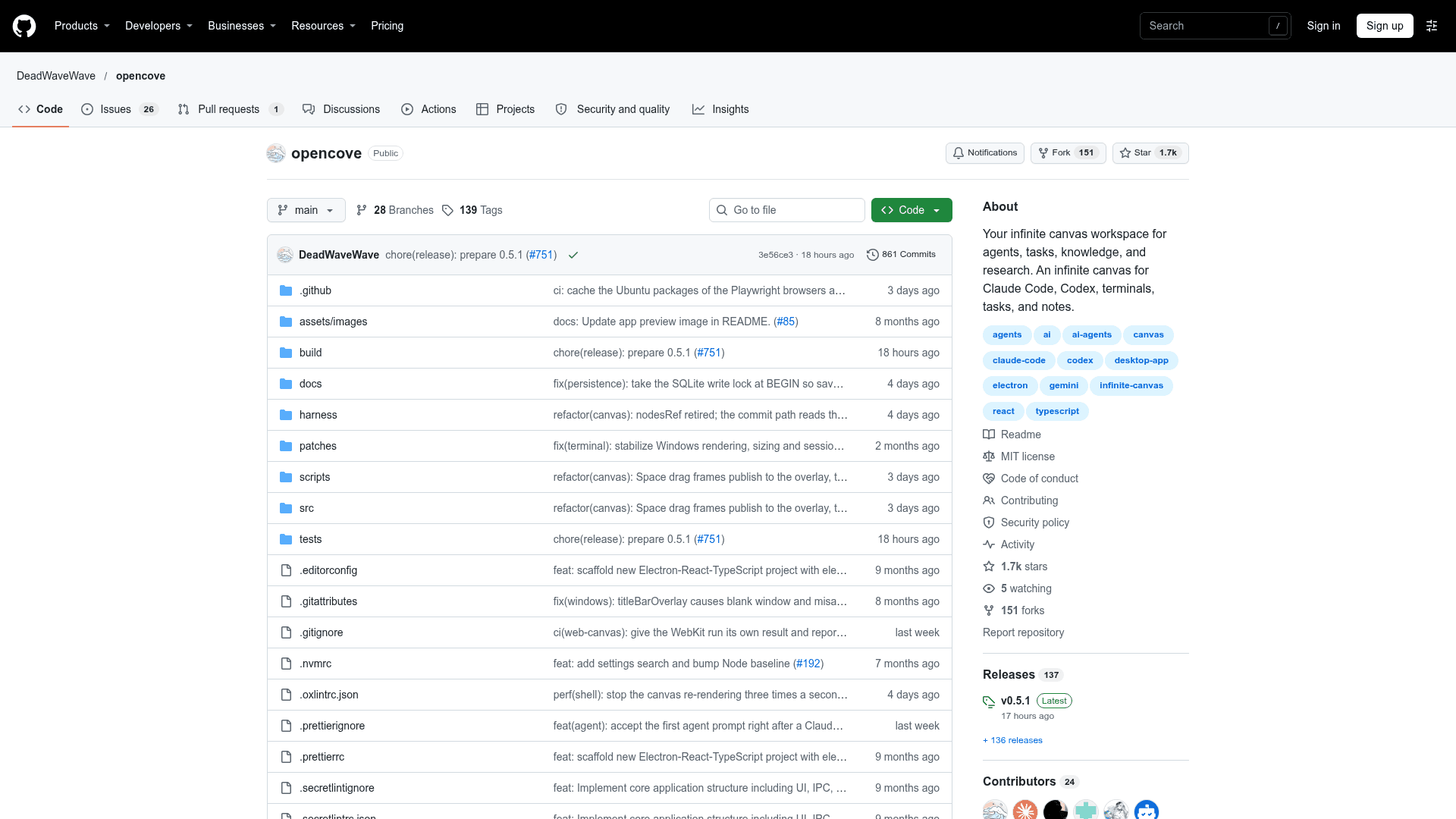
OpenCove is an open-source spatial development workspace from DeadWaveWave for people who work with AI coding agents. It places agent sessions, terminals, tasks, and notes on a single infinite 2D canvas so the state of parallel work stays visible. The project is in alpha, with desktop builds for macOS, Windows, and Linux published on GitHub Releases; the latest release listed is v0.5.1.
What It Is
OpenCove is a desktop app (Electron, React, TypeScript) that replaces tabs, sidebars, and long chat threads with a canvas where you arrange terminals, notes, tasks, and agent sessions. It is aimed at terminal-native agent workflows such as Claude Code and Codex, including running several sessions side by side and keeping plans, notes, and terminal output in one workspace.
Workspace and Persistence
Workspaces restore the viewport, layout, terminal output, and agent state after restarts. Space archives let you snapshot and revisit earlier workspace states. Other documented capabilities include pasting images, multi-selecting nodes, label colors, layout tidying, global search across the canvas and terminal output, a control center for active sessions, and project isolation through directories and git worktrees.
CLI and Agent Coordination
An opencove CLI can be installed from the desktop app's settings or through standalone installer scripts attached to releases. The README describes commands for agents to inspect their context and quota, read other agents' output, and stop agents or kill sessions. The README announcement for 0.5.1 says it makes CLI coordination between agents easier and improves desktop, terminal, and workspace recovery.
Web UI and Setup
An experimental Worker-hosted Web UI lets you open the canvas from a browser, including from other devices on a LAN, with password protection. A headless worker can be started from the CLI to host it. You can also build from source with Node.js 22.12 or newer and pnpm. Current macOS builds are not signed or notarized, so Gatekeeper may require removing the quarantine attribute.
Community Discussions
Be the first to start a conversation about OpenCove
Share your experience with OpenCove, ask questions, or help others learn from your insights.
Pricing
Open Source (MIT)
OpenCove desktop app, CLI and worker are released under the MIT License and can be downloaded, built from source and self-hosted at no cost. The project is currently in Alpha.
- MIT License
- Desktop builds for macOS, Windows and Linux
- Standalone CLI and server install
- Build from source
- Experimental Worker-hosted Web UI
Capabilities
Key Features
- Infinite spatial canvas for terminals, notes, tasks, and agent sessions
- Persistent workspaces restoring viewport, layout, terminal output, and agent state
- Space archives for snapshotting workspace states
- Global search across canvas and terminal output
- Control center for managing active sessions
- Workspace isolation with directories and git worktrees
- Image pasting, multi-select, label colors, and layout tidying
- opencove CLI for agent coordination
- Experimental Worker-hosted Web UI with password login
- Standalone headless server installers